


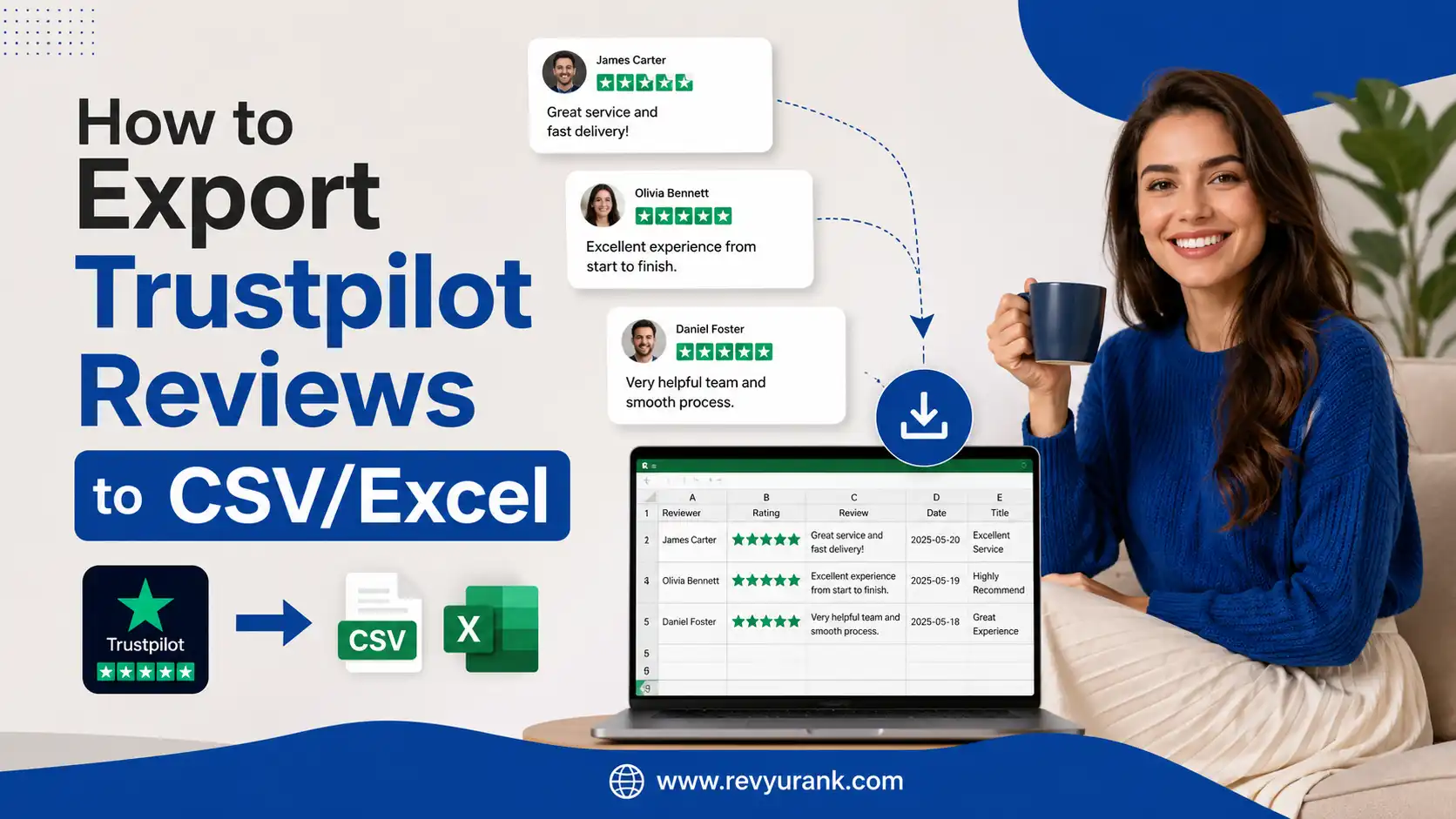
You can export Trustpilot reviews to CSV or Excel by using the available export, reporting, or API options associated with your Trustpilot Business account. Once exported, your review data can be organized in Excel, Google Sheets, or other analytics tools for reporting, backup, sentiment analysis, and customer feedback management.
A typical Trustpilot review export may include useful information such as:
- Reviewer name or profile information available in the export
- Star rating
- Review title and review text
- Review date
- Review status or reply information, where available
- Invitation or service-related data, depending on your account and export method
How to Export Trustpilot Reviews to CSV/Excel
- Sign in to your Trustpilot Business account.
- Open the reviews, analytics, reporting, or available data management section.
- Look for an export, download, report, or API option.
- Select the review data and date range you want to export.
- Download the file in CSV format when available.
- Open the CSV file in Microsoft Excel or import it into Google Sheets.
- Sort and filter the data by rating, date, reviewer, keywords, or other available fields.
Exporting Trustpilot reviews makes it easier to analyze customer sentiment and identify recurring problems or positive themes. For example, you can filter 1-star and 2-star reviews to find common complaints, track changes in ratings over time, or collect positive feedback for internal reporting and marketing purposes.
The best export method depends on your Trustpilot plan, account permissions, and the tools available to your business. Before using third-party software or automated methods, check Trustpilot’s current documentation and terms to ensure your chosen method is authorized and that customer data is handled appropriately.
In short: Exporting Trustpilot reviews to CSV or Excel gives you greater control over your customer feedback. With the right data export option, you can turn individual reviews into structured data for reporting, analysis, backup, and smarter reputation management.
Why Exporting Trustpilot Reviews to CSV or Excel Is Essential
Exporting Trustpilot reviews gives you full control over customer feedback instead of leaving it on one of many review platforms. With a CSV file or Excel file, you can save a local copy of your reviews, reuse them on landing pages with custom layouts, and support campaigns on social media.
It also makes analysis easier. When you export Trustpilot data in CSV format, you can sort data points like reviewer name, rating, date, and product reviews. Trustpilot is a popular platform that helps you spot patterns, understand customer feedback, and make better decisions about your website, products, and overall business.
Key Benefits for Businesses and Marketers
For businesses and marketers, exporting review data is useful because it turns feedback into something you can sort, share, and act on. Instead of reading comments one by one on the Trustpilot website, you can move everything into a CSV file or Google Sheets for faster review analysis tasks, including the current page.
Here are some of the biggest advantages of our flexible pricing options:
- You can study trends in ratings, wording, and topics to understand what customers value most.
- You can reuse strong reviews in campaigns, emails, landing pages, and social media posts.
- You can keep a backup copy for peace of mind and easier movement between platforms.
- You can compare response habits, including reply rate, when reviewing your service process.
That means your review export is not just a record. It becomes one of your key features for reporting, planning, and content use. A clean csv format makes it easier to organize next steps and support stronger marketing decisions.
Common Ways Review Data Is Used for Analysis
Once reviews are exported, companies usually place them into a review table for sorting and filtering. This helps them move beyond simple reading and start looking at patterns across product reviews, service quality, and customer sentiment, leading to real results.
Common analysis uses include:
- Sorting by rating to isolate negative reviews and find repeated complaints.
- Grouping by reviewer name, date, or score to track customer feedback trends over time in a complete system.
- Matching reviews to a product page through product id data for item-level insights.
- Reviewing response rates to understand how quickly teams react to public feedback.
In practice, this kind of file helps teams improve pages, products, and service workflows. You can find what drives praise, what causes low scores, and which products need attention first. That is why exported review data is valuable for both day-to-day fixes and larger planning.
Official Trustpilot Method: Exporting Reviews to CSV/Excel
Yes, Trustpilot does provide a direct way to export Trustpilot reviews, but it is tied to your Trustpilot Business access. If you have the right role, you can use the built-in export options from your Trustpilot business profile and download export files in CSV format for use on new platforms.
The process starts inside the main sidebar menu under the review sections. From there, you open the relevant review table, click the export icon, and save the csv file, ensuring it includes the required WiserReview fields. While the official route focuses on CSV rather than an excel file, it is the simplest approved method.
Step-by-Step Process Using the Trustpilot Business Portal
Getting started is straightforward if you have a manager account or admin access. Trustpilot keeps the export feature inside the business dashboard, allowing you to place reviews without needing extra software for the official method.
Follow these steps:
- Sign in at the Trustpilot business portal using your admin or manager account.
- Open the main sidebar menu and choose Reviews.
- Select either Service Reviews or Product Reviews on the trustpilot page.
- Go to the review table in the upper-right area and click the export icon or dropdown.
- Choose csv file as the format and start the download.
- Save the file, then open it in spreadsheet software if you want an excel file view.
After that, you can review, filter, or move the data into another platform. If the download button is missing, your role, plan, or browser settings may be the reason. A quick permissions check often fixes it.

Data Fields Included In Exported Review Files
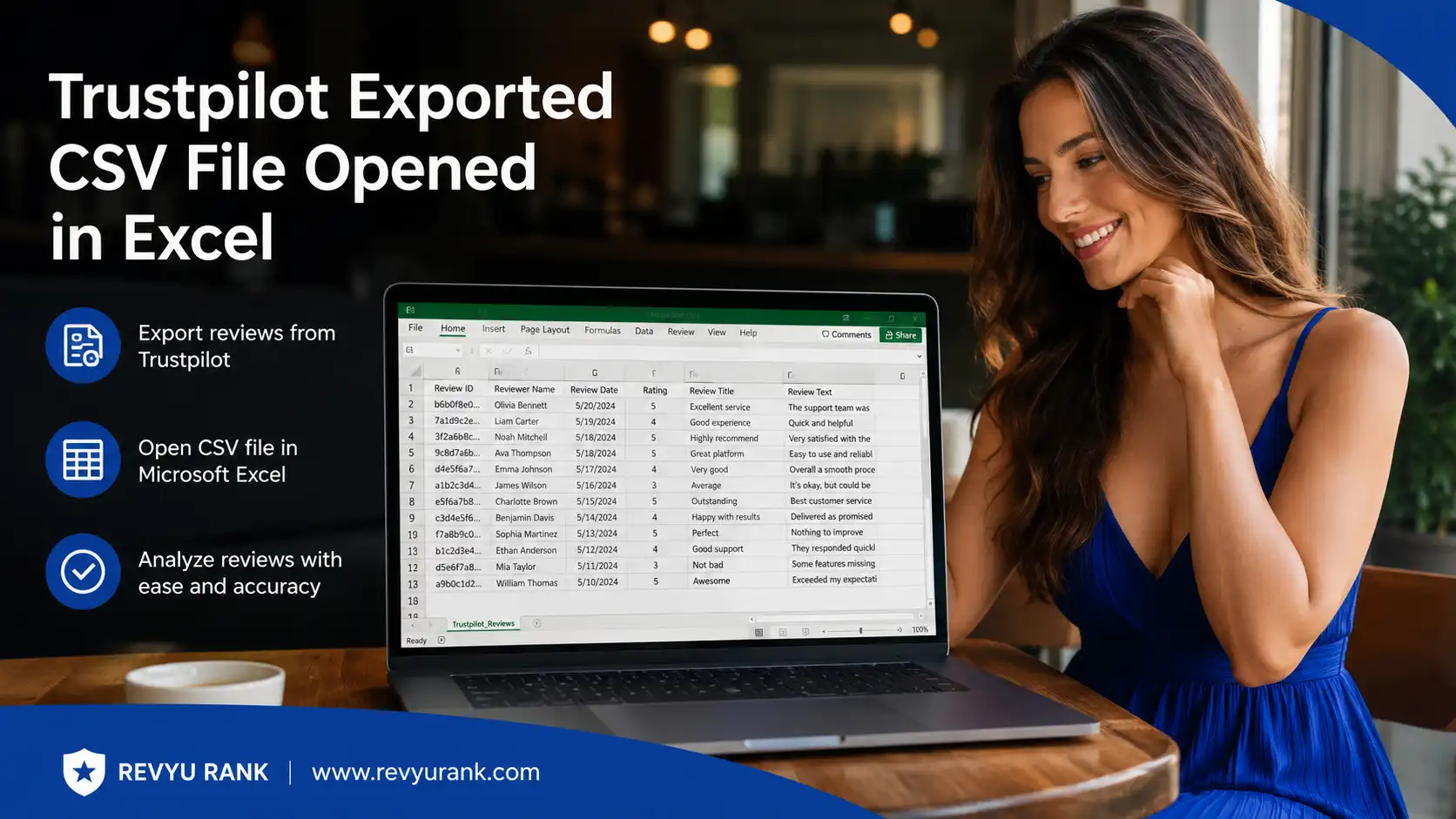
The exact fields depend on whether you export service or product reviews, but the file usually includes the main data points needed for reporting and sorting, especially when using ecommerce widgets. These fields help you analyze sentiment, organize customer comments, and connect reviews to individual products.
| Field | What it shows |
| Reviewer Name | The reviewer name attached to the public review |
| Rating | The score given by the customer |
| Review Text | The written feedback left by the customer |
| Date | When the review was submitted |
| Product Name | The item linked to the review, if available |
| Product ID | A unique product reference for matching |
| Useful for connecting reviews to the correct product with our powerful Chrome extension. | Useful for connecting reviews to the correct product |
| Response Data | Helpful when reviewing response rates |
These csv column details are especially useful if you plan to filter by product, prepare reports, or upload reviews elsewhere. For product review exports, fields like product name and product id can make a big difference in later organization.
Frequently Asked Questions
Q: Can I export Trustpilot reviews without using paid software?
A: Yes, in some cases. If you have access to the official Trustpilot Business export feature, you can export Trustpilot reviews as a csv file without extra paid software, which holds real value. For public pages, some people use chrome extensions to download Trustpilot reviews, but guest users and free plan limits may affect access.
A: Are there any limitations or restrictions on the number of reviews you can download?
A: There can be limits based on permissions, plan level, and the export options available on your Trustpilot page. If you want to export Trustpilot data through the official route, the number of reviews and fields you can access may depend on your account role and Trustpilot setup, impacting your marketing goals.
Q: How do I manage and organize Trustpilot review data in Excel or CSV?
A: Start by opening the export in an excel file or importing the csv format into google sheets. Then sort the review table by rating, date, or product fields to manage reviews more easily. This makes it simpler to group feedback, apply specific filters, filter issues, and prepare reports for your team.
Q: How do I extract reviews from Trustpilot?
A: To extract reviews from Trustpilot, navigate to your business account and locate the “Reviews” section. From there, you can select the option to export reviews. Choose the desired format, such as CSV or Excel, and follow the prompts to download your reviews efficiently for further analysis or reporting.
Conclusion
Exporting Trustpilot reviews to CSV or Excel can significantly streamline your data analysis and reporting processes. By following the step-by-step methods outlined in this guide, you can easily harness the valuable insights from customer feedback, including a preview of the imported data.
Understanding how to manage and utilize this data not only enhances your business strategy but also equips you with the tools to improve customer experience and engagement.
Don’t underestimate the power of customer reviews; they can provide a wealth of information that drives your decision-making. Ready to dive deeper? Start your journey towards effective review management today!