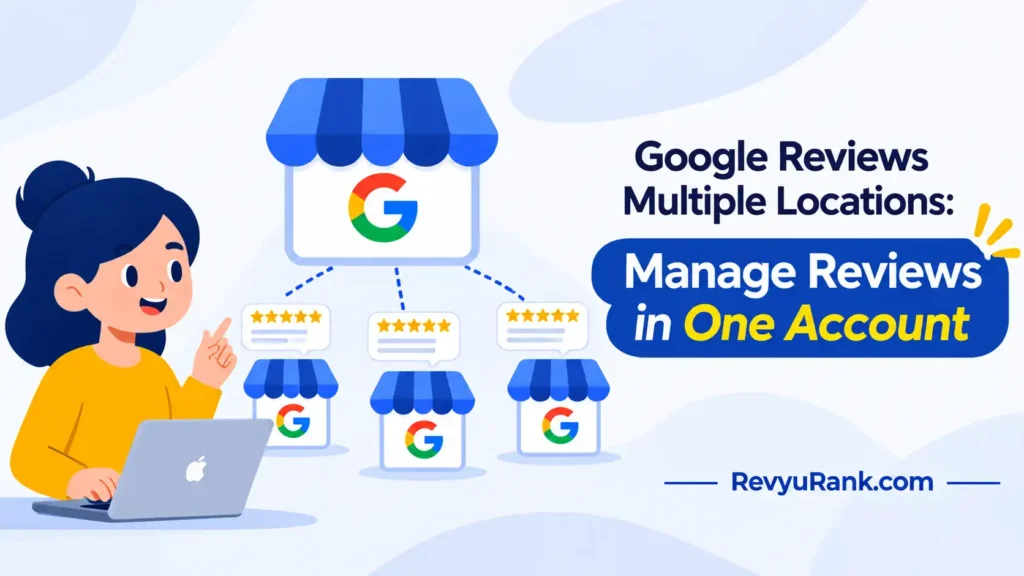
Managing Google reviews across multiple locations starts with claiming each place as its own listing inside one Google Business Profile account, then grouping them under a single business group so you can read and reply from one screen. The most common cause of review chaos is listings that were never properly verified or linked, so reviews land on profiles nobody is watching.
Why reviews scatter across your locations

Reviews go missing or pile up on the wrong listing for a few real reasons, and most trace back to how the profiles were set up.
The first is duplicate listings. When a branch gets created twice — once by you, once auto-generated by Google from map data — reviews split between them. Customers pick whichever one shows up, and half your feedback sits on a profile you can’t see.
The second is weak verification. A listing that’s never been verified, or verified by a former employee, won’t show up in your dashboard. You can’t reply to reviews you can’t reach.
The third is no central structure. If each location lives in a separate login, there’s no single place to watch them all. Nobody notices a one-star review for three weeks.
If you run two or three shops, a single account handles it fine. Past roughly ten, Google’s own business group tools start to matter more. You can check current limits inside the Google Business Profile Help Center.
Claim and group Google reviews across multiple locations
This fix is for anyone running more than one branch who’s logging into separate accounts or losing track of which listing has new reviews. Pulling everything into one place is the base that every other fix sits on.
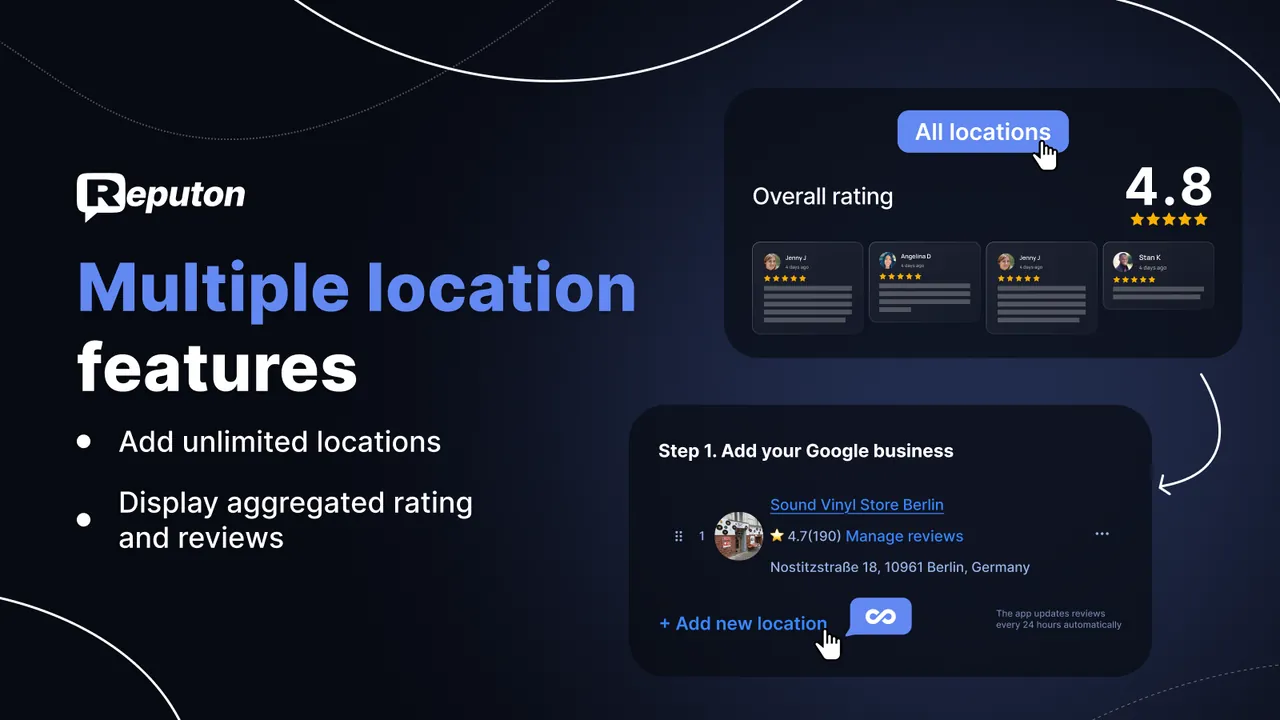
Start by signing into the Google Business Profile you want as the owner. Create a business group (sometimes called a location group) and add each verified location to it. A group lets several managers share access without sharing one password, which matters when a regional manager handles reviews for a cluster of stores.
Next, assign roles. Give each branch manager the Manager role for their own location so they can reply, but keep Owner rights central. That way nobody can delete a listing by accident.
You’ll know it worked when all your locations appear under one group and every new review shows in the same notifications feed. If a branch is missing, it’s probably an unverified or duplicate listing — handle that before moving on.
For 10 or more locations, you can upload them in bulk with a spreadsheet instead of adding them one at a time.
Merge duplicate listings before they split reviews

Duplicate listings are the quiet killer of a clean review flow, so find and clear them next. Two profiles for the same address drain reviews in two directions, and the busier one is often the one you don’t control.
Search Google Maps for each branch by name and full address. When two entries point to the same real place, that’s a duplicate. Open your Business Profile, go to the listing you own, and use the option to report a duplicate — Google reviews the request and merges the pair, usually keeping the reviews from both.
Don’t delete the extra listing yourself. Deleting can wipe the reviews attached to it instead of moving them. Report it as a duplicate and let Google combine them.
You’ll know it worked when the search returns one listing per address, and the review count on your kept profile goes up after the merge. Merges aren’t instant — Google’s review can take several days, and the exact timing isn’t published, so check the Help Center if nothing changes after a week.
Set up alerts and a reply routine
Catching reviews fast is a different lever than cleaning up listings — this one’s about not missing feedback once the setup is right. A review sitting unanswered for weeks reads as a dead business to the next customer scrolling past.
Turn on email notifications inside each location’s settings so a new review pings you the day it lands. If you use the Google Business Profile app, enable push alerts too. For a cluster of stores, route the alerts to one shared inbox a manager actually watches.
Then build a simple rule for replies. If a review is positive, a short thank-you within a day or two is enough; if it’s a complaint, reply within 24 hours, stay calm, and move the detail to a phone call or email. Never argue in public.
You’ll know it worked when your average reply time drops and no location has reviews older than a couple of days with no response. A spreadsheet tracking each branch’s oldest unanswered review keeps the whole set honest.
Review habits that quietly backfire
Some common advice floating around actually makes your multi-location reviews worse, not better. These are the ones worth avoiding.
- Running one listing for several branches. Shared listings confuse customers and dump every review on one profile, so no single location looks trustworthy.
- Deleting a listing to “clean up” duplicates. Deleting can take its reviews with it; report duplicates instead, so Google merges the feedback.
- Offering gifts or discounts for reviews. This breaks Google’s review policies and risks your listings being penalized or reviews removed — check the Business Profile policy pages for the current rules.
- Copy-pasting the same reply to every review. Identical replies across branches read as a bot and do nothing for the customer who took time to write.
- Chasing five stars by hiding the review link from unhappy customers. Review gating is against policy, and a mix of honest ratings reads as more real than a wall of fives.
Keep every location’s reviews under control
The gap between a messy review setup and a clean one is usually a handful of habits. Match what you’re doing now against the better move below.
| If you’re doing this | Do this instead | Why |
|---|---|---|
| Logging into separate accounts per branch | Group all locations in one Business Profile account | One screen to read and reply across every store |
| Ignoring auto-generated listings | Report and merge duplicates as they appear | Stops reviews splitting across two profiles |
| Replying only when you remember | Set a 24-hour reply rule for complaints | Fast replies show the business is active |
| One manager holding every password | Assign location-level Manager roles | Access survives staff changes without lost logins |
| Letting former staff keep owner access | Audit profile roles every few months | Keeps control of listings you depend on |
| Treating all branches as one listing | Verify each address as its own location | Customers find the right branch and reviews land correctly |
Frequently asked questions
Can I manage reviews for multiple locations from one account?
Yes. One Google Business Profile account can hold every location, grouped into a business group so you read and reply from a single dashboard. You add each verified branch as its own listing, then assign managers per location. For large chains, you can upload locations in bulk with a spreadsheet rather than adding them one by one.
How do I combine duplicate listings for the same store?
Report the duplicate from inside your Business Profile — don’t delete it. Find both entries on Google Maps, confirm they share the same address, and flag the one you don’t own as a duplicate. Google reviews the request and merges the pair, usually keeping reviews from both listings. Deleting yourself risks losing those reviews instead of moving them.
How long does Google take to merge duplicate listings?
It usually takes several days, but Google doesn’t publish an exact timeframe, and complex cases run longer. The merge needs manual review on Google’s side, so timing varies by case.
Is it safe to ask customers to leave reviews?
Yes, asking is fine — offering rewards for reviews is not. You can request a review in person, by email, or with a link after a purchase. What breaks Google’s policy is paying for reviews, offering discounts in exchange, or hiding the link from unhappy customers. Check the Business Profile review policy for exactly what’s allowed.
Why are some of my locations missing from my dashboard?
They’re almost always unverified, held under a different account, or sitting as a duplicate you don’t own. A listing only shows in your dashboard once it’s verified under your login. Search Maps for the missing branch — if it exists but isn’t in your account, claim it or request access from whoever currently owns it.
What happens if a branch manager leaves with owner access?
You can lose control of that listing, including the ability to reply to its reviews. That’s why one central account should hold Owner rights while branch staff gets the Manager role only. If a former owner still holds access, you can request ownership transfer through your Business Profile, though it may need Google’s help if they don’t respond.
How often should I reply to reviews across locations?
Reply to complaints within about 24 hours and to positive reviews within a day or two. There’s no fixed rule from Google, but a shared inbox or a tracking spreadsheet showing each branch’s oldest unanswered review keeps the whole set current. The goal is no location carrying reviews more than a couple of days old with no response.
Conclusion
Sorting multi-location reviews isn’t one big job — it’s getting the setup right once, then watching it. Claim and group your listings, merge the duplicates, turn on alerts, and keep a simple reply routine. Do that, and feedback stops slipping through the cracks no matter how many branches you add.

Robert Miller works as a Reputation Management Consultant. He has been helping U.S. businesses for over ten years. His work involves helping people protect and enhance their online image.Robert has worked with a wide range of companies. He has helped new businesses, local places that give a service, and big companies. He helps turn customer reviews into something that helps people trust their company and drives business growth.