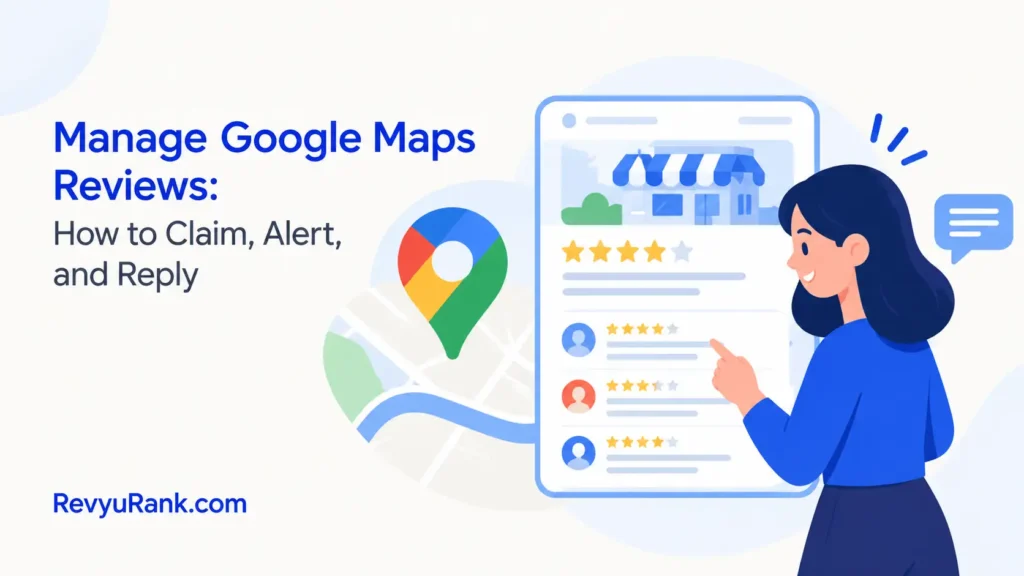
You manage Google Maps reviews by claiming your Business Profile, turning on alerts, and replying to every rating within 48 hours. A complete reply takes under two minutes when you use a simple structure: thank the person, address their specific point, and sign off with your name. If you skip the alert setup, you’ll miss complaints until they’ve already cost you customers. This guide covers the exact settings to change, the words that fix bad situations, and the limits of what you can control.
What these reviews actually do for you
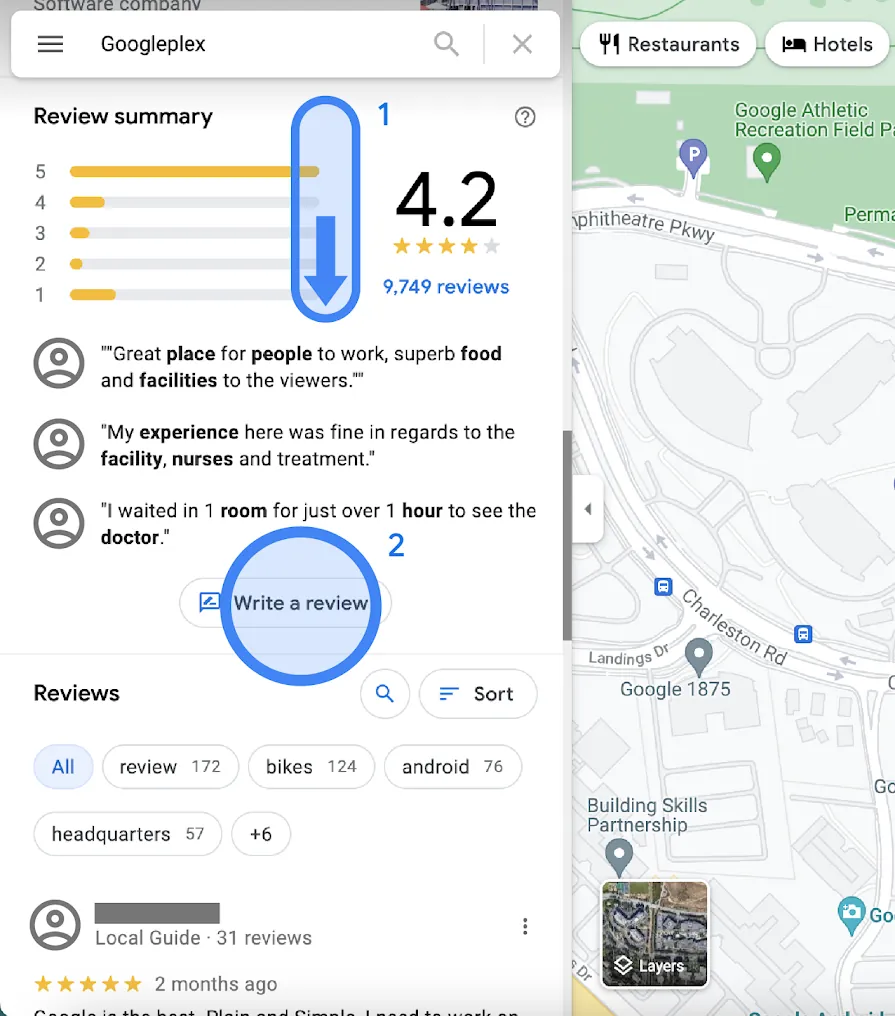
A review on your listing is feedback from someone who visited your place or used your service. It sits right on your profile where people search for you. You don’t need a special account beyond the one that owns your business listing.
The purpose is simple. It tells future customers what to expect. It also tells the search engine that your place is active and worth showing to more people. The rating you see is an average, not a total count.
This matters most for local shops, restaurants, clinics, and tradespeople. If your customers find you by searching nearby, this is where they decide to call you or walk past.
There’s one wrong idea people carry into this. They think a perfect 5.0 score is the goal. It isn’t. A profile with only perfect scores looks fake to new visitors. A mix of 4s and 5s, with a polite owner reply to the occasional 3, builds real trust.
The mechanism behind the visibility is straightforward. When people interact with your listing—by reading or writing feedback—the system sees your business as relevant and shows it higher in local results.
You can’t buy these, and you shouldn’t try. Paying for feedback breaks the rules of the platform and gets your listing suspended. Check Google’s policies on prohibited content if you’re unsure what crosses the line.
How to manage Google Maps reviews step by step
Follow these steps in order. Each one sets up the next. If you skip the first two, you’ll be reacting late instead of staying ahead.
- Claim your Business Profile. Go to your listing and click “Own this business?” or verify through your account. Verification usually takes 3 to 7 days by postcard, or instantly by phone if you’re eligible. Without this, you can’t reply to anything.
- Turn on notification alerts. Open your profile dashboard, go to settings, and enable email or app notifications for new feedback. Set this to alert you immediately. If you check only once a week, a bad experience sits unanswered for too long.
- Read the full text before typing. Don’t just look at the star rating. Read the exact words the customer used. Identify the specific problem or praise they mentioned. This takes about 30 seconds.
- Write your reply using the three-part structure. Start by thanking them. Address the specific thing they mentioned. End with your name or role. Keep it under 4 sentences. If the feedback is positive, 2 sentences are enough.
- Post within 48 hours. For a complaint, reply within 24 hours. If you wait longer than 3 days, the customer assumes you don’t care, and other readers notice the date gap.
- Flag content that breaks the rules. If someone posts spam, hate speech, or a review for the wrong business, click the three dots next to their text and select “Report.” Do this immediately; don’t argue with them first.
- Track your changes monthly. Look at your average score and the number of new entries every 30 days. If your score drops after a specific week, check what happened at your business during those days.
The single judgment call here is deciding when to take a conversation offline. If a customer names a broken item or a billing error, apologize briefly in public, then give them a direct phone number or email to fix it privately. Never ask for their personal details in the public reply box.
If a situation involves a legal threat or physical safety concern, stop handling it yourself. Pass it to a lawyer or the appropriate authority immediately.
Maps review settings and response times
These numbers apply when you run a standard local business profile. If you operate multiple locations under a single group account, you’ll need to assign a manager to each spot so replies don’t get delayed.
| Situation | What to use | How long | What to watch for |
|---|---|---|---|
| New 5-star praise | Short public reply | Under 48 hours | Mention the specific thing they liked |
| Complaint about staff | Public apology plus private contact | Under 24 hours | Don’t argue or blame the employee publicly |
| Spam or fake entry | Report button (three dots) | Immediately | Don’t reply before reporting it |
| Wrong location tagged | Report as irrelevant | Same day | Check if they reviewed a competitor by mistake |
| Old negative feedback | No action needed | None | Only reply if they edit it with new info |
| Multiple locations | Assign location managers | Ongoing | Ensure tone stays consistent across branches |
Use the mobile app if you’re away from your desk. It sends push notifications faster than email, which sometimes delays alerts by a few hours.
For the report button, you won’t get a notification when the platform removes the spam. You have to check back in 3 to 5 days to see if it’s gone.
If you run a seasonal business, your response window stretches slightly during off-months, but keeping it under 72 hours maintains your active status in search results.
Getting the details right on your Maps reviews
Preparation happens before anyone writes a word. Have a short list of phrases ready for common situations. You don’t need a rigid script, but knowing how you greet people saves time. If someone praises your coffee, you know exactly how to say thanks without sounding like a robot.
Work in a set order. Always clear the newest complaints first. A 1-star entry from today needs your attention before a 4-star note from last week. Leaving a fresh complaint sitting at the top of your page hurts more than an older issue buried further down.
Check your own work partway through. After you type a reply, read it out loud. If it sounds defensive, delete the second sentence and start over. Defensiveness costs you more customers than the original complaint did. People reading your page aren’t judging the angry customer; they’re judging how you handle anger.
Leave certain things alone entirely. Don’t reply to a review just to add keywords for search engines. Readers spot this immediately, and it makes your business look desperate. Don’t offer discounts in the public reply box either. That teaches people to leave bad feedback just to get a coupon.
If a customer updates their rating from 1 star to 4 stars after you fixed their problem, write a brief thank-you note acknowledging the second chance. Don’t over-explain what went wrong the first time.
The one thing you can’t control is the algorithm’s weight. Your overall score depends on the age, frequency, and text of every entry, and the exact formula lives only in your own dashboard’s average calculation.
Fixing problems with your Maps reviews
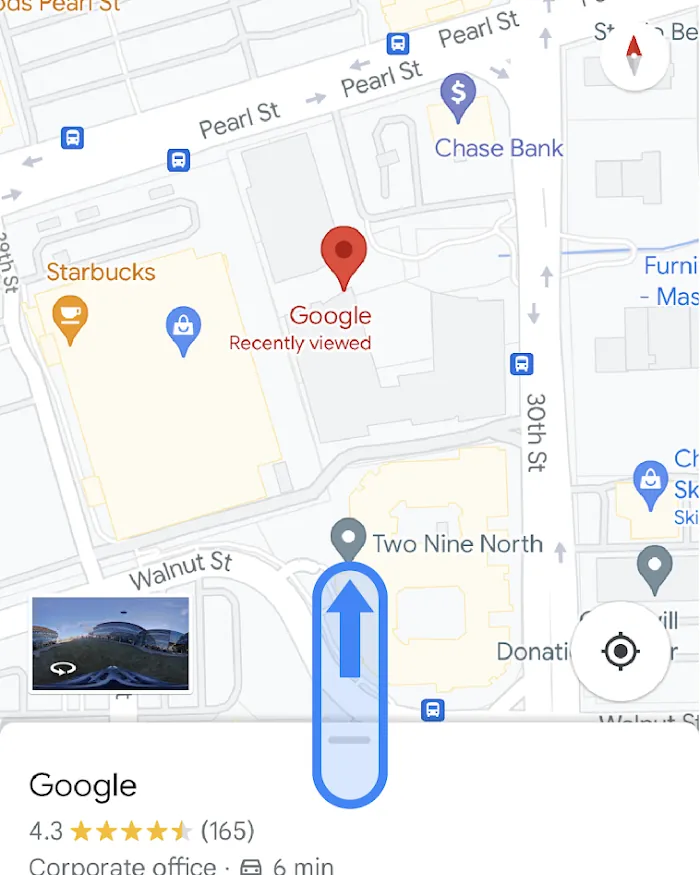
When something looks wrong on your profile, match the symptom to the cause before you act. Rushing to reply to a glitch wastes time and confuses your customers.
| What you notice | What it usually means | What to do first |
|---|---|---|
| Rating dropped suddenly | Several low scores arrived together | Check recent shifts, inventory, or staff changes |
| Review appears on wrong location | Customer picked the wrong branch | Flag it as irrelevant to your specific address |
| Reply button is missing | You aren’t verified as the owner | Complete the verification process again |
| Text contains links or ads | A bot or spammer targeted your page | Report it immediately, don’t engage |
| Customer edited a 1-star to 5 | You resolved their issue successfully | Add a short thank-you note for the update |
If your rating drops, don’t panic and ask friends to post 5-star ratings to balance it. Sudden spikes in positive feedback from accounts with no history trigger spam filters. The platform might suspend your entire listing.
When you flag something, keep a screenshot. If the support team asks for proof later, you’ll have the exact date and text ready.
Sometimes a customer leaves a 2-star rating but writes glowing text. They clicked the wrong star. You can politely ask them in your reply if they meant to rate higher, but never pressure them. Let them correct it on their own time.
Rules for handling customer feedback
The Federal Trade Commission requires that endorsements reflect honest opinions. You can’t pay people to write good things about your shop, and you can’t hide bad experiences by deleting them yourself. Only the platform or the person who wrote it can remove a post.
Google’s own terms strictly forbid review gating. This means you can’t ask customers to tell you their rating first, and only send the happy ones to your public page. You must give everyone the same link.
If you run a medical clinic or law firm, privacy laws apply. In the US, HIPAA prevents you from confirming someone is a patient in your public reply. Even saying “we’re sorry your visit didn’t go well” can imply they visited you. Keep replies generic: “We take all feedback seriously. Please contact our office directly.”
Removing content that violates policies requires submitting a request through the official form. You don’t have the power to erase criticism just because it hurts your sales.
If a dispute turns into harassment or threats, this stops being a customer service task. Contact local authorities or legal counsel. Don’t try to settle a threatening situation through a public reply box.
Keeping your profile healthy afterward
Once you’ve cleared your queue, the work shifts to watching and maintaining. You don’t need to sit at your screen all day, but you can’t ignore the page for months either.
Keep your business hours accurate. If you close early for a holiday and forget to update it, someone will show up, find the doors locked, and leave a 1-star rating. Update your hours the moment a change happens.
Store your best replies in a simple document. When a new team member takes over this task, hand them that file. It keeps your voice consistent even when different people type the answers.
Watch for the signs that you need to step in. You don’t need a calendar reminder if your volume is low. Instead, act when you see a drop in your weekly average, or when a competitor opens nearby and your foot traffic slows. These are the signals that your online reputation needs fresh attention.
If you generate a direct link to your profile, put it on your receipts or email signatures. Don’t shove it in people’s faces, but make it easy for happy customers to find.
Revisit your photos every few months. A profile with old pictures feels abandoned, and people hesitate to leave detailed feedback on a page that looks neglected.
When this method won’t work for you

This approach works for businesses that deal directly with the public. But there are cases where following these steps is the wrong move.
If you run a wholesale supplier dealing only with other businesses, public consumer feedback doesn’t apply to you. Your clients negotiate contracts, not star ratings. Focus your energy on direct account management instead of monitoring a public map listing.
If your business is permanently closed, replying to old complaints is pointless. Mark the profile as closed in your dashboard. Leaving it open invites confusion and wasted effort from people trying to visit you.
If you face a coordinated attack where dozens of fake 1-star entries appear in one hour, don’t try to reply to each one. You’ll exhaust yourself and validate the spam. Stop replying, report the batch together, and wait for the automated filters to catch the pattern. Replying to bots just fills your page with noise.
In these situations, the standard daily routine of thanking people and addressing concerns won’t help. You need a different tool or a different strategy entirely.
Frequently asked questions
Can I delete a bad review from my listing?
No, you can’t delete feedback left by someone else. Only the person who wrote it or the platform’s moderation team can remove it. You can report it if it contains spam, hate speech, or conflicts of interest. Otherwise, your only option is to write a polite public reply addressing their concern.
Why did my star rating drop overnight?
Your average score recalculates every time a new entry is posted. If you received several low scores recently, or if old 5-star entries were deleted by their authors, your average falls. Check your newest entries first to find the cause.
How long does it take for a reported review to disappear?
It typically takes 3 to 7 days for the moderation team to evaluate a report. You won’t receive an email when it’s removed. You have to check your profile manually to see if the offending text is gone. If it remains after two weeks, submit the report again.
Is it safe to ask customers for feedback?
Yes, asking is allowed, but you must ask everyone equally. Don’t filter out unhappy people before giving them the link. Offering money, discounts, or free items in exchange for a 5-star rating violates platform policies and trade regulations.
What happens if I don’t reply to any feedback?
Nothing breaks technically, but your profile looks inactive. Customers reading old complaints with no owner response assume you don’t care. Search algorithms also favor profiles with regular engagement, so ignoring everything slowly pushes your listing lower in local results.
How many responses should I write per day?
Reply to every new entry as it arrives. For a typical small business, this means 1 to 3 replies a day. If you have a backlog of hundreds from years ago, don’t try to answer them all today. Start with the newest 10 and work backward slowly.
Can my employees reply on my behalf?
Yes, you can add them as managers to your Business Profile. Give them access through the dashboard settings. Make sure they understand your tone and rules before they type anything public, because their words represent your entire business.
Conclusion
Every interaction on your page leaves a permanent mark. The goal isn’t perfection—it’s showing up consistently. When you treat every piece of feedback as a conversation rather than a chore, you build a profile that earns trust long after the initial visit ends.

Robert Miller works as a Reputation Management Consultant. He has been helping U.S. businesses for over ten years. His work involves helping people protect and enhance their online image.Robert has worked with a wide range of companies. He has helped new businesses, local places that give a service, and big companies. He helps turn customer reviews into something that helps people trust their company and drives business growth.