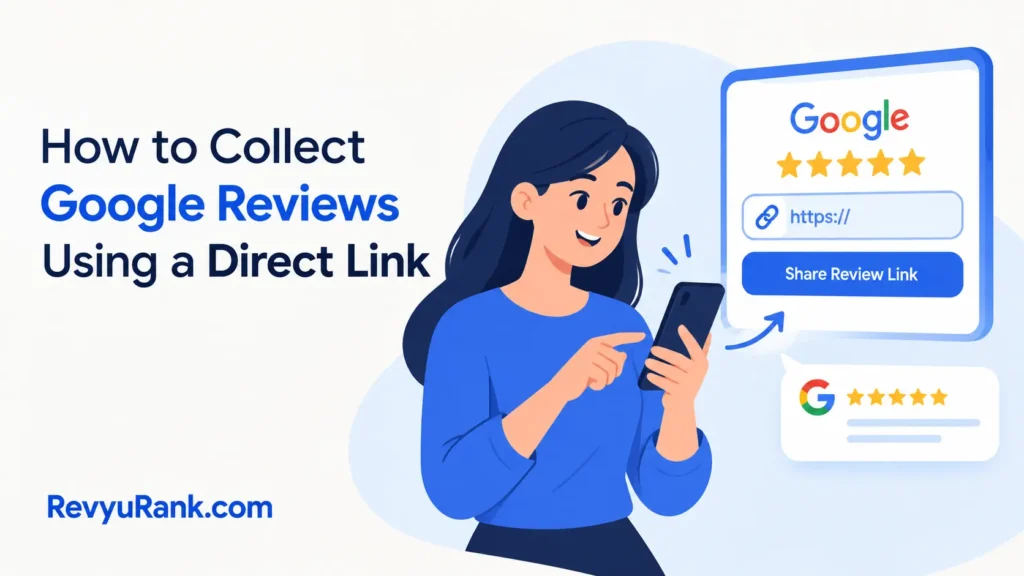
The fastest way to collect Google reviews is to send a direct review link to customers right after they buy something or finish a service. It takes about 30 seconds for them to tap the link, pick a star rating, and type a few words. This works best for businesses that already talk to their customers by text or email.
What you need to get Google reviews
You don’t need fancy software to start asking for feedback. A few basic things are all it takes to set this up properly. Here’s exactly what should be in front of you before you send your first request.
- A verified Business Profile. You can’t get reviews without one. Claim yours at business.google.com if you haven’t yet.
- Your short review link. Find it inside your profile dashboard under “Ask for reviews.” Don’t use your main website URL here.
- Customer contact details. You’ll need phone numbers for texts or email addresses for messages.
- A simple message template. Write two or three sentences thanking them and asking for honest feedback.
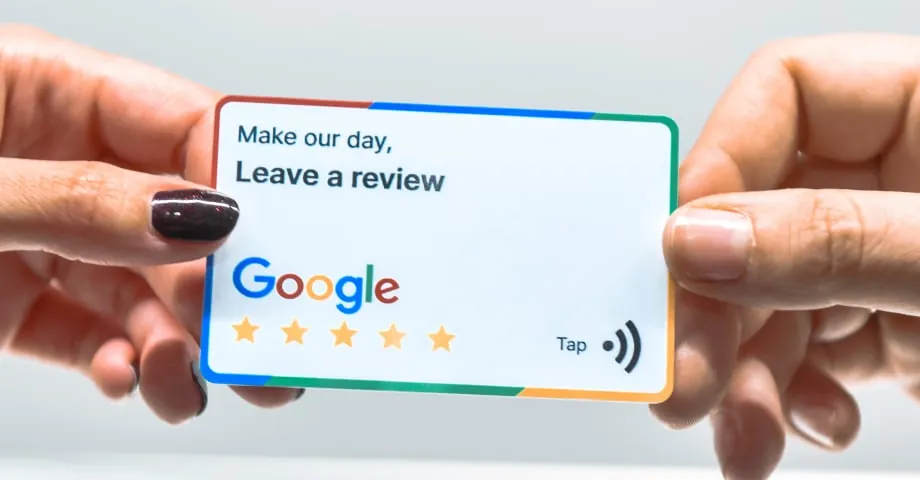
- A QR code (optional). Print this on receipts or cards if you serve people face-to-face.
- Staff access rules. Decide who sends the requests so customers don’t get asked twice.
If you run a small shop, a printed card with your QR code works fine; if you manage fifty locations, you’ll need a paid tool to track everything. Don’t substitute a link to your Yelp page here, because it won’t open the Google review form.
Steps to ask for a review
Follow these steps in order every time you reach out to a customer. The whole process takes less than five minutes to set up once, and sending each request takes just a few seconds.
- Claim your Business Profile if it isn’t live yet. Search your exact business name on Maps. Click “Own this business?” and follow the verification steps. This assumes a standard single location; if you have multiple branches, verify each address separately through the Google Business Profile Help pages.
- Copy your unique review link. Go to your profile manager online. Look for the button that says “Ask for reviews” and copy the short URL it gives you. Never use the long search URL from your browser bar.
- Write your message. Keep it under 50 words. Thank the customer, mention what they bought, and paste your link. For example: “Thanks for visiting us today! We’d love your feedback. Please leave a quick review here: [link].”
- Pick the right moment to send. If you sell products online, trigger an email 2 days after delivery. If you offer local services, send a text 1 hour after the job ends. Adjust this timing based on how fast your customers usually use what you sold them.
- Send the request through one channel only. Choose either SMS or email. Sending both annoys people and makes them ignore you entirely.
- Reply to every review you get. Do this within 48 hours. Thank them for good ones. Address problems calmly in bad ones.
- Track what comes in weekly. Check your profile dashboard every Monday. Note which messages brought in the most responses.
Tip: Send your message while the experience is still fresh. Wait longer than 3 days for a local service, and your response rate drops sharply.
Careful: Don’t offer money, discounts, or gifts in exchange for stars. This breaks platform policies and can get your profile suspended permanently.
How timing changes your results
The effort stays the same, but your timing determines how many reviews you actually get. Use this table to match your request timing to your business type.
| When you ask | Typical response rate | Why it differs | Watch out for |
|---|---|---|---|
| Right after service ends | 15–20% | The experience is fresh in their mind | Rushing them before they pay the bill |
| 1 day after product delivery | 10–15% | They’ve opened the box but aren’t busy yet | Delivery delays making them angry first |
| 3 days after purchase | 5–8% | They’ve moved on to other daily tasks | Forgetting who you’re completely |
| Weekly batch email | 2–4% | Feels automated and impersonal to buyers | Hitting spam filters with bulk sends |
| Printed receipt QR code | 3–6% | Requires them to pull out their phone manually | Faded ink making the code unreadable |
Start with the smallest group first. Send your request to 20 recent buyers, check the response rate, then add more. Guessing wrong with thousands of contacts burns through your goodwill instantly.
Signs your review requests are working
A successful campaign brings in steady, natural-sounding feedback over weeks. You’ll see 3 to 5 new ratings a week if you message 30 customers regularly. A poor result looks like sudden silence, or worse, a flood of one-star complaints triggered by annoying messages.
The biggest quality problem here is fake-looking reviews. This happens when staff pressures customers into writing specific phrases instead of letting them speak naturally. To prevent it, never tell people what to say. Just ask for their honest thoughts.
If your average rating drops after you start asking, you’re likely messaging unhappy customers too. Only reach out to people who had a smooth experience. You can check your current overall score and total count directly on your public Maps listing anytime.
Don’t expect perfection immediately. Building a solid profile takes months of consistent, polite requests.
Rules to follow and cleanup steps
You must follow the platform’s content policies when asking for feedback. You can’t pay for ratings, and you shouldn’t filter out negative experiences before asking. The Federal Trade Commission also requires that reviews reflect genuine customer opinions, not paid endorsements.
After you send your messages, log which customers received them. Don’t message the same person again for at least 90 days. Clear out old drafts from your email tool so you don’t accidentally send outdated links. Save your response rates in a simple spreadsheet.
A single request campaign doesn’t last forever. You’ll need to send new batches every week to keep your profile active. If managing compliance across a large team feels risky, hand the setup to a certified reputation management agency.
Other ways to get feedback

Using a tablet at checkout
Place a cheap tablet near your register with your review page open. Customers tap the stars before they walk out. This adds about 30 seconds to checkout but catches people who ignore emails later.
Adding a link to invoices
Print your short URL at the bottom of every digital or paper invoice. It costs nothing extra. Response rates stay low, around 2%, since paying bills isn’t a happy moment.
Training staff to ask verbally
Have your team mention the review link during friendly conversations. It takes zero software. However, tracking who actually follows through becomes impossible without writing things down manually.
Frequently asked questions
Can I delete a bad review?
No, you can’t remove a review just because it’s negative. You can only flag it to the platform if it breaks their content policies, like containing hate speech or spam. Your best move is replying professionally to show you care about fixing problems.
How long does a review take to appear?
It usually shows up within a few minutes after the customer hits submit. Sometimes it takes up to 24 hours if the system flags it for a routine check. If it hasn’t appeared after 3 days, ask the customer to try again.
Is it safe to use a third-party tool?
Yes, as long as the tool only helps you send messages and doesn’t post fake ratings for you. Stick to well-known platforms that connect through official APIs. Avoid anything promising guaranteed five-star results.
Why did my review disappear?
It likely got caught in an automated spam filter. This happens if the reviewer used a brand-new account, posted from a strange location, or included links in their text. Ask them to rewrite it naturally without any web addresses.
How many reviews do I need for SEO?
There’s no magic number that guarantees higher rankings. Consistent growth matters more than hitting a specific total. Getting 2 to 5 new genuine ratings every month keeps your profile looking active and trustworthy to search engines.
What happens if I offer a discount for a review?
Your profile risks getting suspended. Offering incentives violates platform policies and consumer protection laws. Customers might also report you, leading to a permanent ban from managing your listing.
Conclusion
Getting feedback takes consistency more than cleverness. Pick one channel, write a short message, and send it to happy customers right after they buy. Track what works, drop what doesn’t, and reply to every single rating you receive. That steady rhythm builds trust faster than any shortcut ever could.

Robert Miller works as a Reputation Management Consultant. He has been helping U.S. businesses for over ten years. His work involves helping people protect and enhance their online image.Robert has worked with a wide range of companies. He has helped new businesses, local places that give a service, and big companies. He helps turn customer reviews into something that helps people trust their company and drives business growth.