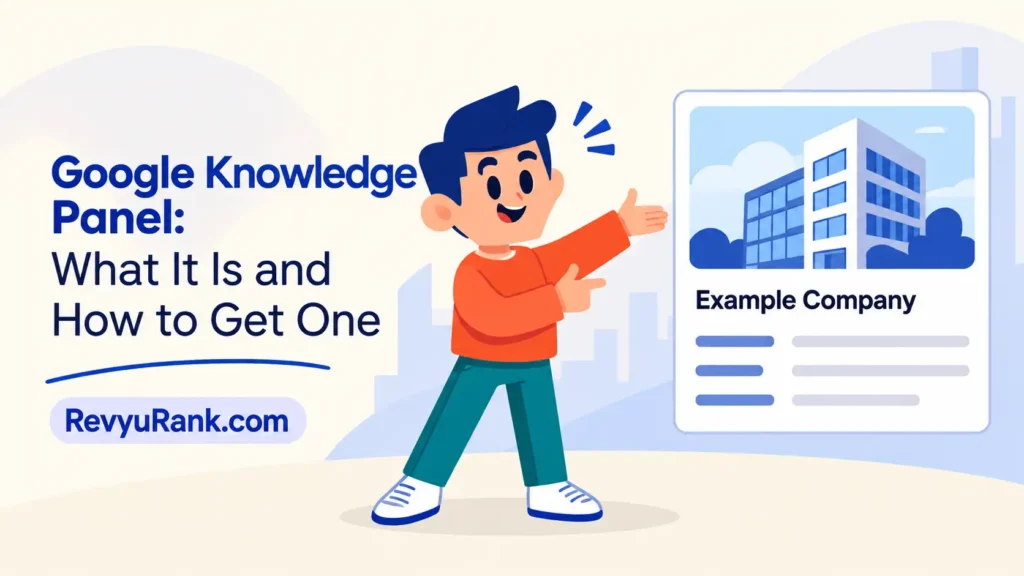
A Google Knowledge Panel is the box of facts that shows up on the right side of Google when you search for a well-known person, company, place, or thing. Google builds it automatically by pulling trusted facts from across the web and its own databases. You type a name, and out comes a tidy card with a photo, a short description, links, and quick facts, so you don’t have to click around to learn the basics.
Where the facts in a knowledge panel come from
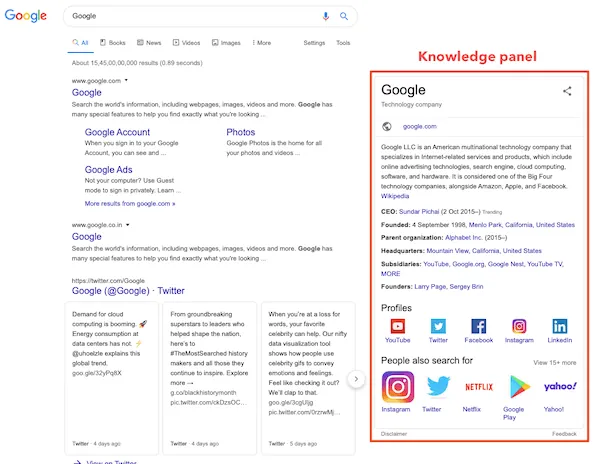
The box isn’t written by one person. Google gathers each piece from a different place, then stitches them together. When one source is wrong or missing, you can usually spot it in the panel itself.
| Part or input | What it does | What you notice when it goes wrong |
|---|---|---|
| Google’s Knowledge Graph | Stores linked facts about entities | Wrong birth date, job, or founding year |
| Public web pages | Supply the short description text | Description sounds outdated or off-topic |
| Official site and profiles | Feed the official links shown | Missing website or wrong social links |
| Images from the web | Provide the main photo | Old or unrelated photo appears |
| User and owner edits | Suggest corrections to Google | Your fix never shows up or gets rejected |
How a knowledge panel gets built and shown
Google treats the subject as an “entity” and gathers everything it knows about it. Here’s one full cycle, from a search to the box you see.
- You type a name into Google. In a fraction of a second, Google checks whether that name matches a known entity in its Knowledge Graph.
- Google confirms the entity is notable enough. It looks for mentions across many independent sites, not just one, before it decides to show a panel at all.
- The system pulls facts from the Knowledge Graph. Birth dates, locations, and job titles come from this linked database, built over years from trusted sources.
- Google writes a short description. It usually borrows a sentence or two from a public page that describes the subject in plain, neutral words.
- Images, links, and social profiles get attached. Google picks the photo it trusts most and adds official links it has verified against the real website.
- The panel renders on screen. On desktop it sits to the right; on mobile it appears near the top, above or below the main results.
- Google keeps updating it. As new facts appear across the web, the panel can change within days or weeks, with no action from the subject.
Why wrong details in a knowledge panel are hard to fix
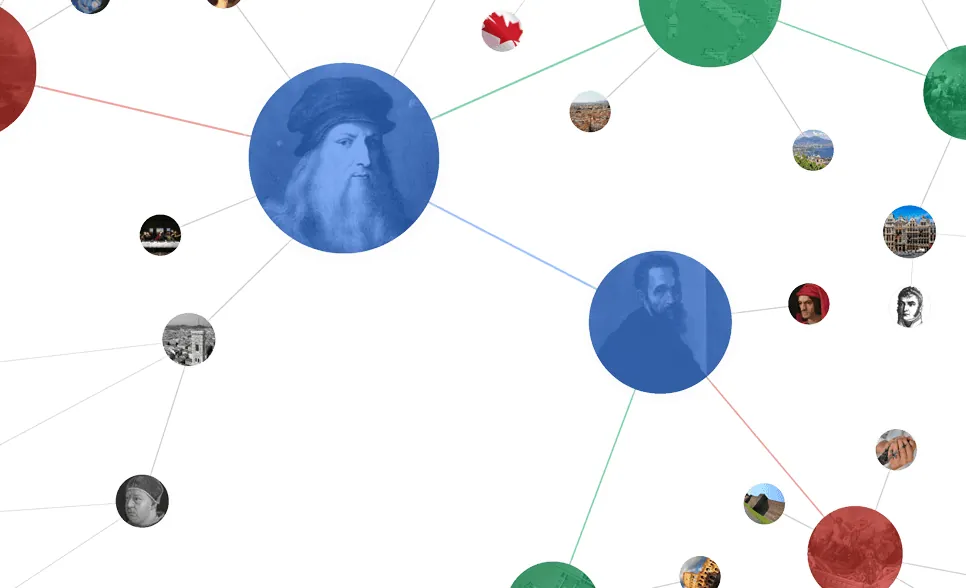
The panel pulls from many sources, so a single wrong fact usually points back to one broken input, not the whole system. That’s the key to fixing it. A wrong birth year almost always lives in the Knowledge Graph or a public source Google trusts, not in the panel’s code.
If the photo is old, the problem is the image Google picked from the web, so you need better, clearly labeled images on the official site. If the description reads oddly, trace it to the public page Google borrowed that sentence from.
A verified subject can suggest edits, but Google still decides. It checks your claim against other sources before it accepts anything, and it tends to trust several independent pages over one owner’s word. This is why a correction can take days or get ignored.
The common mistake is editing your own website and expecting the panel to change the next hour. It won’t. Google has to recrawl the page, weigh it against other sources, and then update the Graph. That lag costs people time and sometimes money when a wrong fact sits there for weeks. Google explains the verification route in its knowledge panel help docs.
What you can influence and what Google decides
Some of the panel is open to your input, and some of it stays locked inside Google’s own judgment. Knowing which is which saves you from chasing changes you’ll never make.
What you can influence
- Get verified as the official owner so you can suggest edits directly.
- Add clear, accurate facts and labeled images to your official website.
- Fix wrong details on the public pages Google is pulling from.
- Keep social and business profiles consistent with the same name and facts.
- Report a factual error through the “Feedback” or “Suggest an edit” link.
What Google decides for you
- Whether a panel appears at all, based on how notable the entity is.
- Which photo, description, and links it trusts enough to show.
- How long an update takes, and whether it accepts your edit.
Verification needs an official account tied to the subject, and Google may ask for proof. If your edit involves legal takedowns or defamation, that’s not a self-service fix — talk to a lawyer and use Google’s legal removal forms instead of the edit button.
Smart habits for a cleaner knowledge panel
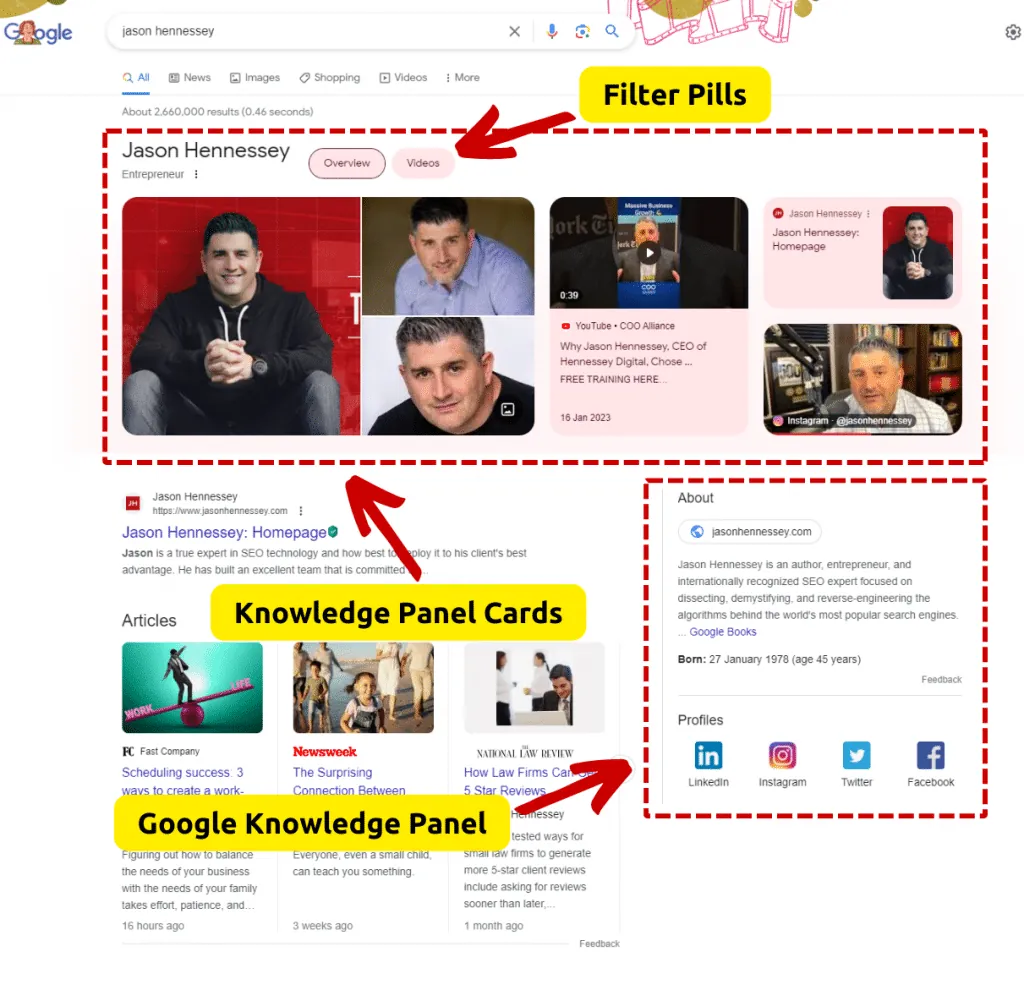
Because Google reads facts from across the web, your job is to make those facts easy to find and hard to doubt. Each habit below works by feeding Google a clearer, more consistent signal.
- Verify ownership first. Until you’re verified, your edits carry little weight. Verification lets you suggest changes straight to Google rather than hoping it finds them.
- Keep one version of the facts everywhere. Use the same name, founding year, and role on your site and profiles. Conflicting dates give Google a reason to ignore all of them.
- Add structured data to your site. Clear schema markup helps Google read who you’re and match you to the right entity.
- Upload good official images. Google often picks photos it trusts; a clean, current image on your own site raises the odds it shows that one.
- Check the panel every few weeks. Facts drift as new pages appear. A quick monthly look catches a wrong detail before it spreads.
Frequently asked questions
Can I create my own Google Knowledge Panel?
No, you can’t create one on demand. Google generates panels automatically only for entities it judges notable enough, based on mentions across many independent sources. You can improve your chances by building a strong, consistent web presence, but Google alone decides whether a panel ever appears.
How long does it take to fix a wrong fact?
It varies, and the main driver is how fast Google recrawls and verifies your correction against other sources. Some edits show within a few days; others take weeks or get declined. Being a verified owner speeds things up, but Google still confirms the claim before updating.
Why is my panel showing an old photo?
Because Google picked that image from somewhere on the web it trusts, not from your latest upload. The fix is to put a clear, current, properly labeled photo on your official site and profiles, then wait for Google to recrawl and swap it. There’s no instant photo button.
Is it safe to suggest an edit to Google?
Yes, suggesting an edit is safe and free. You use the “Suggest an edit” or “Feedback” link in the panel, or the verified-owner tools. Google reviews each change against other sources, so no single edit overwrites the panel without checks.
What happens if two sources disagree about a fact?
Google usually sides with the sources it trusts most, often favoring several independent pages over one. When facts conflict, the panel may show the wrong one or flip between versions until the web settles on a single consistent answer across pages.
Does having a panel help my search ranking?
No, the panel itself doesn’t boost your ranking. It’s a display feature drawn from the Knowledge Graph, not a ranking signal. A strong, consistent web presence can earn both better rankings and a panel, but one doesn’t cause the other.
How often does Google update a knowledge panel?
There’s no fixed schedule. Updates happen whenever Google recrawls the web and finds changed facts, which can be days or weeks apart. Active subjects with frequent news coverage tend to see faster changes than quieter ones.
Conclusion
Treat the panel as a mirror of what the web says about you, not a profile you own. Keep your facts clean and consistent across your site and trusted sources, get verified, and give Google time to catch up — that’s the realistic path to a panel that reads the way you want.

Robert Miller works as a Reputation Management Consultant. He has been helping U.S. businesses for over ten years. His work involves helping people protect and enhance their online image.Robert has worked with a wide range of companies. He has helped new businesses, local places that give a service, and big companies. He helps turn customer reviews into something that helps people trust their company and drives business growth.