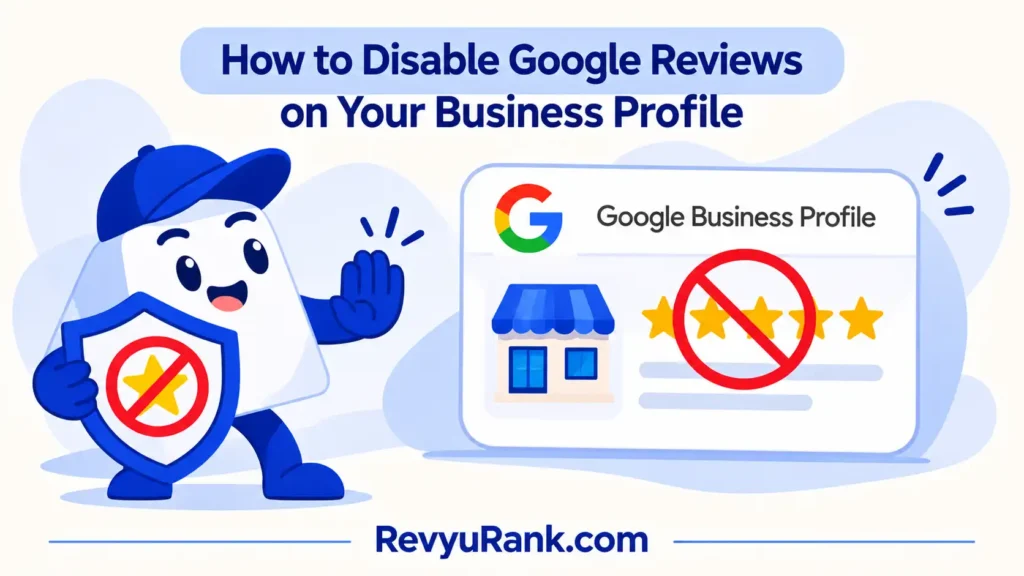
You can’t fully disable Google reviews on a Business Profile, but you can hide the whole profile from Search and Maps, which turns reviews off from public view. Do it from your Google Business Profile account under advanced settings.
What you need before you start
Hiding or removing a profile is quick, but only if you have the right access first. Gather these before you log in:
- A Google account that owns or manages the Business Profile — a staff account with “manager” rights can’t remove the profile; only the “owner” can.
- Access to your Business Profile, reached by searching your business name while signed in, or through business.google.com.
- Verification of the business (the postcard, phone, or email step), since unverified profiles have fewer controls.
- The exact business name and address as they appear live, so you don’t act on the wrong listing.
The one swap that works: a primary owner can hand ownership to another email first. The one that doesn’t: a manager can’t delete anything. If you’re not the owner, ask whoever set up the profile.
How to hide Google reviews from your profile
Follow these steps in order. The profile stays hidden until you reopen it.
- Sign in to the Google account that owns the Business Profile, then search your business name on Google.
- Open the Business Profile menu shown in the search results, or go to business.google.com and pick the right location.
- Select the settings or “Advanced settings” area, then look for “Remove business profile.”
- Choose “Remove profile and associated content” to take the whole listing — reviews included — off Search and Maps. – Careful: this isn’t the same as “Manage users.” Removing the profile hides everything; it doesn’t delete your Google account.
- Confirm the removal. The profile and its reviews drop from public view, usually within a few days.
- Check the live listing after two or three days by searching the business name in a private browser window. – Tip: if the listing still shows, the removal may still be processing, or a duplicate profile exists under another owner.
- To bring it back, reopen the profile from the same account and re-verify if asked.
If you only want one bad review gone, flag that single review instead (covered below).
How this differs by business type
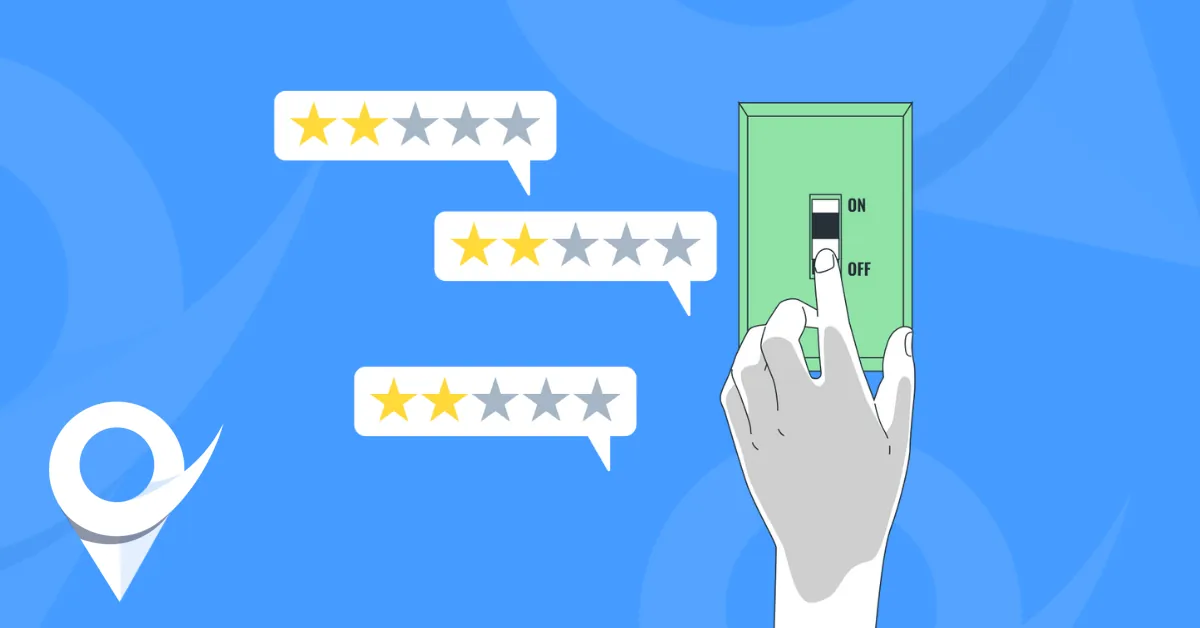
What happens depends on whether you want reviews off for good or just paused. The table shows the common cases.
| Your situation | Time it takes | What’s different | Watch for |
|---|---|---|---|
| Hide whole profile | A few days | All reviews gone from view | You lose map pin and calls too |
| Flag one review | Days to weeks | Only one review targeted | Google may decline to remove it |
| Mark business closed | Instant on profile | Reviews stay visible | Listing marked “permanently closed” |
| Close account entirely | Varies | Profile and reviews deleted | Hard to undo |
Start with flagging a single review before you hide the whole profile — it’s far easier to flag one more later than to rebuild a listing you removed.
Signs it worked and what can go wrong
A good result: searching your business name in a private window shows no profile card, no star rating, and no reviews.
The common problem is duplicate profiles. One business can end up with two listings, so hiding one leaves the other live. Check Maps for copies, claim them under your account, and remove or merge the extras.
Google’s policy and keeping records
Reviews that break Google’s rules can be flagged, and Google decides whether to take them down based on its own prohibited and restricted content policy. You can’t remove a genuine review just because it’s negative. Before you hide a profile, save screenshots of your reviews and ratings so you have a record if you reopen later.
Other ways to handle bad reviews
Hiding everything is the heaviest option. These lighter routes often fit better.
Flag the review to Google
Report a single review that breaks the rules using the flag icon. This keeps your profile and good reviews live. Google reviews each case, so removal isn’t guaranteed and can take days.
Reply publicly instead
Leave the review up and respond calmly underneath. This costs nothing, shows future customers you listen, and often does more good than a quiet removal would.
Use Google’s legal removal form
For reviews that are defamatory or break the law, submit Google’s content-removal request. It takes longer and may need documents, but it targets content flagging alone can’t reach.
Frequently asked questions
Can you turn off Google reviews completely?
No. Google gives no switch to disable reviews on an active Business Profile. The only way to stop public reviews is to hide or remove the whole profile, which also removes your map listing.
Why can’t I remove a Google review?
Because Google only removes reviews that break its content rules, not ones you simply dislike. An honest negative review stays up. You can flag it, but the final decision is Google’s, not yours.
How long does it take for a hidden profile to disappear?
Usually two to three days after you confirm removal. If the listing still shows after that, a duplicate profile may exist under a different owner, or the change is still processing.
Is it safe to remove my Business Profile?
Yes, but you lose your map pin, directions, call button, and all reviews from public view at once. Save screenshots first, since reopening the profile later may not restore everything exactly.
What happens if I mark my business as permanently closed?
The listing shows a “permanently closed” label, but reviews and ratings stay visible. This doesn’t hide reviews — it only signals you’ve shut down, which can confuse customers if you’re still trading.
Can a manager delete the Business Profile?
No. Only the primary owner can remove the profile. A manager can edit details and reply to reviews but can’t delete the listing. Ask the owner, or have ownership transferred first.
Conclusion
Pick the lightest tool that solves your real problem: flag or reply to one bad review before you reach for the switch that takes everything down, because rebuilding a removed profile and its reviews is far harder than handling a single comment.

Robert Miller works as a Reputation Management Consultant. He has been helping U.S. businesses for over ten years. His work involves helping people protect and enhance their online image.Robert has worked with a wide range of companies. He has helped new businesses, local places that give a service, and big companies. He helps turn customer reviews into something that helps people trust their company and drives business growth.