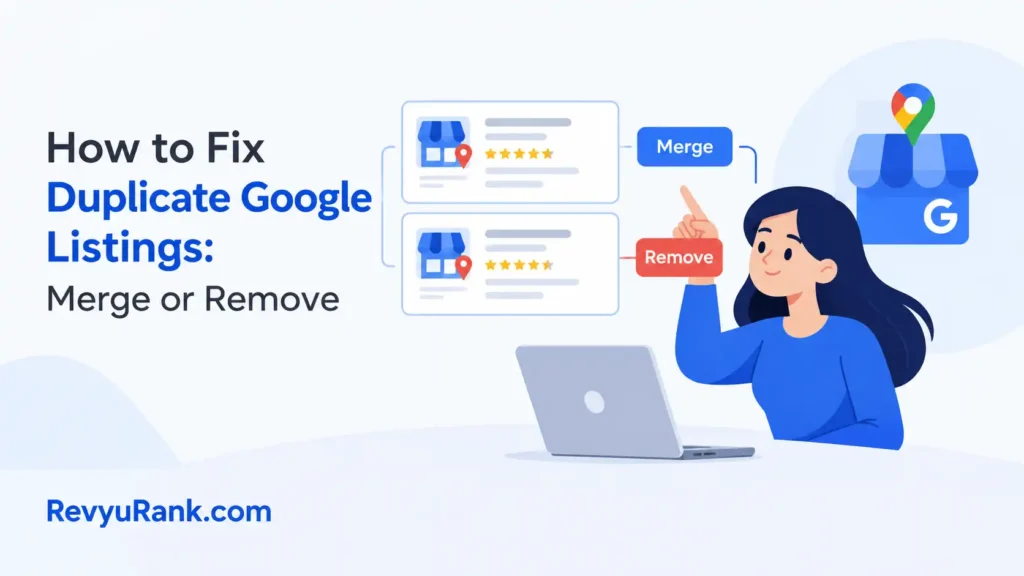
Fixing duplicate Google listings means you keep one Business Profile and remove or merge the extras through Google. Most duplicates come from someone creating a second profile when one already existed for the same business.
Why duplicate Google listings show up

Duplicates happen for a few real reasons, and knowing which one you have decides how you fix it. The most common cause is a second profile being made by hand — a new employee, a web agency, or an old owner who didn’t know a listing already lived in the system.
The next cause is a slight change in details. A different address format, a new phone number, or a moved location can make Google treat one business as two.
The third is auto-generated listings. Google sometimes creates a profile from public data, so an unclaimed duplicate can appear without anyone touching it.
Find and claim both listings first
This step is for anyone who hasn’t yet confirmed they own the duplicates. You can’t fix what you don’t control, so start by signing in to the Google account you use for your business and searching your business name on Google Maps.
Look for two or more pins or cards with the same or near-same name. Open each one and check for a Claim this business or Own this business? link. Claim any you don’t already manage.
You’ll know it worked when both profiles appear in your Google Business Profile dashboard. If one is verified to someone else, you can’t claim it directly — you’ll need to request access, which the real owner must approve.
Merge the duplicates through Google support

Use this when both listings point to the same real location and you want to combine their reviews and history instead of losing them. You can’t force a merge yourself from the dashboard. Instead, contact Google Business Profile support and tell them the two listings are the same business.
Give them both the exact names, the shared address, and the profile links. Ask them to merge or mark one as a duplicate. Google explains the duplicate rules in its Business Profile duplicate listings help.
You’ll know it worked when searches show one profile and the extra pin is gone. Merges can take several days, so check back rather than filing a second request.
Report or remove the leftover listing
If a merge isn’t possible — say one listing is at a closed or wrong address — the cleaner path is to remove the bad one. In your dashboard, open the duplicate you don’t want, go to its settings, and look for Close or Remove listing.
Only mark a listing closed if that location is genuinely closed. Marking your main profile closed by mistake hides you from search for days.
If you can’t access the duplicate because it’s unclaimed or owned by someone else, use the Suggest an edit link on Google Maps and report it as a duplicate. You’ll know it worked when the reported pin drops off the map after review.
Mistakes that make duplicates worse
Some common fixes do more harm than the duplicate itself. These are the ones to skip.
- Deleting a listing with reviews — removing it wipes those reviews for good; merge instead so the reviews move over.
- Making a brand-new profile to “replace” the mess — that just creates a third duplicate for Google to fight over.
- Editing both listings with different details — matching names and addresses help Google merge them; differences keep them split.
- Marking the wrong one as closed — this can hide your real business from search until it’s reversed.
- Filing repeat support tickets daily — it resets the queue and slows the review, not speeds it.
Keep duplicate listings from coming back

The goal is one verified profile that everyone in your business edits in one place. Set that up, and most repeat duplicates stop before they start.
| If you’re doing this | Do this instead | Why |
|---|---|---|
| Letting staff make their own listings | Keep one owner account, add others as managers | Stops a second profile being born |
| Using a different address format online | Match your address exactly everywhere | Small differences read as two businesses |
| Ignoring unclaimed auto-listings | Claim them as soon as they appear | An unclaimed profile is easy to duplicate |
| Changing phone or name on one profile only | Update every listing at once | Mismatched details split one business in two |
| Hiring an agency with no access rules | Give them manager access, not a new profile | Agencies often create fresh listings by default |
Frequently asked questions
Can I merge two Google listings myself?
No. You can’t force a merge from your own dashboard. You report both as the same business through Google Business Profile support, and Google does the merge after reviewing the match.
How long does it take Google to remove a duplicate?
Usually a few days to about two weeks after you report or request it, depending on how clearly the two listings match. There’s no fixed time Google publishes, so check your dashboard rather than refiling.
Why do I have two listings when I only made one?
Google can auto-generate a profile from public data, or a past owner, employee, or web agency may have made one you never saw. Search your business name on Maps to spot every version.
Is it safe to mark a duplicate as closed?
Only if that exact location is truly closed or wrong. Marking your real, active profile closed hides it from search for days, so confirm which listing you’re editing before you touch the close option.
What happens if I delete the listing with my reviews?
You lose those reviews permanently — deletion doesn’t move them anywhere. Merge the listings instead, and the reviews from the duplicate carry over to the profile you keep.
Can two listings at the same address both stay?
Only if they’re genuinely separate businesses, like two different services sharing a building. Two profiles for one business at one address break Google’s rules and should be merged or removed.
Conclusion
If you’re not sure which listing to keep, pick the verified one with the most reviews and correct hours, then report the rest — that keeps your strongest history intact while the clutter clears.

Robert Miller works as a Reputation Management Consultant. He has been helping U.S. businesses for over ten years. His work involves helping people protect and enhance their online image.Robert has worked with a wide range of companies. He has helped new businesses, local places that give a service, and big companies. He helps turn customer reviews into something that helps people trust their company and drives business growth.