The best way to get Google reviews for a nonprofit organisation is to ask real supporters for honest feedback after a meaningful interaction. Use a direct Google review link, make the request easy, and never offer gifts or ask only happy people to respond. This guide covers eligibility, the request process, timing, policy limits, common problems, and when another feedback method is better.
What Google Reviews Mean for a Nonprofit
Google reviews are public comments and star ratings attached to a nonprofit’s Google Business Profile.
A review request works best after a clear experience. That could be a completed appointment, a volunteer event, a community program, a donation visit, or help received from your team. The person should have enough contact with the nonprofit to give a genuine opinion.
Google reviews aren’t the same as testimonials that you choose for your website. You can ask for feedback, but the reviewer must write and submit their own words through their own Google account.
One common misconception is that a nonprofit can offer a small gift or enter reviewers into a drawing. Google treats paid or incentivized reviews as prohibited content. A request also shouldn’t say, “Give us five stars,” or tell people to mention a specific employee.
Your organization should first check that it has a Google Business Profile and that the profile represents a real location or service area where people can contact the team. An online-only organization may not meet Google’s eligibility rules, so check Google Business Profile guidance before building a review campaign.
How To Ask for Google Reviews
Ask after a real experience, send one direct Google review link, and leave the wording and rating to the person. A good request takes less than a minute for the supporter to understand. It should name the experience, provide one direct path, and leave the wording and rating completely up to the person.
-
Check your Google Business Profile. Search the nonprofit’s name while signed in as an owner or manager. Confirm the name, address or service area, phone number, website, hours, and category are accurate. Fix important errors before requesting reviews.
-
Create the review link. In your Business Profile, open Read reviews, choose Get more reviews, and copy the review link Google provides. Test it in a private browser window or on a phone where you aren’t signed in as the profile manager.
-
Choose a real point of contact. Ask after a completed service, an attended event, a volunteer shift, or a useful conversation. If the person has only received a newsletter, don’t treat that as enough experience for a service review.
-
Write a neutral request. Say what interaction you’re referring to and ask for an honest review. For example: “Thanks for joining Saturday’s food distribution. If you’d like to share your honest experience, you can leave a Google review here: [link].”
-
Send one clear message. Use email, a follow-up message, a printed card, or a conversation at the front desk. Don’t require or pressure anyone to write a review while they’re on your premises, and don’t ask for specific content. Include the direct link and explain that the person can choose any rating or skip the request.
-
Give people time to decide. A same-day request can work for a public event, while a service user may need a day or two to reflect. Don’t send repeated reminders to the same person.
-
Respond to the review. Thank the writer without exposing private details. For a complaint, invite the person to contact the correct team member through a private channel, but don’t argue about the rating in public.
If you can't tell whether your copied review link opens the right profile for supporters, ask our team and we can test it with you or do it for you.
The key judgment is timing. If the person has just finished a clear, public-facing interaction, ask soon; if the experience involves private support or serious personal circumstances, wait and use a careful, optional request.
Google Review Timing Guide
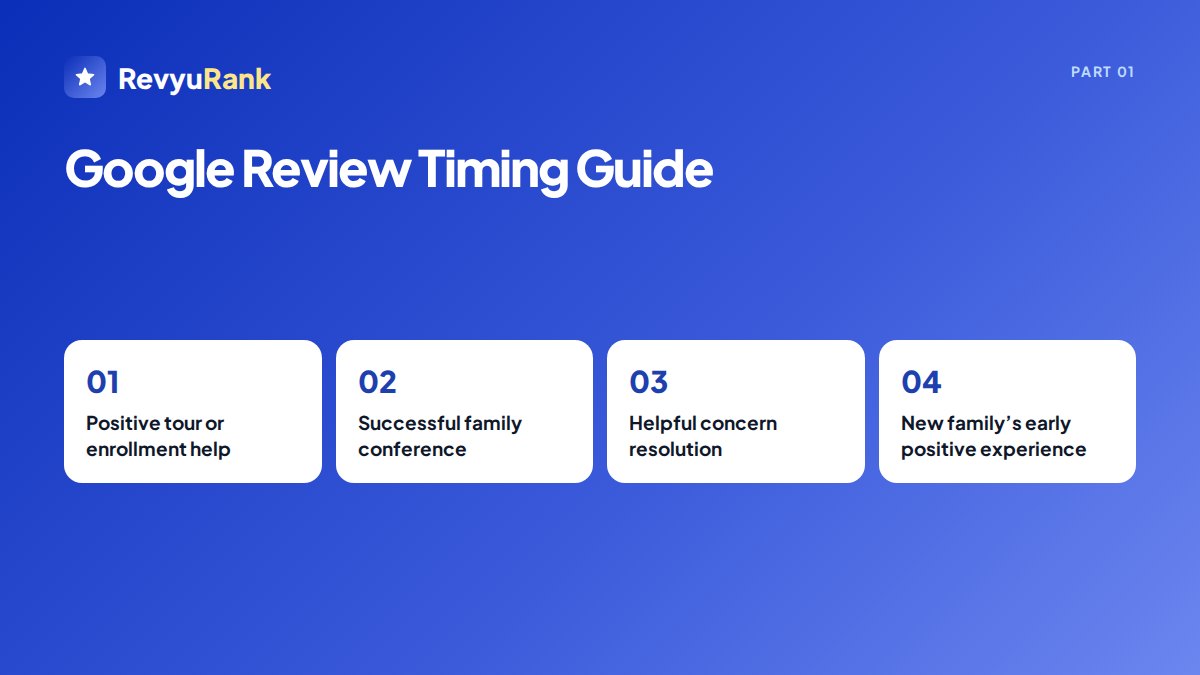
Ask soon after a clear, public interaction, and wait longer when the experience involved private support. These timings are communication choices, not Google deadlines. Adjust them to the supporter’s experience, privacy needs, and the amount of time needed to judge the service.
| Situation | What to use | How long | What to watch for |
|---|---|---|---|
| Public event ended | Thank-you email with review link | Same day or next day | Don’t ask people who only registered but didn’t attend |
| Volunteer shift completed | Personal follow-up or volunteer email | Within 2 days | Ask about the volunteer experience, not private client outcomes |
| Donation visit finished | Receipt follow-up or thank-you message | After the donation is processed | Don’t imply that a donation earns a review request |
| Appointment or service completed | Neutral follow-up message | After the service ends | Protect health, housing, legal, or financial details |
| Community workshop attended | Follow-up email with feedback options | Within 2–3 days | Offer a private survey if public reviews aren’t suitable |
| Complaint has been resolved | Separate service follow-up | After the response is complete | Don’t ask for a changed rating or positive wording |
| Ongoing program | Request after a clear milestone | After the first completed milestone | Don’t pressure people who still depend on the service |
Use the shortest message that gives enough context. If privacy or safety could be affected, a private survey may be the better first choice than a public Google review.
Details That Improve Review Quality
Prepare the review link before anyone asks for it. A long search instruction creates extra work and may lead people to the wrong profile, especially when several nonprofits have similar names.
Use the same basic wording across email, text, and printed cards, but adapt the first sentence to the experience. “Thanks for volunteering at our cleanup” is more useful than “Please review us.” It reminds the person what they’re reviewing without suggesting what they should say.
Ask after the interaction is complete, not while someone is receiving help or waiting for a decision. A person who depends on your organization may feel pressure even when the request sounds polite. If there’s a power imbalance, offer a private feedback route and make clear that feedback won’t affect future help.
Check every link before sending a campaign. Open it from a device that isn’t managing the profile, confirm that it reaches the correct nonprofit, and remove old links from templates if the profile changes.
Keep public replies short and careful. Thank people for their time, avoid confirming that they received confidential services, and never discuss case details. If a review includes personal information, limit your reply and move the conversation to a private channel.
A common costly mistake is asking only people who praise the nonprofit in person. That is selective soliciting, which Google’s policy doesn’t allow, and it leaves the team without useful criticism. Ask eligible people neutrally, keep the choice voluntary, and use private feedback to find issues that shouldn’t appear in public.
Google Review Problems and Fixes
A missing review doesn’t always mean the person failed to submit it. Google may remove content that breaks its rules, and a new reviewer may also be signed into a different account than expected.
| What you notice | What it usually means | What to do first |
|---|---|---|
| The link opens the wrong profile | The saved link is old or incorrect | Generate a new link from the current Business Profile |
| A supporter can’t post | They may not be signed in to Google | Ask them to sign in, then open the link again |
| A review isn’t visible | Google may be checking or filtering it | Don’t ask the person to repost repeatedly |
| Staff reviews create concern | The reviewer has a conflict of interest | Ask staff not to review the nonprofit |
| Reviews mention private cases | The request exposed sensitive details | Move future feedback to a private survey |
| A negative review appears | The person had a poor experience | Reply calmly and address the service issue privately |
Don’t promise that every submitted review will stay visible. If a review appears to violate Google’s policy, the reviewer can check their account and Google’s review-help process. The nonprofit shouldn’t pressure the writer to change the text.
Google Policy Limits
Google’s Maps user-contributed content policy applies to reviews on Business Profiles. It prohibits fake engagement, paid or incentivized reviews, content based on a conflict of interest, and review manipulation. Read the Google review content policy before creating a message or campaign.
That means you shouldn’t pay for reviews, offer a discount, give a gift, or enter people into a prize drawing in exchange for feedback. Don’t ask volunteers, employees, board members, vendors, family members, or close partners to write reviews simply because of their connection to the nonprofit. Don’t ask staff to collect a set number of reviews. Reviews can’t include email addresses, phone numbers, social media links or links to other websites, so don’t ask supporters to add them.
You also shouldn’t use review gating. Asking a person to complete a private rating first and sending only satisfied people to Google can distort the public record. If the person has a complaint, give them a private way to contact the team, but don’t make that route a condition for leaving a public review. Don’t discourage or prohibit negative reviews either. Google allows reviews that describe a negative experience respectfully.
If a campaign involves personal health, housing, immigration, legal, or financial information, ask the organization’s privacy lead or legal adviser to approve the wording. Staff who aren’t trained to handle those risks should use the nonprofit’s approved communications process instead.
Keep Review Requests Organized
Store the approved message and the current review link in one shared document. Limit editing access so staff doesn’t accidentally change the wording, add an incentive, or paste a link from the wrong profile.
Record when a request was sent and which audience received it. Don’t store unnecessary details about a person’s service, case, donation, or health situation just to track a review request.
Review the link whenever the Business Profile changes ownership, location, or name. The sign that it needs attention is simple: the link no longer opens the nonprofit’s current review screen, or people report that they can’t find the profile.
Respond to new reviews using a consistent tone. Publicly thank the writer, avoid repeating their private details, and move service recovery to email or phone. If the review contains threats, personal data, or abusive content, document it and use Google’s reporting process rather than arguing in the comments.
There’s no fixed lifespan for a review request campaign. Its value changes with the nonprofit’s services, locations, audience, and privacy duties, so judge it by whether people reach the correct profile and whether the wording still matches the current experience.
When Google Reviews Aren’t the Right Choice
Google reviews aren’t the best option when the service is highly private. A person receiving domestic violence support, medical care, immigration help, housing assistance, or legal advice may avoid public feedback because even a short review could reveal their connection to the organization. Use an anonymous or confidential survey instead.
They’re also a poor fit when the nonprofit has no eligible public-facing profile. Don’t ask people to review a profile that Google may not allow or that represents a location the organization doesn’t operate.
Use a different approach when the goal is detailed program learning. A short survey, interview, listening session, or volunteer debrief can collect better information than a star rating. If you need both public trust and private improvement, keep the Google request optional and run the detailed feedback process separately.
Short on time? Our Google Review Generation service takes care of the whole process.
Frequently asked questions
Can a nonprofit ask for Google reviews?
Yes. A nonprofit can ask people with a genuine experience to leave an honest Google review, provided the request follows Google’s rules. The organization shouldn’t pay for reviews, offer rewards, pressure people, or ask for a particular rating. It should also consider whether a public review could expose someone’s private connection to the nonprofit.
Why did Google remove my nonprofit review?
Google may remove a review when it detects spam, fake engagement, incentives, conflicts of interest, personal attacks, or other prohibited content. A review can also be filtered by mistake. Check the reviewer’s Google account, read Google’s content policy, and use the available appeal or support process instead of asking the person to repost the same words.
How long does it take for a Google review to appear?
A review may appear quickly, but Google doesn’t promise a fixed publishing time for every review. The timing can change when automated systems check content or when the reviewer’s account has an issue. Ask the person to confirm that the review was submitted, then wait rather than sending repeated requests.
Is it safe to ask clients for nonprofit reviews?
Sometimes, but privacy and power relationships matter. A person may feel that refusing could affect future services, even when you say the request is optional. For sensitive programs, use anonymous feedback or ask a privacy lead to approve the wording. Never encourage a client to describe private case details in a public review.
What happens if a nonprofit offers a gift for a review?
Google’s policy doesn’t allow incentivized reviews, and they will be removed from Maps. Google lists reviews paid for, directly or in kind, as fake and misleading content. That includes a gift or prize entry tied to leaving feedback. The organization should remove the incentive, stop sending that version of the message, and avoid asking recipients to change or delete reviews. Use a neutral request for honest feedback instead.
How often should a nonprofit ask for Google reviews?
Ask after a meaningful completed interaction, not on a fixed schedule for the same person. One well-timed request is usually enough for that experience. For ongoing programs, choose a clear milestone and avoid repeated requests that could feel like pressure or interfere with service delivery.
Can staff members leave reviews for a nonprofit?
They shouldn’t leave reviews simply because they work for, govern, or closely support the nonprofit. That relationship can create a conflict of interest and make the review look manipulated. Ask independent people with real service or event experiences instead, and use staff feedback internally to improve operations.
Conclusion
Keep honest feedback part of your organisation’s regular work. Review what people tell you, thank them for their time, and use useful comments to improve how your organisation serves its community. You’ll build trust over time, and supporters will see that their voices lead to real change.

Robert Miller works as a Reputation Management Consultant. He has been helping U.S. businesses for over ten years. His work involves helping people protect and enhance their online image.Robert has worked with a wide range of companies. He has helped new businesses, local places that give a service, and big companies. He helps turn customer reviews into something that helps people trust their company and drives business growth.
Sources and official guidance