
Want more clients walking through your gym door? One of the easiest ways to do that is by collecting more Google reviews.
Why? Because reviews build trust. They boost your reputation. And they help your gym stand out from all the others nearby. But here’s the catch: how do you ask your members for reviews without sounding pushy?
Good news — there are simple, friendly ways to make it easy for your members to share their thoughts. And even better, you can turn those reviews into real growth.
Why Google Reviews Matter for Gyms
Google reviews do a lot for gyms. They:
- Build trust: People trust real reviews more than ads. Good feedback shows your gym is reliable and welcoming.
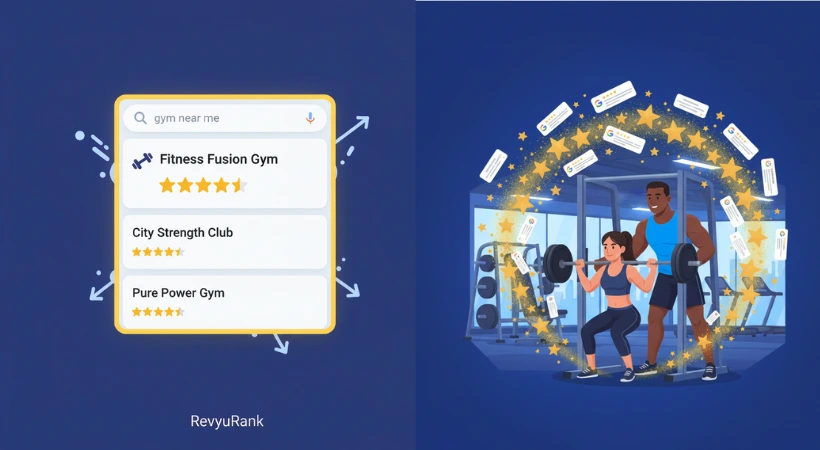
- Help you get found: Gyms with lots of reviews rank higher in Google search results. That means more local people discover your business.
- Give useful feedback: Reviews tell you what members love — and what could be better.
- Boost engagement: Replying to reviews helps you connect with members. Engaged members stick around and recommend your gym.

Set Up Your Google My Business Profile Right
Your Google My Business (GMB) profile is like your gym’s online front door. Make sure it’s inviting and easy to find.
- Complete every section: Add your gym’s name, address, phone number, hours, and website. Google favors fully filled profiles.
- Use great photos: Show off your gym space, equipment, and trainers. Clear photos help people know what to expect.
- Write a simple description: Keep it short and clear. Highlight what makes your gym unique without fancy words.
- Keep info accurate: Update hours or contact info regularly. Wrong details can confuse or frustrate potential members.
When to Ask for Reviews
Timing is everything. Ask too early or too late, and you might miss out.
- Right after a workout: Members feel energized and happy. Their experience is fresh in their mind.
- After milestones: When someone hits a goal or finishes a program, they’re proud. That’s a great time to ask for feedback.
- Follow up politely: If they don’t respond the first time, a gentle reminder sent at a good time (like evenings or weekends) can help.
Make Leaving a Review Easy
The simpler you make it, the more reviews you’ll get.
- Share direct links: Put Google review links in emails, your website, or receipts.
- Use QR codes: Post these at the front desk or workout areas. Members just scan and review on the spot.
- Train your staff: Teach your team to ask for reviews naturally after classes or sessions.
Encourage Honest Feedback
Honest reviews are gold. They help you improve and build real trust.
- Ask simple questions: “How was your workout today?” or “Anything we can improve?”
- Create a safe space: Let members share without pressure. Use suggestion boxes or online forms for privacy.
- Follow up personally: Thank members for their feedback and gently invite them to leave a Google review if they’re happy.
Use Incentives Wisely
Offering small rewards can encourage members to share their thoughts. But keep it honest.
- Discounts on membership or classes
- Free gym merchandise like water bottles or towels
- Entry into prize draws for fitness gear or personal training sessions
- Exclusive invites to workshops or special gym events
Leverage Social Media
Your social channels are great for reminding members to leave reviews.
- Post photos or videos from workouts and events. Ask followers to share their experiences.
- Use Stories and Highlights to gently remind people about reviews.
- Run contests where members enter by leaving a Google review.
- Respond quickly and kindly to comments and reviews on social media.
Respond to Reviews Like a Pro
Every review deserves a response.
- Reply fast: Aim for 24-48 hours to show you care.
- Be polite and professional: Stay calm, even with negative feedback.
- Personalize your replies: Use names and mention details from their review.
- Handle negative reviews constructively: Thank them, apologize if needed, and offer to fix things offline.
- Invite them back: Suggest trying a new class or service to keep the relationship going.

Track and Learn From Reviews
Keep an eye on your reviews to spot patterns.
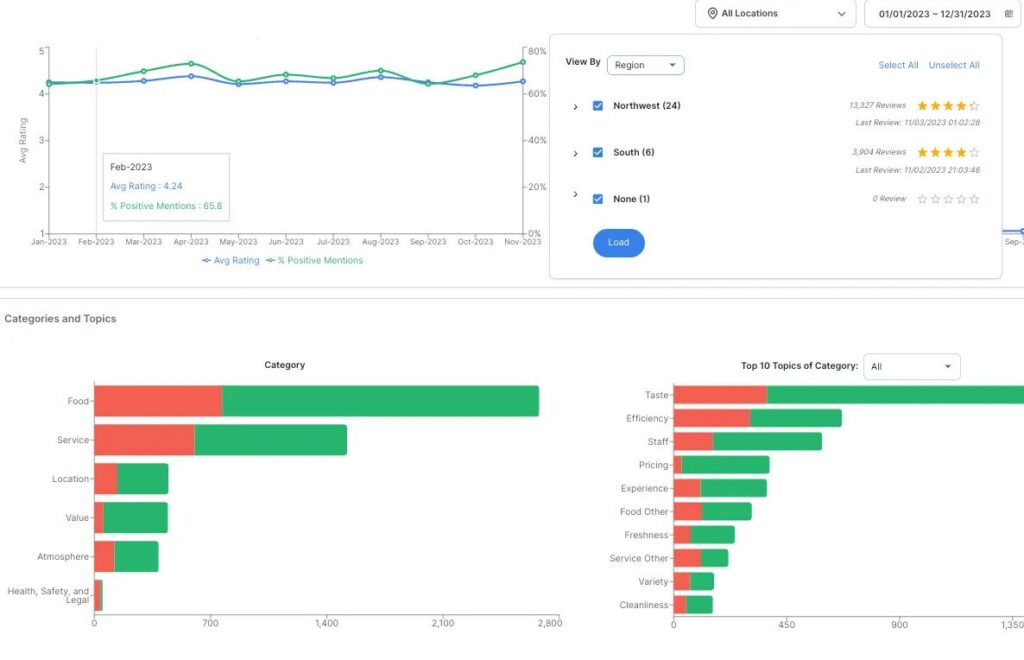
- Use tools like Google My Business dashboard to monitor feedback regularly.
- Look for common praise or complaints.
- Use positive feedback in your marketing.
- Fix issues quickly based on what members say.
FAQs
How can I ask gym members for Google reviews?
Ask politely right after workouts or classes and make it easy for them to leave a review.
When is the best time to request reviews?
Right after a positive experience, like finishing a session or reaching a goal.
How do Google reviews help my gym?
They improve your online reputation and attract new clients by showing trust and quality.
Do incentives increase reviews?
Small rewards help, but focus on honest feedback. Don’t buy reviews.
How can I make leaving a review easy?
Share direct links via email, text, or social media.
Should I respond to all reviews?
Yes. It shows you care about member feedback.
How often should I ask for reviews?
Ask regularly but not too often—after key milestones or monthly check-ins works well.
Can staff training improve review numbers?
Absolutely. Friendly, natural requests from staff make a big difference.
Wrapping It Up
Getting more Google reviews doesn’t happen overnight. It takes small, steady steps.
Encourage happy members to share their experiences. Keep the process simple and quick. And always respond kindly.
Real reviews build trust. They help new clients find you. And they make your gym shine online.
Stick with it. Listen to your members. Keep improving. Over time, those positive reviews will grow—and so will your gym.