To get more reviews for a senior living center, ask residents’ families at the right moment, make the review link easy to reach, and never pressure anyone to post only positive feedback. A simple request after a kind interaction usually works better than a broad request sent to everyone.
Results change with the resident’s care experience, the family contact method, and the review rules on Google or another platform. Your team’s timing, privacy process, and follow-up also affect how many honest reviews you receive.
Senior living reviews for your audience
Families comparing senior living communities need recent, honest feedback about care, meals, activities, communication, and staff behavior. They may already have a short list, but they need real experiences that help them judge daily life.
Current residents and their relatives may search for review advice for a different reason. They may want to praise a caregiver, report a problem, or explain a change in care. They need a safe way to share feedback without exposing private health details.
Marketing staff and executive directors usually need a repeatable process. They need to know whom to ask, when to ask, what wording to use, and how to respond when a review is negative.
This page serves senior living centers that want more voluntary, public reviews from residents’ families and other real customers. It assumes your center already has a Google Business Profile or another active review page. It’s not for buying reviews, hiding poor feedback, or asking staff to pose as residents.
What changes review results
The resident or family member’s experience matters most. A review request can’t repair poor communication, missed updates, or unresolved care concerns. Check complaint logs and family messages first; if the same issue appears more than once, fix it before increasing review requests.
Timing changes the response rate. Ask after a calm, clear moment, such as a family meeting that ended well, a successful move-in, or a grateful message. Use the same approach for every family, so you don't pick only the people you expect to be positive. If a family is upset or discussing a serious care concern, send the issue to the appropriate manager instead.
The request method affects completion. A direct email or text with one review link creates less work than a general “please review us” message. Compare the number of requests sent with completed reviews in your own records, rather than copying a response rate from another center.
Privacy limits what you can share. Staff can thank a reviewer without confirming private details about a resident’s care. People often get this wrong by replying with names, diagnoses, room numbers, or treatment information; that can create a privacy problem and damage family trust.
The platform’s rules also matter. Google, Facebook, and other sites may have different rules for incentives, review content, and business replies. Read the current policy on the platform where you’re requesting reviews, because those rules can change.
Steps to request more reviews
To request more reviews, pick one review page, ask real families in a short personal message, thank them, and keep a record. Open with a useful request, not a long campaign plan. Use one clear channel at a time, record what happened, and stop when the person shows discomfort or raises a care concern.
-
Choose one review page. Start with the page families already use, such as your Google Business Profile. Confirm that the page opens correctly on a phone before sending anything.
-
List recent positive contacts. Review the last 7 days of family compliments, thank-you messages, successful tours, or completed meetings. Remove anyone with an open complaint or urgent care concern.
-
Ask the contact person first. Send a personal request to the family member or decision-maker who knows the center. Don’t ask a resident who may have trouble understanding the request or who may feel dependent on staff.
-
Use one short message. Write, “If you’re comfortable, would you share your honest experience on our Google profile?” Add the direct link and say that the review can be positive, negative, or mixed.
-
Send one reminder. Wait until the next normal contact, then send one brief reminder. If there’s no response, stop; repeated messages can feel like pressure.
-
Thank the person privately. Send a thank-you message after the review appears. Don’t offer money, gifts, discounts, or better service in exchange for a review.
-
Reply without private details. Use a general reply such as, “Thank you for sharing your feedback. Please contact our office so we can discuss your concerns.” Never confirm a resident’s identity or care.
-
Record the process. Note the date, channel, and outcome without storing unnecessary health information. Review the record monthly to see which timing and message produce honest responses.
If you're unsure which profile to send families to, or it won't open properly on a phone, we can check it with you or do it for you.
The key judgment is whether the person feels free to decline. If the family is calm and willing, make the request; if they’re upset, confused, or discussing care, pause the review request and route the concern to the care or management team.
Where to find your Google review link
Google lets you share a review request link or QR code. In your Business Profile, the ‘Get more reviews’ option sits under Read reviews. Google suggests putting the link or QR code on receipts and in thank-you emails.
Whatever you share, the review must reflect a genuine experience. Asking is allowed, but don’t ask people to include specific wording or to post while they are still at the center.
Review requests by situation
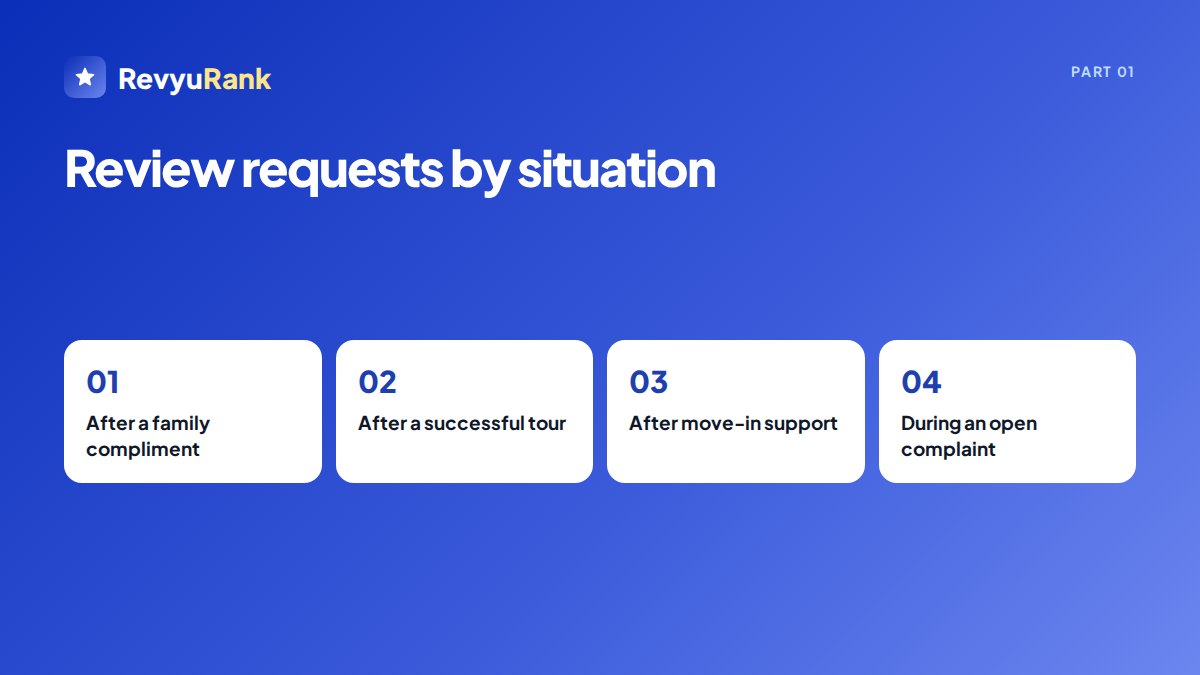
The best message depends on what just happened and who receives it.
| Situation | What to do | What it takes | What to watch for |
|---|---|---|---|
| After a family compliment | Ask for honest review | One short message | Don’t promise rewards |
| After a successful tour | Ask after follow-up | Personal email | They may not be residents |
| After move-in support | Wait for calm contact | Careful timing | Avoid pressured praise |
| During an open complaint | Pause the request | Manager follow-up | Fix concern first |
| After a negative review | Respond privately | Same business day | Don’t reveal details |
| From a resident | Check capacity and consent | Staff judgment | Avoid dependency pressure |
Details that improve review quality
Prepare the request
Experienced teams choose a real moment before they ask. They keep the message under a few sentences, use one direct link, and name “honest feedback” instead of asking for a five-star rating.
Check the recipient and the relationship first. If the person only toured the building, ask about the tour rather than implying they know the care experience. If the person is a family member, don’t describe private details about the resident in the message.
The request should work on a phone without extra searching. Test the link from outside the center’s staff network, then check that it opens the correct business profile.
Check the response
A good process tracks requests, replies, and concerns separately. A new review isn’t the only useful result; a private complaint may show a service problem that needs attention before it becomes public.
Leave the wording of the review alone. Don’t ask people to remove fair criticism, change their rating, or copy a suggested sentence. The trade-off is simple: tighter control may produce more uniform wording, but honest and varied feedback is more credible.
If the review mentions a serious care, safety, or abuse concern, stop marketing follow-up. Send it to the administrator, compliance lead, or licensed care professional who handles that issue.
Common review problems and fixes
A review problem usually points to a broken request, poor timing, or a service concern. Match the visible problem to the safest first response.
| What you notice | What it usually means | What to do first | How to stop it happening again |
|---|---|---|---|
| No one completes reviews | Request takes too much work | Test the review link | Use one direct link |
| Only staff post reviews | Team feels pressured | Stop staff review quotas and requests | Ask real customers only |
| Reviews mention private details | Reply process lacks training | Pause public replies | Use privacy-safe templates |
| A family posts sudden anger | Concern went unresolved | Call the manager | Track complaints earlier |
| Reviews use identical wording | People received a script | Stop scripted prompts | Ask for personal feedback |
| A review disappears | Platform removed content | Check platform policy | Avoid prohibited incentives |
Rules for senior living reviews
The main rule is to ask for honest reviews and never buy, script or filter them. The Federal Trade Commission’s final rule addresses fake reviews, review suppression, and certain incentives tied to review sentiment. Before starting a campaign, read the FTC’s consumer review guidance and apply the current requirements to your center.
Don’t buy reviews, create reviews for residents or families, or ask staff to pretend they received care. Don’t ask only happy families for reviews while hiding the request from everyone else. Don't offer incentives for Google reviews. Google lists reviews paid for, directly or in kind, as fake and misleading content. On other platforms, check their own rules first.
Privacy rules may also depend on your center’s services, contracts, and state requirements. The center’s administrator or privacy officer should approve response templates before staff use them. If a reply could identify a resident or reveal care information, stop and ask that person for guidance.
What Google’s policy does not allow
- Incentivized or biased reviews, including reviews paid for directly or in kind. Google removes them from Maps.
- Discouraging or prohibiting negative reviews, or asking only some customers for positive ones.
- Asking staff to collect a certain number of reviews.
- Pressuring people to review on the premises, or asking for specific content.
- Reviews based on a conflict of interest.
- Reviews that include email addresses, phone numbers, social media links or links to other websites.
Google does allow reviews that describe a negative experience in a respectful way. Leave those in place and reply with care.
The real cost of getting reviews
The direct cost may be low if your center already has an active business profile and a staff member who can send messages. The higher cost is staff time for choosing appropriate contacts, checking complaints, answering replies, and sending serious concerns to the right person.
A personal request takes more effort than a mass email, but it reduces confusion and pressure. A mass message may reach more people, yet it can produce fewer useful responses and more complaints about unwanted contact.
Your cost changes with the number of locations, review platforms, language needs, and approval steps. Compare staff hours, requests sent, completed reviews, and complaints received in the same month. The value varies most by your team’s time and the quality of the underlying care; read those values from payroll records, contact logs, and complaint records rather than guessing.
Keep the process accurate
Store the approved message, current review link, and response rules in one staff location. Remove old links when a profile changes, and test the link whenever a team member reports that it fails.
Review the request log when the process needs attention. A sudden drop in completed reviews, repeated privacy mistakes, or new complaints means the workflow needs review before you send more requests.
Keep public replies short and general. If a reviewer asks for a private conversation, move the discussion to the center’s approved phone or email channel, then document the concern according to your internal policy.
When review requests are wrong
Review requests aren’t the right first step during an active safety complaint, suspected abuse, or serious care dispute. Use the center’s incident and complaint process, and involve the administrator or licensed professional responsible for that issue.
They’re also wrong when a resident may not understand the request or may feel that care depends on cooperation. Ask the appropriate family contact or legal representative for guidance, and follow the center’s consent process.
This approach also doesn’t fit a center with no working review profile or no response process. Fix the profile, assign a responsible manager, and approve privacy-safe replies before asking anyone to post.
Want an expert to set this up with you? Take a look at Google Review Generation.
Frequently asked questions
Can senior living centers ask for Google reviews?
Yes, senior living centers can ask for honest Google reviews, but the request must not pressure people or require positive wording. Ask real residents’ families or customers, use a clear link, and let them decline. Don't offer incentives, because Google does not allow incentivized or biased reviews and removes them from Maps.
Why are families not leaving reviews?
Families may not know where to post, may forget, or may worry that criticism will affect care. A short personal request with one direct link can remove confusion. If several families mention the same concern, improve that experience before sending more requests.
How long should I wait before asking for a review?
Wait until the family has a clear experience to describe, such as a completed tour, helpful meeting, or resolved support request. Don’t use a fixed number of days for every case. Ask only when the person appears calm and the related concern is closed.
Is it safe to reply to a senior living review?
Yes, if the reply stays general and reveals no private resident information. Thank the writer, acknowledge the feedback, and offer a private contact route. If the review mentions care, medication, injury, or abuse, send it to the administrator or privacy lead before replying.
What happens if a review contains private information?
Remove staff details from your reply and don’t confirm that the person lives at the center. Save the concern through the approved internal process, then ask the administrator or privacy officer how to respond. A public argument can expose more information and increase risk.
Does it matter which staff member asks for reviews?
Yes. The person asking should understand consent, privacy, and complaint handling. A caregiver’s request may feel harder to refuse than a neutral office request. If a family is uncertain, let the office send the message and make clear that declining won’t affect care.
Can I offer a gift for a senior living review?
Don’t offer a gift in exchange for a positive review or a specific rating. Google does not allow incentivized reviews, including reviews paid for directly or in kind, and removes them from Maps. The FTC also restricts deceptive review practices. Ask your compliance lead before offering anything.
Start your senior living review process
First, choose one official review page and send one honest request after a calm, positive contact. Ask when the family has had time to form a view, and make clear that posting is optional. Use a short message without suggesting words, a star rating, or a positive result. Send the direct link, and exclude the resident’s name, room, diagnosis, or identifying details.
If the family raises a care complaint or safety issue, pause the review request and route the concern to management through the normal process. Do the same if the message could reveal private resident information. Never offer a gift, special treatment, or repeated reminders. If the family is upset, confused, or unsure what to say, wait rather than pressure them.

Robert Miller works as a Reputation Management Consultant. He has been helping U.S. businesses for over ten years. His work involves helping people protect and enhance their online image.Robert has worked with a wide range of companies. He has helped new businesses, local places that give a service, and big companies. He helps turn customer reviews into something that helps people trust their company and drives business growth.
Sources and official guidance