The most common cause of a Google rating drop is a new low-star review changing the average, not that Google secretly removed your good reviews. The answer is usually simple: check the newest reviews, then compare the review count with your older screenshot or records. If the count changed, open your Google Business Profile and look for a new review, a missing review, or a changed star score.
Why Google ratings drop
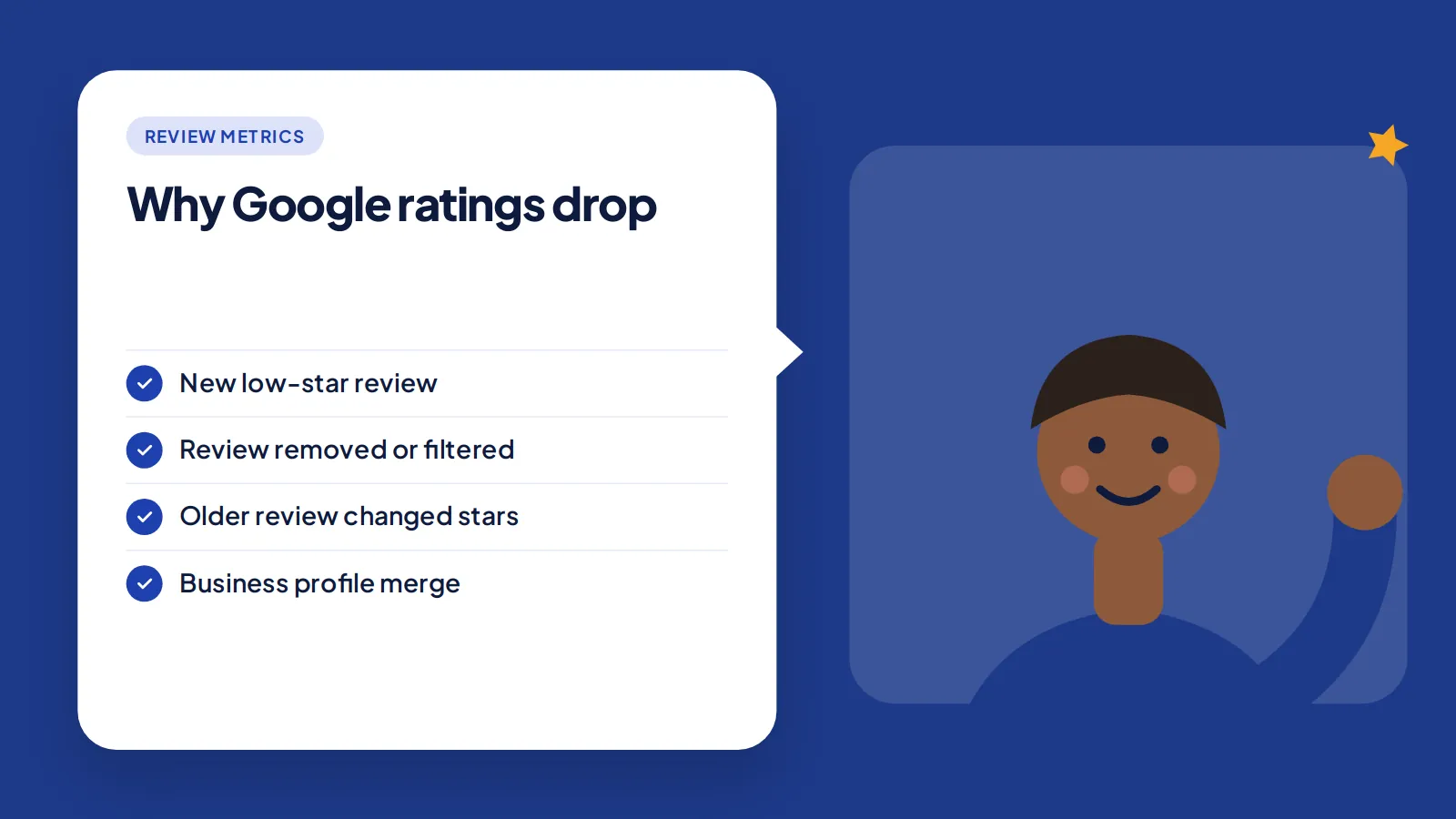
| Cause | How common | How to confirm it | Fix it yourself? |
|---|---|---|---|
| New low-star review | Most common cause | Sort newest reviews first and check whether a one- or two-star review appeared recently. | Yes. Reply calmly, address the specific complaint, and invite the customer to continue privately. Never offer a reward for changing the rating. |
| Review removed or filtered | Common cause | Compare the current review count with an earlier screenshot or record. A missing review may have been removed by Google or hidden by filtering. | Yes with care. Don’t ask customers to repost reviews that Google removed. Report suspected errors through your Business Profile. |
| Older review changed stars | Possible cause | Check review history when available, then compare the review’s current star rating with an earlier record. | Yes. Respond to the review as it stands now and resolve any issue mentioned in the latest version. |
| Business profile merge | Less common cause | Check the profile name, address, phone number, category, and review history for changes after a merger or duplicate cleanup. | Yes with care. Confirm that the surviving profile represents the same business before requesting corrections. |
| Wrong or duplicate profile | Less common cause | Search Google Maps and Search using the business name, address, and phone number. Look for two profiles collecting reviews. | Yes with care. Report the duplicate and avoid directing customers to the wrong listing. |
| Google display delay | Occasional cause | Check again later, preferably from another device or signed-out browser, before making changes. | Yes. Wait if reviews or profile edits are still appearing inconsistently. |
| Account or listing issue | Rare cause | Check for profile warnings, ownership problems, suspension notices, or missing business information. | No. Contact Google support and provide screenshots, the profile URL, and the dates you noticed the change. |
A new low-star review changed the average
A new low-star review is usually the first thing to check because Google calculates the displayed rating from the reviews currently connected to your Business Profile. One review can move the rating more when your profile has fewer total reviews.
Open Google Search or Google Maps while signed in to the account that manages the profile. Search your business name, then open the review area and sort reviews by Newest if that option appears. Look for a new one-star, two-star, or three-star review that matches the time your rating changed.
Next, compare the review count with an older record. A saved screenshot, monthly report, or point-of-sale review request record can help. Don’t rely on memory, because the displayed score may round to one decimal place.
If you find a genuine review, you can reply calmly and explain what you can check. Don’t offer money, gifts, discounts, or refunds in exchange for changing the rating. That can create a larger policy problem than the original review.
If the review is fake, abusive, unrelated to your business, or conflicts with Google’s review rules, report it through the Business Profile review tools. Google decides whether it breaks policy. A review you simply dislike usually won’t qualify for removal.
The fastest fix is often better service followed by honest review requests from real customers. Don’t ask only happy customers, and don’t pressure anyone to leave a particular star score. Google’s review policy guidance explains that reviews should reflect a real experience and shouldn’t be shaped by incentives.
The time cost is small when the cause is clear, but the rating may not move back immediately. The result depends on your total review count, the new star value, and how Google displays the average. If the rating drops after one review, that review carries more weight than it would on a profile with hundreds of reviews.
A common mistake is deleting your own reply and reposting it repeatedly while waiting for the score to change. That doesn’t repair the average, and repeated activity can make the profile harder to manage. Reply once, report a policy-breaking review once, and keep records of what happened.
Google removed or filtered older reviews
A missing review can lower your rating when the lost review had a high star score, even if a new low-star review wasn’t posted. This cause differs from a new-review problem because the review count falls, or an older review disappears from the list.
Search your profile and write down the current review count. Then compare it with a reliable older record. Ask the customer for the review date and star score only if you need to confirm what disappeared; don’t ask them to repost the same wording or change their rating.
Google can remove reviews that violate its content rules. Reviews may also stop appearing when Google detects unusual activity, a connection between accounts, or content that doesn’t meet its policy. The business owner can’t force a removed review back by editing the profile.
Check your Business Profile for notifications, policy messages, or a review-management option. If Google provides an appeal path for that review issue, use the form and include the business name, review date, reviewer name, and a short explanation. Keep the wording factual and avoid accusing the reviewer of fraud unless you have clear evidence.
Don’t create a second Business Profile to replace the first one. Duplicate profiles can split reviews, confuse customers, and create a separate listing problem. If a review disappeared after a listing move, ownership change, or address update, collect the old and new profile details before contacting Google.
This fix has a trade-off: reporting protects the profile from policy-breaking content, but it won’t remove a review merely because it’s negative. If the review is genuine and allowed, respond to it and improve the underlying customer experience instead.
The profile or review data is delayed
A Google rating can look wrong for a short period when reviews, removals, or profile changes haven’t finished updating across Search and Maps. This is more likely when the review count and visible review list don’t agree.
Google doesn’t provide a dependable update period for every review or profile change. A review that’s missing from the list may still be under review, or it may have been removed for policy reasons. Don’t assume a delayed display means the review will definitely return.
Check the same profile in Google Search and Google Maps. Use a private browser window or sign out, then search the exact business name and location. If one view shows the old score while another shows a different score, the issue may be display timing rather than a permanent rating change.
Also check whether the profile has recently changed its name, address, phone number, category, or ownership. A business move or profile merge can make reviews appear under a different listing. Compare the map pin, phone number, website, and opening information before treating the rating as a simple review problem.
Don’t keep editing the profile to force an update. Repeated name or category changes can create more confusion, and they won’t recalculate the review average faster. Save screenshots showing the score, review count, profile URL, and the time you checked.
If the score remains wrong after the review list and profile details settle, use Google Business Profile Help or its support contact options. Include the exact profile name, location, current rating, review count, and what changed. A clear record gives support something useful to investigate. If only one review is missing, include its date, reviewer name, and direct review link if you have it.
Less common Google rating problems
-
A duplicate profile splits reviews: The clue is two listings for the same location, often with different phone numbers or review counts. Check the business name, address, phone number, and map pin on both profiles before changing anything. Don’t delete the listing with fewer reviews just because it looks inactive; Google may need to merge the profiles rather than remove one.
-
A business move joined profiles: The clue is a changed address with older reviews that no longer match the current listing. Confirm whether the business truly relocated or whether Google connected it to the wrong place. Update the address only when the business serves customers at the new location, and document the old and new details before requesting help.
-
A review was edited: The clue is the same reviewer now shows a different star score or wording. Compare the review’s current text with any earlier screenshot, but don’t assume an edit means Google removed or penalized the review. The visible rating can change when the reviewer updates it.
-
A suspended or restricted profile changed visibility: The clue is a warning in the Business Profile manager or a listing that customers can’t find normally. Read the warning before editing business details, since repeated changes can complicate reinstatement.
If the issue involves ownership, a merge, suspension, or a review dispute that Google won’t resolve, stop making major profile edits. A Google Business Profile support specialist can handle account-level problems; a marketing agency can help organize evidence, but it can’t override Google’s decision.
What fixing a Google rating usually takes
A genuine low-star review needs a calm reply, an internal service check, and time for new honest reviews to change the average. That’s usually less work than rebuilding a profile, but the score may improve slowly when the business has a large review history.
A policy-breaking review needs evidence, a report, and possibly an appeal. You’ll need the review link or date, the reviewer name, and a short reason it breaks Google’s rules. Reporting is free, but the real cost is staff time and the chance that Google keeps the review after checking it.
A missing-review issue needs records. Gather screenshots, old review counts, profile URLs, and dates before contacting support. This is more demanding than replying to one review, and it may require help from the person who owns the Google account.
A duplicate or merged profile can need ownership verification and careful profile cleanup. Don’t delete a listing, change the business name, or create a replacement until you know which profile Google treats as the main one. The correct choice depends on the location and business details shown in the profile.
For a normal review problem, repair is usually better than replacing the profile. A new listing throws away useful history and can create more policy trouble. Ask Google support for a real answer when the profile identity, ownership, or review count is involved.
Our team handles exactly this through Google Review Generation.
Frequently asked questions
Can one bad review lower my Google rating?
Yes, one bad review can lower your Google rating, especially when your profile has a small review count. A one-star review has a larger effect on an average made from 10 reviews than on one made from 500 reviews. Check the newest reviews first, then compare the current score with the previous score. Don’t assume Google made an error until you confirm whether the review is real and connected to your profile.
Why did my Google rating drop but no new review appeared?
A missing older review, an edited star score, or a delayed display can explain the drop. Compare the current review count with a saved screenshot or report, then check the same profile in Search and Maps. If the count is lower, a high-rated review may no longer be visible. If the count matches but the score differs, record the details and contact Google Business Profile support.
How long does it take for a Google rating to update?
There’s no single reliable update time because Google can process reviews, removals, and profile changes differently. Check the rating in both Google Search and Google Maps, and record the time and review count. If the two views disagree, wait for the information to match before changing the profile. If the score stays wrong and the review list is stable, send Google the profile details and screenshots.
Is it safe to ask customers for more Google reviews?
Yes, it’s safe to ask real customers for honest reviews without offering rewards or telling them which star rating to choose. Ask in a neutral way after a genuine interaction. Don’t use review exchanges, paid reviews, or staff accounts, because those practices can violate Google’s rules. A steady request process is better than asking only customers who already said they’re happy.
What happens if Google removes a five-star review?
Your average can fall if Google removes a five-star review and leaves lower-rated reviews in place. First confirm that the review count really changed and that the customer’s review isn’t simply hidden in another profile view. If the review was genuine, use the available support or appeal route with the date, reviewer name, and profile details. Google may keep the removal if its policy filters were correctly applied.
Does it matter if my Google rating is rounded?
Yes, rounding matters because the number shown to customers may not display every part of the underlying average. A small change can leave the visible score unchanged, while a later review can push it to the next displayed value. Compare the review count and star pattern, not only the one-decimal rating. The exact result depends on the reviews currently attached to that profile.
What to do next
Keep your profile healthy by inviting genuine customers to share honest feedback after a completed visit, while following Google’s review policies. Check your rating occasionally so changes don’t surprise you, and respond calmly when concerns appear. A steady, trustworthy review pattern will support your business better than chasing a perfect score.

Robert Miller works as a Reputation Management Consultant. He has been helping U.S. businesses for over ten years. His work involves helping people protect and enhance their online image.Robert has worked with a wide range of companies. He has helped new businesses, local places that give a service, and big companies. He helps turn customer reviews into something that helps people trust their company and drives business growth.