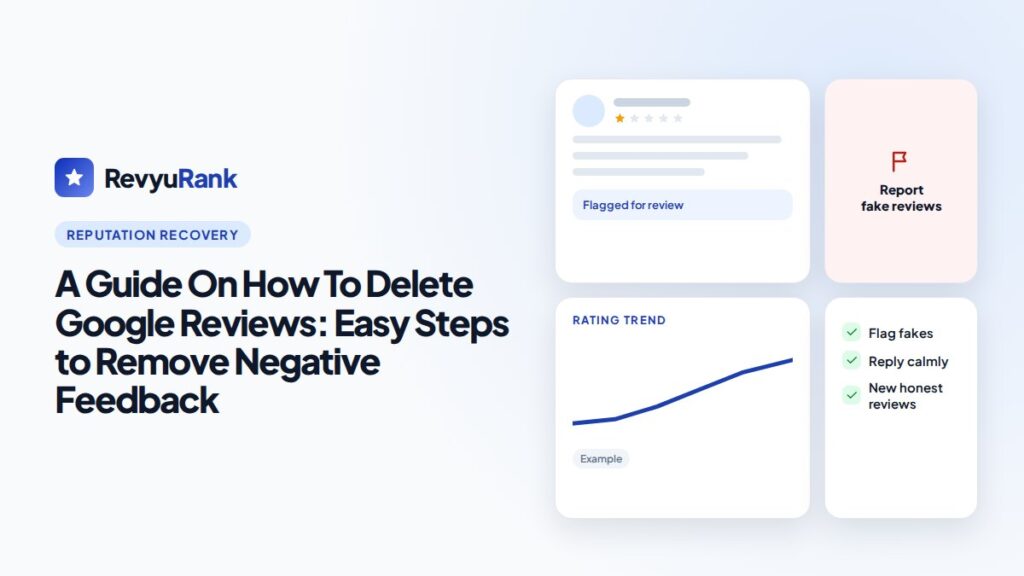
Want to delete a Google review? What you can do depends on who wrote it. If it’s your own review, you can delete or edit it in a few taps. If it’s a review someone left on your business, you can’t delete it yourself, but you can ask Google to remove it when it breaks Google’s policies. This guide covers both, step by step, plus what to do when Google says no.
Quick answer:
- Your own review: Google Maps → Your contributions → Reviews → More (⋮) → Delete review.
- A review on your business: report it from your Business Profile, Google Maps, or the Reviews Management Tool, choosing the policy it breaks. If the report is rejected, you get a one-time appeal.
- Honest negative reviews that follow the rules can’t be removed. Reply calmly and fix the issue instead.
For the wider strategy of protecting your business’s reputation, see our online reputation management guide.
Who Can Delete a Google Review?
| Who you are | What you can do | How |
|---|---|---|
| The person who wrote the review | Edit or delete it any time | Google Maps → Your contributions |
| The business owner or manager | Report it for removal if it breaks policy; reply publicly | Business Profile, Maps, or Reviews Management Tool |
| Anyone else | Report it as inappropriate | The review’s menu on Google Maps or Search |
| Remove reviews that violate its policies | Automated filters and manual review |
In short: only the author can delete a review directly, and only Google can remove someone else’s review.
How to Delete Your Own Google Review
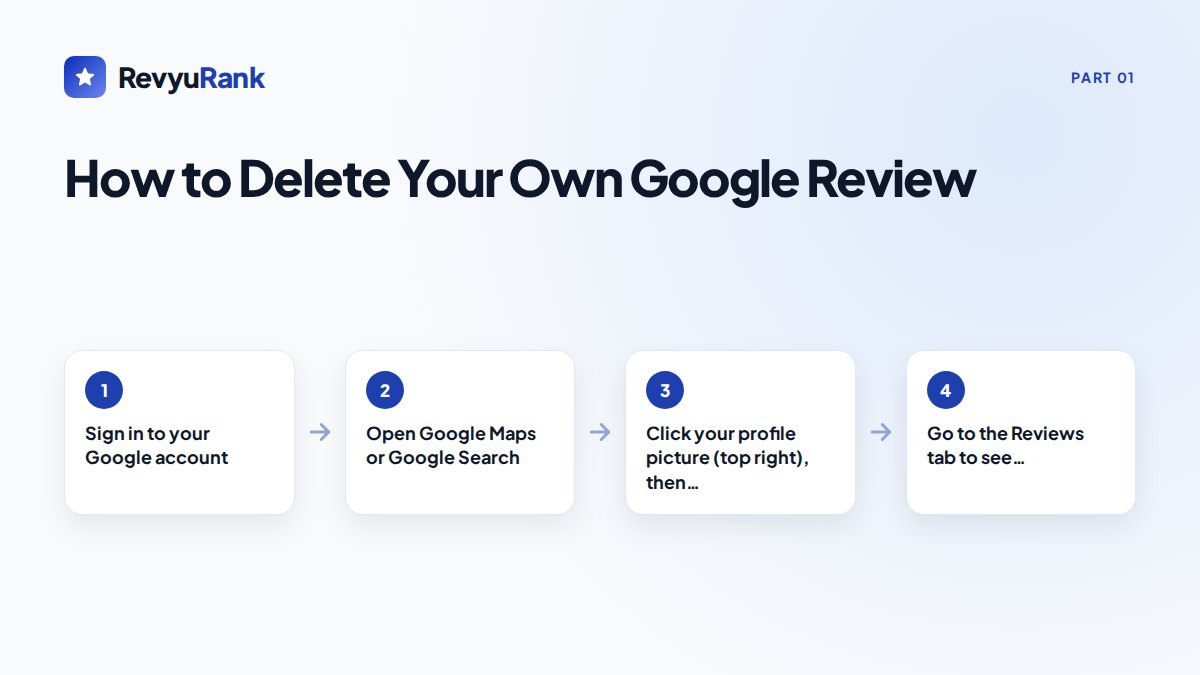
Changed your mind, posted on the wrong business, or wrote something in the heat of the moment? Deleting your own review is quick. According to Google’s help page on adding, editing, or deleting Google Maps reviews:
On a computer
- Open Google Maps and make sure you’re signed in to the account you reviewed with.
- Click the menu at the top left.
- Click Your contributions, then Reviews.
- Next to the review, click More (the three dots).
- Choose Delete review and confirm.
On iPhone or Android
- Open the Google Maps app and tap your profile picture.
- Open your profile or Your contributions, then Reviews.
- Find the review and tap More (⋮).
- Tap Delete review and confirm.
Once deleted, the review is gone and no longer counts toward the business’s rating. You can write a new one later.
Edit instead of delete?
If the business fixed your problem or your opinion changed, editing is often better than deleting: it keeps your experience on record while showing what happened next. Choose Edit review in the same menu. The review date changes to the date of your edit. Our guide to adding, editing, or deleting a Google Maps review walks through every option, including removing a star-only rating.
Problems deleting your own review
- The review isn’t in Your contributions: you’re probably signed in to a different Google Account. Switch accounts and check again.
- The Delete option is missing or greyed out: the review may be under moderation, often because someone reported it. Wait a day or two and try again.
- You no longer have access to the account: recover the account first through Google’s account recovery. Deleting the whole Google Account also removes its reviews.
Can Business Owners Delete Google Reviews?
No. Business owners can’t delete reviews from their profile, even negative ones. What owners can do is report a review that breaks Google’s policies and ask Google to remove it. If Google agrees, the review disappears from both Search and Maps.
That distinction matters, because a lot of businesses waste time reporting reviews that are simply negative. Google’s own guidance is clear: don’t report a review just because you disagree with it. Reports should point to a specific policy.
Which Reviews Google Will Remove
Google removes reviews that break its Maps content policies. The most common grounds, from its policy on fake engagement and related rules:
| Policy violation | Example | Evidence that helps |
|---|---|---|
| Fake engagement / spam | Reviews from people who were never customers; bulk or bot reviews | No booking or purchase record; burst of similar reviews |
| Conflict of interest | A competitor, ex-employee, or the business itself reviewing | Messages or records linking the reviewer to a competitor or former staff |
| Off-topic | Political rants, complaints about a different business | The review content itself |
| Offensive or harassing content | Hate speech, threats, slurs, sexual content | The review content itself |
| Personal information | A staff member’s phone number or home address | The review content itself |
| Impersonation | Someone posting as another person or business | Proof of identity misuse |
| Incentivized or paid reviews | Reviews posted for money or rewards | Screenshots of the offer |
What Google usually won’t remove: honest negative reviews, reviews you think are unfair or exaggerated, reviews about an old problem you’ve since fixed, and reviews where the facts are disputed between you and the customer. Those need a reply, not a report.
How to Report a Google Review for Removal
Google gives you three ways to report a review. All are explained on its help page about reporting inappropriate reviews.
Option 1: From your Business Profile
- Sign in and open your Business Profile on Google Search or Maps.
- Select Read reviews and find the review.
- Select More (⋮) next to it, then Report review.
- Choose the type of violation and submit.
Option 2: From the Google Maps app
- Open Google Maps, tap Business, then Reviews.
- Find the review, tap More, then Report review.
- To report the reviewer’s whole profile, tap their name, then More → Report profile.
Option 3: The Reviews Management Tool (recommended)
The Reviews Management Tool is the best route because it lets you check the status of each report and appeal decisions. On Search, you can reach it from Read reviews → More → Manage reported reviews.
- Open the tool and confirm the email address you use to manage your Business Profile.
- Select your business, then Report a new review for removal.
- Click Report next to the review, choose a category, and submit.
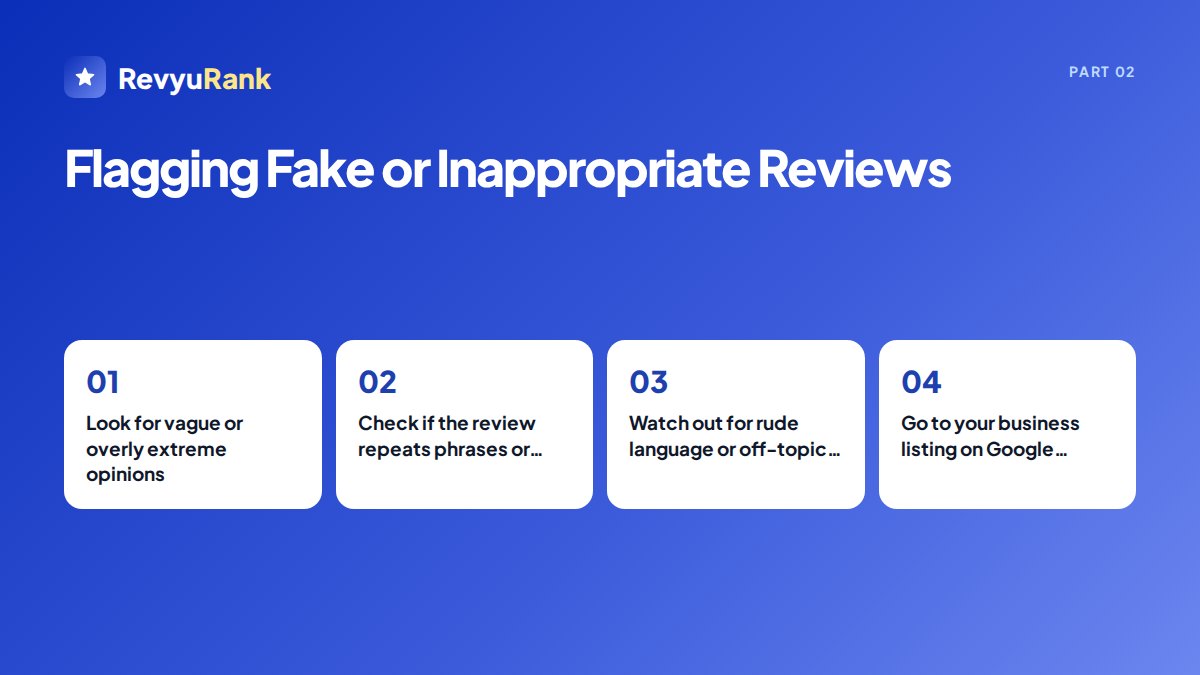
Tips that improve your chances
- Pick the most accurate category. “Conflict of interest” for a competitor review is stronger than a generic “spam” report.
- Check your records first. Search your bookings, invoices, and CRM for the reviewer’s name and the date.
- Report once, then track it. Repeated reports of the same review don’t speed anything up.
- Report the profile too if one account posts fake reviews across many businesses.
To understand what Google does after you flag something, read what happens when you report a Google review. For reviews you’re sure are fake, our step-by-step guide on how to remove fake Google reviews covers evidence gathering in detail.
What to Do If Google Rejects Your Report
If the Reviews Management Tool shows that a review doesn’t violate policy, you can submit a one-time appeal:
- Open the Reviews Management Tool and select your business.
- Choose Check the status of a review I reported previously and appeal options.
- At the bottom, select Appeal eligible reviews and pick the ones to appeal. You can appeal several at once.
Use the appeal for your strongest cases, since each review can only be appealed once. If the appeal also fails, the review stays. A status of “Escalated – check your email for updates” means the case is still being looked at.
Beyond Google’s tools, there’s a legal route for reviews that are clearly defamatory, meaning false statements of fact that damage your business. That’s a last resort: speak to a lawyer first, because legal action can draw more attention to the review. Businesses in the European Economic Area also have additional reporting options for third-party reviews under EU rules, as noted on Google’s reporting help page.
How Long Does Google Take to Remove a Review?
There’s no fixed timeline. Many reports are processed within a few business days, but some take longer, especially escalations and appeals. Check the Reviews Management Tool rather than reporting the same review again. If a review you reported disappears, it may have been removed by Google or deleted by the reviewer; either way it no longer affects your rating.
Reviews That Disappear on Their Own
Sometimes the opposite happens: reviews vanish without anyone reporting them. Google’s spam filters can remove reviews they consider suspicious, including some genuine ones, and reviews disappear when the reviewer deletes them or their Google Account. If good reviews are going missing, see why Google reviews are not showing for the common causes and fixes.
What to Do When a Negative Review Can’t Be Removed
Most negative reviews follow the rules, so they stay. That’s not the end of the story. Readers judge you as much by your reply as by the complaint.
- Reply calmly and quickly. Acknowledge the issue, apologize where it’s fair, and offer a direct contact. Our guide on how to respond to negative reviews has examples.
- Fix the cause. If several reviews mention the same problem, solving it stops future complaints.
- Let the customer update it. After you resolve the issue, the reviewer may edit their review on their own. You can let them know it’s fixed, but never offer anything in exchange for changing or removing it.
- Bring in more recent reviews. Ask every customer for honest feedback. A steady flow of new reviews pushes old complaints down and shows the business today.
Asking a Customer to Update or Remove Their Review
If a customer left a negative review and you’ve genuinely resolved their problem, it’s fine to let them know the issue is fixed and that they’re welcome to update their review if their view has changed. Keep it neutral: “We’re glad we could sort this out. If you’d like to update your review, here’s the link.” The decision must be theirs, with nothing offered in return and no pressure if they choose to leave it as it is.
Many customers do update reviews after a good resolution, often turning a one-star complaint into a story about great service. That’s worth more to future readers than a deleted review, because it shows how you handle problems.
Old Reviews and Reviews About Problems You’ve Fixed
Google doesn’t remove reviews just because they’re old or describe something you’ve since changed. Two things help instead. First, reply with an update (“Thanks for this feedback. Since then we’ve extended our opening hours and added online booking”). Second, keep new reviews coming. Most customers focus on recent reviews, so a steady flow of fresh feedback naturally pushes old complaints down the page.
What Never to Do
- Don’t pay a reviewer, or offer a refund or discount, to delete or change a review. Google treats this as fake engagement.
- Don’t threaten reviewers with legal action to make them remove honest reviews. In the US, the FTC prohibits suppressing reviews through intimidation.
- Don’t pay companies that promise guaranteed removal. Only Google decides what comes down.
- Don’t post fake positive reviews to bury a negative one. They get filtered and can lead to restrictions on your profile.
If you’re dealing with a wave of fake reviews or a serious reputation problem, our Google reputation recovery service handles evidence-based reporting, replies, and a compliant plan to rebuild your rating.
Our team handles exactly this through Google Review Generation.
Frequently Asked Questions
How do I delete my own Google review?
Open Google Maps, go to Your contributions, then Reviews, select More next to the review, and choose Delete review. You must be signed in to the same account you reviewed with.
Can a business owner delete a Google review?
No. Owners can only report reviews that break Google’s policies. Google decides whether to remove them. Owners can also reply publicly to any review.
What reviews will Google remove?
Reviews that break its policies: fake or spam reviews, conflicts of interest, off-topic content, offensive or harassing language, personal information, impersonation, and paid or incentivized reviews.
How long does it take Google to remove a reported review?
Often a few business days, sometimes longer. Track progress in the Reviews Management Tool instead of reporting again.
What if Google refuses to remove a fake review?
Use the one-time appeal in the Reviews Management Tool, with clear evidence. If that fails, reply calmly to the review so readers see your side.
Can I pay someone to remove a Google review?
No legitimate service can guarantee removal, and paying a reviewer to delete or change a review breaks Google’s rules.
Does deleting a review affect the business’s rating?
Yes. Once a review is deleted or removed, it no longer counts toward the business’s average rating or review count.
What to Do Next
- If it’s your review, delete or edit it from Your contributions.
- If it’s on your business, check the review against Google’s policies and gather evidence.
- Report it through the Reviews Management Tool and track its status.
- Reply calmly to every negative review, whether or not you report it.
- Keep asking every customer for honest reviews so your profile reflects today’s service.

Robert Miller works as a Reputation Management Consultant. He has been helping U.S. businesses for over ten years. His work involves helping people protect and enhance their online image.Robert has worked with a wide range of companies. He has helped new businesses, local places that give a service, and big companies. He helps turn customer reviews into something that helps people trust their company and drives business growth.