Google Business Profile Q&A is gone: Ask Maps means local questions may appear in an AI conversation rather than your profile, not that every customer question has disappeared. Google is moving local discovery toward Ask Maps, which can answer questions about places and compare options conversationally. Your business still needs an accurate Google Business Profile, good reviews, photos, and clear services. Customers may see an AI answer first, with less control over its wording.
What happened to Google Business Profile Q&A?
Google Business Profile Q&A has become less visible in some searches as Google shifts local questions toward Ask Maps. Ask Maps lets people ask longer questions about places, such as which restaurant suits a group or which store offers a specific product. The change affects how customers discover answers, not just where a business owner posts them.
That doesn’t mean every old question has been deleted at once. Google changes features by account, country, device, and search type. Some businesses may still see older Q&A content, while others may see fewer prompts or no clear Q&A area. The same business can therefore look different in Google Search and Google Maps, or across two users’ devices.
Google Maps describes Ask Maps as a way to get conversational answers about places and local areas. Because answers may be generated from available business and place information, missing or outdated details can affect what customers learn.
The practical answer is simple: don’t build your local strategy around the old Q&A box. Keep your profile complete, write useful service information, and answer customer questions through channels you still control. If a question reveals missing information, add that answer to your profile content rather than relying on customers to find an old Q&A thread.
What happened to the Q&A API and review tools
Google announced in September 2025 that it would end the My Business Q&A API, and the API was switched off on 3 November 2025. Third-party review and listing tools can no longer read or post questions through it. If you used such a tool to manage questions, move those answers into your profile fields and website instead.
Google local search parts that matter
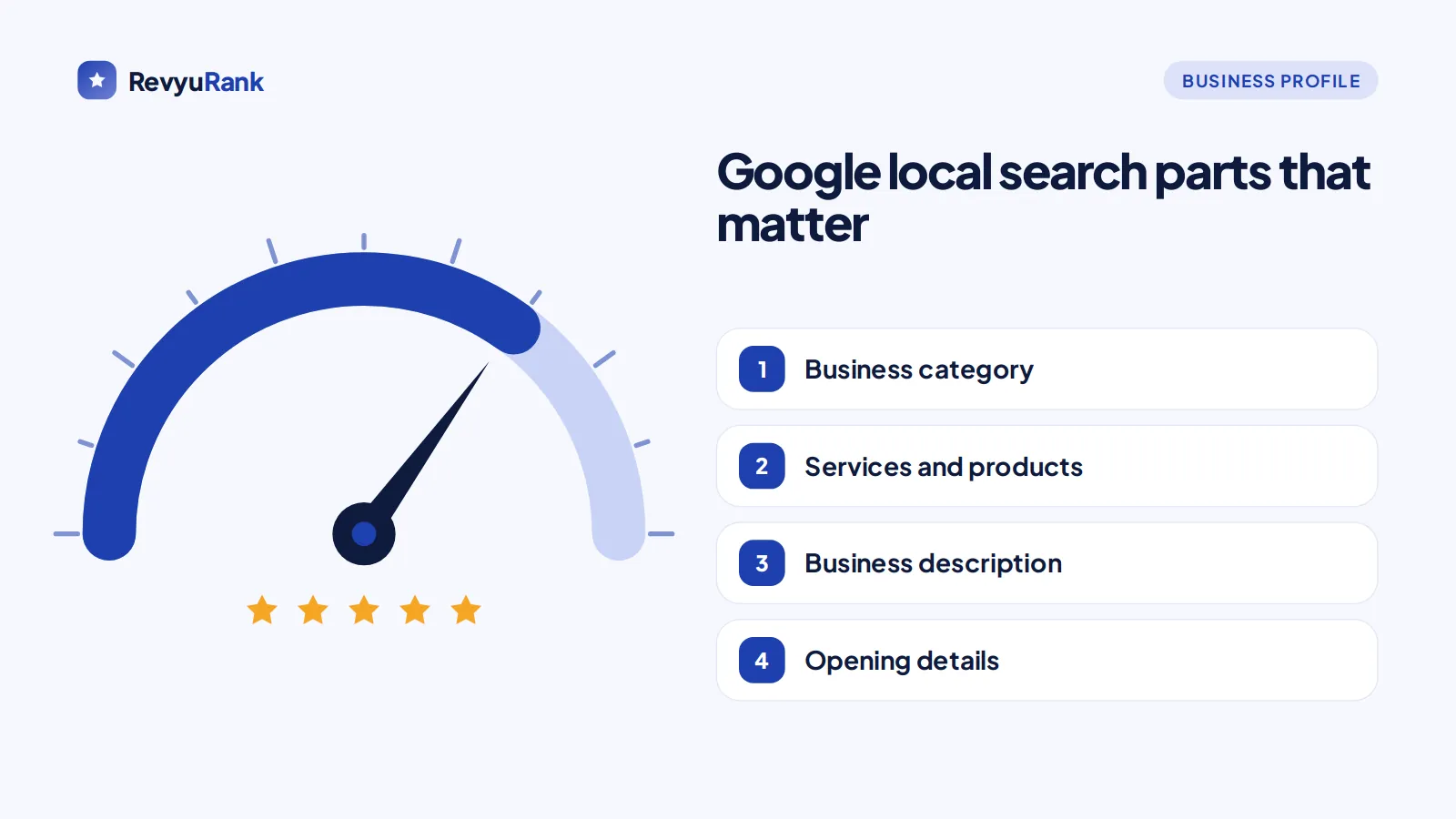
Ask Maps doesn’t work from one single field. It can draw meaning from your profile, reviews, photos, location information, and other public information about the business. A complete profile helps, but it doesn’t guarantee a particular answer or ranking.
| Part or input | What it does | What you notice when it goes wrong |
|---|---|---|
| Business category | Sets the business type | Wrong searches appear |
| Services and products | Explains what you offer | Customers miss key offerings |
| Business description | Adds useful context | AI answers lack detail |
| Reviews | Shows customer experiences | Repeated complaints stand out |
| Photos | Shows place and products | Customers see little proof |
| Opening details | Sets visit expectations | Customers arrive at bad times |
Profile fields don’t all have the same weight, and Google doesn’t promise that every field will appear in an AI response. Still, missing or conflicting information gives local systems less reliable material to use.
Check the profile against the way customers actually describe the business. If the category says “restaurant” but the services emphasize catering, Ask Maps may not connect the profile with catering questions as clearly as you expect.
Reviews can reinforce details that the profile leaves vague. Repeated mentions of takeout, accessibility, appointment requirements, or a specific service may shape what customers expect, even when those details aren’t written in the description.
Keep the same facts consistent across the profile, website, photos, and other public listings. If the hours or services differ, correct the source that customers are most likely to rely on before adding more promotional wording.
How Ask Maps answers local questions
- Ask Maps takes a customer's natural question and builds a conversational answer from available local information. A customer opens Google Maps or a related Google search and types a natural question. The question may ask for a place, a product, a service, or a comparison. It doesn’t need to use the business name, so a complete profile matters even when the customer has never heard of you.
-
Google interprets the words and the customer’s local intent. “Quiet dinner near me” asks for something different from “Does this restaurant take reservations?” The wording, location, time, and nearby options can all change the result.
-
Google gathers information from available local sources. Your Business Profile can supply categories, services, hours, photos, and other details. Reviews may also describe customer experiences, but you can’t edit those reviews or choose which sentence an AI system notices.
-
The system creates a conversational answer or list of places. The answer may mention several businesses, explain a reason, or suggest follow-up questions. It may not show the same profile text that a customer sees on your own listing.
-
The customer checks the answer against the visible business information. They may open your profile, read reviews, look at photos, call, visit your website, or ask another question. This is where conflicting hours or unclear services can lose the visit.
-
The customer takes action, or leaves. You can measure some actions through Business Profile performance data, website analytics, calls, messages, and bookings. You won’t get a perfect report showing every time Ask Maps influenced a decision.
-
The information changes as your profile and public signals change. If your service list changes, update the profile before customers ask about the new service. If a serious error remains after you check your account, use Google Business Profile support rather than trying to alter hidden search data.
Ask Maps may not show for every business type
Industry reports say Ask Maps is not switched on for every category. Healthcare providers, counseling services and some regulated categories were reported as missing. If you don’t see an Ask Maps prompt on your profile, that may be the reason. Keep your profile and website accurate either way.
Why missing Q&A changes local visibility
Without the old Q&A area, local answers depend more on the quality and consistency of your profile and other public information. The old Q&A area gave businesses and customers a visible place to ask and answer direct questions. A business could often spot a repeated concern, such as parking, accessibility, reservations, or product availability, and add a response.
Ask Maps changes the surface where that information may be used. A customer could ask a broad question and receive a generated answer without first opening the business profile. That makes the quality and consistency of your underlying information more important than a long list of one-off replies.
A question about hours points first to your opening details. If the profile shows one schedule but your website shows another, the system has conflicting inputs and the customer has a reason to hesitate. Check the profile, website, holiday hours, and booking page together.
A question about a service points first to your category, services, products, and business description. If the service appears only in an old Q&A answer, it may be harder for a newer local answer to find and use. Put the service in the correct current field, then explain limits on your website.
A question about quality points more toward reviews and recent customer experiences. Adding a service description won’t erase a pattern of complaints about delays or poor communication. Reply calmly to reviews, fix the real problem, and don’t ask customers to repeat identical wording.
A question about a physical feature points toward photos and place information. If customers ask whether there’s outdoor seating, wheelchair access, parking, or a fitting room, use accurate photos and plain text where Google provides the relevant field. Don’t label a feature “accessible” unless the claim matches the actual experience.
A common mistake is treating an AI answer as a normal profile field that can be edited directly. That can cost time and create bad support requests because there may be no button for changing the wording of a generated response. Correct the source information instead, then report a clear factual error through Google’s support or feedback tools.
The trade-off is less direct control but broader question coverage. A single Q&A reply could answer one narrow question; Ask Maps may help a customer combine several needs, but the business can’t approve every sentence before it appears.
The feature also isn’t a replacement for your website or customer service. If an answer involves a legal promise, a medical need, a refund, a guarantee, or exact availability, customers should confirm with your business. AI-generated local information can be incomplete or wrong.
What you control for Google Business Profile and Ask Maps
You can control
- Your primary and additional business categories.
- Services, products, attributes, and business description.
- Regular hours and special hours.
- Current photos, phone number, website, and booking link.
- Clear replies to reviews and customer messages.
- Whether those details match your storefront, website, and other public business information.
Keep each field factual and specific. Choose the category that best describes what the business is, rather than adding categories for every service you offer. If your hours change temporarily, use special hours instead of replacing your regular schedule.
Google controls
- Whether Ask Maps appears for a customer.
- Which businesses it includes in an answer.
- The wording of a generated response.
- Which public signals it uses and how it ranks them.
- How quickly a change appears across Google surfaces.
Updating your profile can improve the information Google has available, but it doesn’t guarantee inclusion in an Ask Maps answer. Check the live profile after important edits, and allow for changes to appear before repeatedly changing the same field.
You’re not controlling the full local answer, and you can’t safely force a preferred result. If the issue involves a suspended profile, ownership dispute, impersonation, or repeated policy enforcement, stop changing fields at random and use Google Business Profile support or a qualified local-search professional.
Better habits for Ask Maps visibility
Start with the questions customers ask before they visit. Turn each useful answer into accurate profile information, such as services, products, hours, amenities, or booking details. If the detail has a limit, state that limit clearly rather than using a broad claim. For example, say which appointment types require booking instead of implying that every service is available immediately.
Keep important facts consistent across your profile, website, booking system, and storefront. If your holiday hours change, update the profile and the other customer-facing pages at the same time. A short mismatch can create more confusion than a missing marketing sentence. Check phone numbers, service names, accessibility details, and booking instructions during the same review.
Use customer language in your service descriptions. If people ask for “same-day passport photos,” don’t list only an internal phrase such as “document imaging.” Plain wording gives Google and customers a better chance of matching the service to the question. Keep the wording accurate, though: if same-day service depends on an appointment or an early arrival, include that condition.
Review new questions and reviews for patterns, even though the old Q&A display may be reduced. If five customers ask about parking, add accurate parking information where available and show the entrance in a photo. Don’t promise reserved spaces if you only offer nearby public parking. If access changes by time or event, explain when the restriction applies.
Refresh information when the business changes, not just when you publish a post. A new service, moved entrance, temporary closure, or changed booking process can make older answers misleading. Remove outdated wording instead of adding a second version that leaves customers to resolve the conflict.
Track real actions rather than trying to guess every AI impression. Compare calls, direction requests, website visits, bookings, and messages before and after meaningful profile updates. Google doesn’t provide a complete public number showing how often Ask Maps influenced each customer’s final choice. Look for changes over a comparable period, and record which updates were made so the comparison has context.
Related guides
For hands-on help with this, our team offers Google Business Profile Optimization Service.
When you want it set up without the guesswork, Google Review Generation is the place to start.
Frequently asked questions
Is Google Business Profile Q&A gone for good?
No, not for every business or search. Google can show different local features by country, device, account, and query, so an older Q&A area may still appear in some places. The safer approach is to treat Q&A as secondary rather than as your main information source. Put important facts in current profile fields and your website, where customers can still verify them directly.
What is Ask Maps in Google Maps?
Ask Maps is Google’s conversational way to answer questions about places and local areas. A customer can ask for recommendations, compare options, or describe several needs in one request. Google then creates an answer from available local information. It isn’t a normal profile field, and businesses don’t get to approve each generated answer before customers see it.
Can businesses edit Ask Maps answers?
No, businesses can’t directly edit the wording of an Ask Maps response. You can correct the information Google may use by updating your Business Profile, website, services, photos, and other public details. If the generated answer contains a serious factual error, use Google’s available feedback or support route. Don’t create duplicate listings or add false keywords to force a different answer.
Why is my business missing from Ask Maps?
Your business may be missing because the question, location, category, distance, hours, or available information doesn’t fit the customer’s request. Google may also show different results to different people. Check your category, service list, address, hours, photos, and reviews first. If those details are accurate, there still isn’t a guaranteed way to make Ask Maps include your business for every question.
How long does a Google Business Profile change take to appear?
There’s no single reliable time for every profile change. Google may review, delay, or display changes differently across Search and Maps. Check the edit status in your Business Profile and compare the public listing after the change. If an important factual correction remains wrong, use official Business Profile support instead of repeatedly submitting the same edit.
Does Google Q&A still matter for local SEO?
Yes, existing questions and answers may still help customers where that feature remains visible, but they shouldn’t carry your main local information. A customer needs key facts in the profile, website, and other current sources. If a detail affects a visit, such as hours or accessibility, don’t leave it only in an old Q&A thread that may be harder to find.
What happens if Ask Maps shows wrong information?
Customers may receive a misleading answer, so correct the source information as soon as you find it. Check your Business Profile, website, booking page, and hours for conflicts. Then report the specific error through Google’s feedback or support tools. If the issue involves safety, access, payment, or a legal promise, give customers a direct confirmation instead of relying on the AI answer.
What to do next
Treat this change as a prompt to strengthen the information Google can use about your business. Review your profile and website for clear, current answers to common customer questions, then check how your business appears in local searches. Keep improving those details, because useful, accurate information gives AI less room to guess.

Robert Miller works as a Reputation Management Consultant. He has been helping U.S. businesses for over ten years. His work involves helping people protect and enhance their online image.Robert has worked with a wide range of companies. He has helped new businesses, local places that give a service, and big companies. He helps turn customer reviews into something that helps people trust their company and drives business growth.
Sources and official guidance