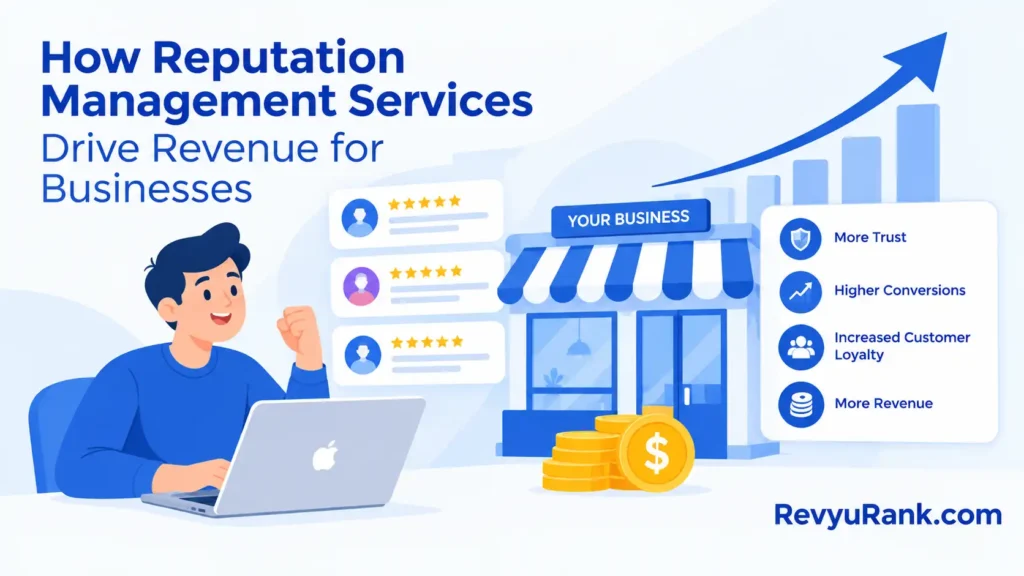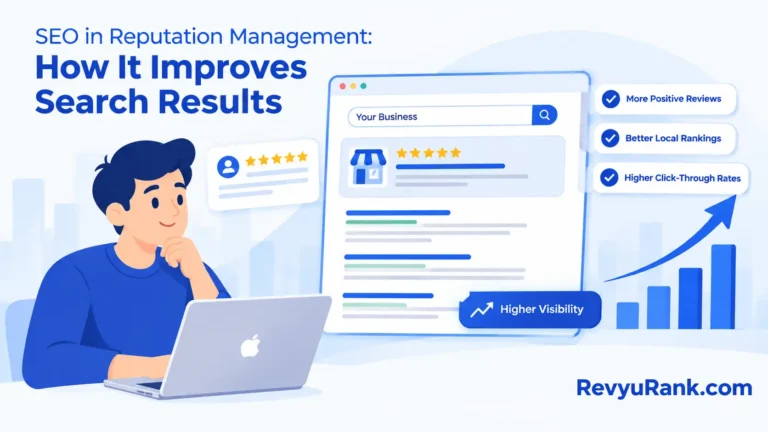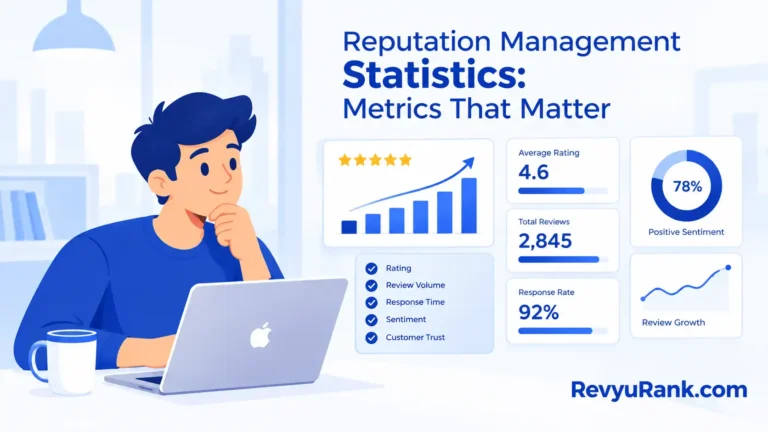

If you want your BigCommerce store to feel more trustworthy and encourage people to buy, showing real customer reviews is a smart move. When visitors see honest feedback right on your site, they’re more likely to trust you—and that means more sales.
Wondering how to add Google Reviews without a headache? I’ll walk you through simple steps to get those reviews live on your store. By the end, you’ll have a neat setup that helps turn visitors into customers. Ready? Let’s dive in.
Why Google Reviews Matter for Your BigCommerce Store

Google Reviews do more than just look good. They:
- Build trust: People trust what others say. Reviews show your store is legit.
- Help with SEO: Fresh reviews add new content, helping your site rank higher on Google.
- Boost sales: Positive feedback eases doubts and pushes shoppers to buy.
- Give feedback: Reviews tell you what customers like—and what you can improve.
Trust Is Everything
Most buyers check reviews before clicking “buy.” Seeing real, positive reviews makes them feel safe. That trust often turns into repeat customers.
Seo Benefits
Google loves fresh content. Reviews provide that. More content means your store shows up higher in search results. More visitors. More chances to sell.
More Sales, Faster
Reviews help shoppers decide quickly. When they see good feedback, hesitation drops. Result? More orders.
Getting Your Google Reviews Ready
Before showing reviews on your site, get them cleaned up and organized. Here’s how:
- Check your reviews: Remove spam or fake ones. Only keep real, relevant feedback.
- Verify your Google Business profile: This is a must. Verified profiles can collect and display reviews publicly.
- Collect recent reviews: Fresh reviews matter more. Ask happy customers to leave new ones.
- Organize reviews: Sort by date or rating, and highlight detailed comments.
How to Embed Google Reviews on BigCommerce
You’ve got options. Pick one that fits your skills and what you want:
1. Use Google’s Official Review Widget
This is the easiest way. Google gives you a small code snippet to paste on your site. It shows your latest reviews automatically and keeps your site fast since Google handles the data.
2. Use A Third-party App
There are apps made for BigCommerce that pull your Google Reviews in. They often offer extra features like custom designs and filters. Some cost money, but they make setup easy and look professional.
3. Manual Embedding With Custom Code
If you’re comfortable with code, you can use Google’s API to fetch reviews yourself. This gives full control over how reviews look, but it takes more work and you’ll need to update regularly.
Using Google API to Display Reviews
The Google Places API connects your site directly to your Google Business reviews. This means your reviews stay fresh without manual work. Here’s a quick overview:
- Create a Google Cloud account and set up a project.
- Enable the Places API and get your API key.
- Use your Google Place ID to fetch reviews in JSON format.
- Display the reviews with your own styling using JavaScript or server-side code.
Third-Party Apps to Make Life Easier

If you’re not a coder, apps are your friends. They handle the tech stuff and look great on your site. Popular options include EmbedReviews and Trustpilot, which many BigCommerce users love.
Picking The Right App
- Check your budget and what features you need.
- Look at user reviews to find reliable options.
- Make sure the app supports automatic updates and fits your site style.
How To Set It Up
Install the app from the BigCommerce store, connect it to your Google Business account, and customize the look. Easy.
Step-by-Step: Embedding Google Reviews Without Coding
Here’s a quick guide to get reviews on your site fast:
- Find your Google Place ID: Use the Google Place ID Finder online and copy your business’s ID.
- Choose a review widget: Pick one that works with BigCommerce and suits your style.
- Generate the embed code: Enter your Place ID, customize the look, and copy the code.
- Add the code to your site: In BigCommerce, go to Storefront > Web Pages, open the HTML editor, and paste the code.
- Preview and tweak: Check how it looks on desktop and mobile. Adjust as needed.
Customizing Your Reviews
Make sure your reviews match your store’s style. Here are some tips:
- Pick a layout that fits your site—grid, list, or carousel.
- Use your brand colors and easy-to-read fonts.
- Show only a handful of reviews to avoid clutter.
- Filter reviews by rating to highlight the best feedback.
- Include reviewer names, photos, and dates for authenticity.
Tips to Get the Most from Your Reviews
To make your reviews work hard for you:
- Place reviews where visitors can see them easily, like near products or checkout.
- Show a mix of stars and comments to give a full picture.
- Highlight honest, helpful feedback instead of just perfect scores.
- Keep reviews fresh by adding new ones regularly.
- Use fast-loading widgets or apps to keep your site speedy.
Frequently Asked Questions
How do I get Google Reviews for my BigCommerce store?
Set up a Google My Business account for your store location and ask customers to leave reviews.
Can I embed Google Reviews without coding?
Yes! Many apps and widgets let you add reviews with just a few clicks.
What’s the easiest way to show Google Reviews on BigCommerce?
Using a trusted third-party app or Google’s official widget is the simplest.
Will embedding reviews improve my SEO?
Yes. Reviews add fresh content and build trust, which helps with local SEO.
How often do embedded reviews update?
Most widgets update daily or weekly to keep reviews current.
Can I customize the look of my reviews?
Absolutely. Many tools let you change colors, fonts, and layouts.
Is it safe to display Google Reviews on my site?
Yes. Embedding public reviews follows Google’s guidelines and is safe.
Final Thoughts
Adding Google Reviews to your BigCommerce website is a simple way to build trust and show real customer feedback. It helps shoppers feel confident and can lead to more sales. Keep your reviews fresh and well-displayed, and your site will look more professional and inviting.
Give it a try today—you’ll be surprised how much a few honest words can help your business.

Robert Miller works as a Reputation Management Consultant. He has been helping U.S. businesses for over ten years. His work involves helping people protect and enhance their online image.Robert has worked with a wide range of companies. He has helped new businesses, local places that give a service, and big companies. He helps turn customer reviews into something that helps people trust their company and drives business growth.