Introduction
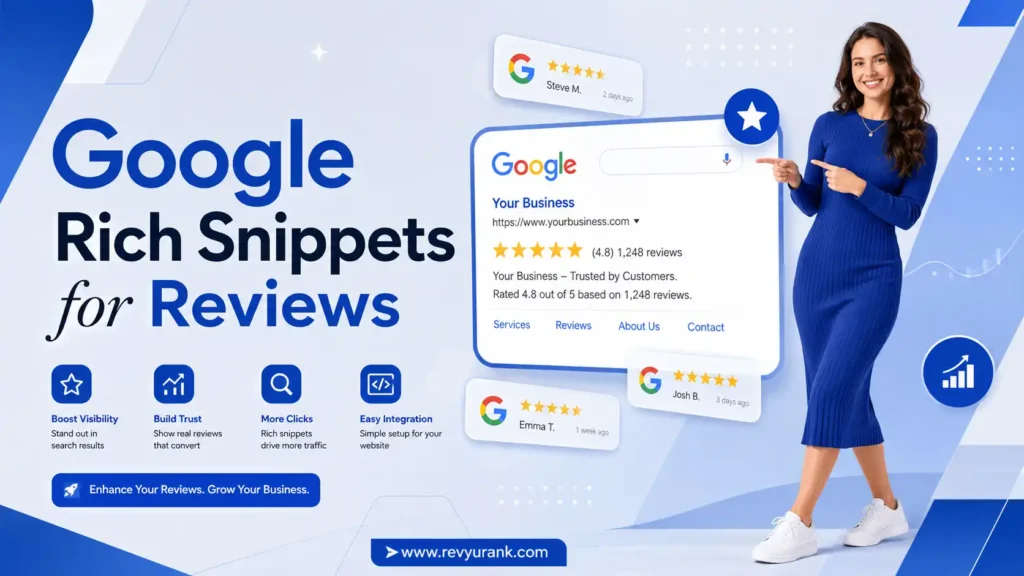
If you want your pages to stand out in search results, Google rich snippets can help. They let Google read structured data on your site and sometimes display review stars under your listing. That small visual change can make a big difference when people compare options. The good news is that review snippets are usually easier to pursue than paid star features. Once you understand the rules, you can build a cleaner setup that gives your pages a better chance to appear with enhanced search results. For more insights on review optimization and search visibility, visit RevyuRank.
Understanding Google Rich Snippets for Reviews
Google rich snippets for reviews are enhanced search results that can show stars and review details when search engines read the right structured data on a page. For many sites, product reviews offer the clearest path because Google can pull rating information directly from the page.
To add them to your website, you place valid markup on eligible pages or use a review platform that outputs it for you. Rich snippet performance depends on correct setup, visible content, and whether Google chooses to show the feature in search results.
What Are Rich Snippets and How Do They Work in Search Results?
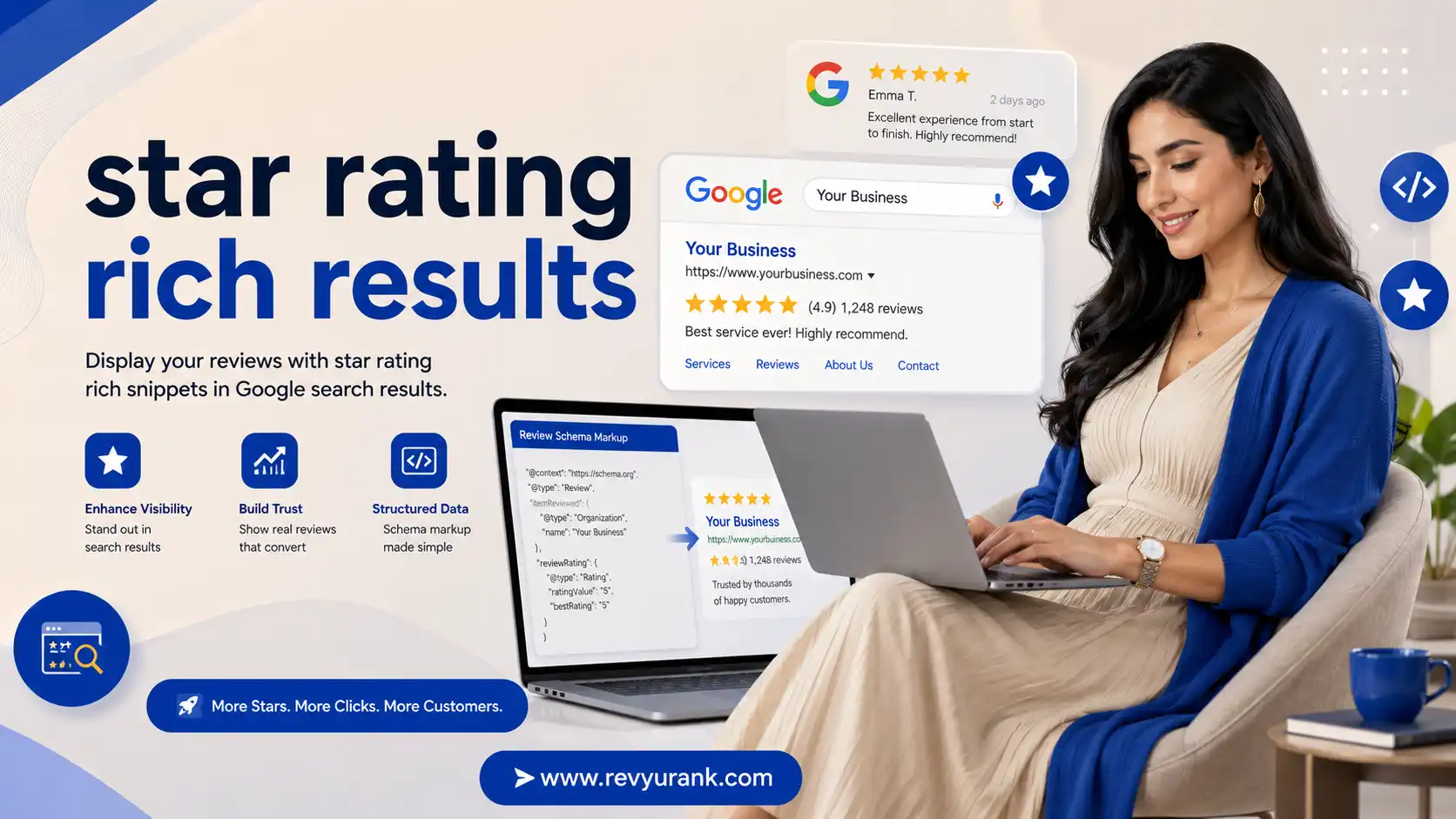
Rich snippets are pieces of structured information added to a page so search engines can better understand what the content contains. In Google search, that can lead to enhanced search results instead of a plain blue link. For review pages, this may include a star display and review count in organic search results.
On a review-focused page, the markup tells search engines about items such as the product name, star rating, reviewer name, and review text. When the data is valid and visible on the page, Google can read it and decide whether to show the extra details.
If you want to add Google rich snippets for reviews to your website, start by placing the right markup inside the page code or using a supported tool that inserts it into product pages. Then test it and wait for crawling.
Types of Review Rich Snippets Supported by Google
Google supports review-related rich snippet eligibility for only certain schema types. The compiled guidance lists types such as Product, Book, Course, Recipe, SoftwareApplication, LocalBusiness, and Organization. Still, not every supported type performs the same way in Google search results.
For most websites, product reviews are the strongest option because Product markup is the most reliable route for organic stars. Seller ratings are different. They come from licensed review partners and appear in Google Ads or Shopping, not from on-page review snippet code.
| Star Feature | Source | Where It Shows |
|---|---|---|
| Review rich snippet | Structured data on your site | Organic Google search results |
| Seller ratings | Licensed review partners | Google Ads and Shopping |
| Third-party stars | External review platforms | Branded results and knowledge-style displays |
So, what structured data do you need? In practice, use one of the eligible schema types, with Product being the preferred choice for review visibility.
The Benefits of Review Star Ratings as Rich Snippets
Review star ratings make your listing more noticeable in organic search results. Those gold star ratings create a quick visual cue that can pull attention away from plain listings. That matters when potential customers are scanning fast and comparing choices.
There is also a strong trust effect. A visible star rating can support better search performance because users may feel more confident clicking a result that already shows review signals. That is one of the clearest benefits of rich snippets.

Boosting Trust and Credibility with Visible Review Stars
In crowded search results, people often make fast decisions. A visible star rating gives them immediate review data before they even visit your page. That simple cue can strengthen trust because the listing already looks more informative and established.
Google rich snippets do not just add decoration. They help searchers see that real feedback exists on the page. When review data is clear and connected to the product being searched, your credibility can improve at the exact moment someone is deciding where to click.
A few trust-building benefits stand out:
- A star rating gives users a quick signal that other buyers have shared feedback.
- Visible review data can make your listing feel more credible than plain text results.
- Google rich snippets help your page look more complete in crowded search results.
- Strong review presentation can support buyer confidence before the first visit.
Improving Click-Through Rates and Search Performance
When search engines show rich snippets, your listing can attract more attention than standard organic search results. That often supports stronger click-through rates because users notice the extra information first. Even a small visual edge can matter on a busy results page.
Better clicks can also help overall search performance over time. The compiled guidance notes that increased engagement may contribute to indirect SEO value, even though review stars are not presented as a direct Google ranking factor.
Here are two practical gains:
- Rich snippets can lift click-through rates by making your page more appealing in organic search results.
- Improved user engagement can support stronger search performance and visibility over time.
For many sites, that makes review markup a low-cost way to improve how listings compete.
Essential Structured Data for Review Snippets
A review snippet depends on clear structured data markup that matches the page content. Google needs readable data markup, the right schema types, and visible review content before it can consider showing stars. For most websites, product reviews remain the safest focus.
You also need to monitor the setup after implementation. Search Console can show warnings or indexing issues tied to your review snippet. In the next sections, you will see which markup choices matter most and which properties Google expects to find.
Choosing the Right Schema Markup for Reviews
Choosing the right schema markup starts with the page type. If your goal is review-rich snippets in search results, Product schema is the most dependable choice from the compiled guidance. It aligns well with item-level reviews and is the main recommendation for organic stars.
By contrast, organization schema and LocalBusiness markup have stricter limits. Google does not show self-serving review stars for those when the business controls the reviews itself, even if the code is technically valid. That rule makes many company-level review setups poor candidates.
Keep these points in mind:
- Use product schema when the page is about a specific item with its own reviews.
- Avoid expecting organization schema to generate self-controlled company stars.
- Match the schema markup to visible on-page content so search results stay consistent.
If you want the best chance of stars, stay product-focused.
Key Properties: AggregateRating, Review, and Product
Once you choose from the eligible schema types, the next step is supplying the key properties Google expects. The compiled guidance highlights required fields such as the product name, review details, rating, and author. The name field is especially important because Google requires it for snippet eligibility.
A typical setup connects the product entity with review and aggregate rating information. That lets Google understand both a single review and the broader score across multiple reviews. The aggregate rating usually reflects the average rating and the number of reviews attached to that item.
Your structured data should also match what users can see on the page. If review text, scores, or product details are hidden, inconsistent, or incomplete, Google may ignore the markup. Accuracy matters just as much as selecting the right properties.
Adding Review Schema to Your Website
There are two main ways to add review schema to your site. You can place the markup directly in your website’s HTML, or you can use a review widget from a platform that handles the structured output for you. Both methods aim to help product reviews appear as an enhanced version in Google search results.
If you manage many pages, embedding code into a product template can save time. The next two sections compare manual setup with platform-based options and explain the practical steps involved.
Manual Implementation vs. Using Review Platforms
If you have a development team, manual implementation can work well. You add the markup yourself, control the page output, and tailor the setup to your site. This route is useful when you want direct control over dynamic code and how reviews appear across product pages.
Still, many businesses prefer a review platform because it reduces technical work. Platforms can support review collection, provide a ready-made widget, and output compliant schema without custom development on every page. That can be faster and easier to maintain over time.
Here is a simple comparison:
- Manual implementation offers control, but it needs technical skill and ongoing checks.
- A review platform simplifies review collection and often includes compliant schema by default.
- Both methods should be monitored in Google Search Console after launch.
The best option depends on your resources, page volume, and comfort with code changes.
Step-by-Step Guide for Adding Schema Code
To add schema code manually, begin with the correct markup for the page. For product review pages, use Product-focused structured data and include the needed review details. Then place that data markup within the website’s HTML so Google can read it during crawling.
If you prefer a simpler route, install a review widget that already outputs the markup. Many tools offer copy-and-paste setup into product pages or templates, which makes rollout much easier when you have a larger catalog.
Follow these core steps:
- Add the schema code or review widget to the correct product page and make sure the review content is visible.
- Test the structured data after installation, then wait for Google to crawl and process the changes.
That is the practical answer to how you add Google rich snippets for reviews to your website.
Eligibility Guidelines for Review Rich Snippets
Google rich snippets follow clear eligibility guidelines, and not every page with reviews can show stars. Compliance depends on the schema type, the visible content on the page, and whether the reviews fit Google’s rules. That is why product pages are usually the safest target.
Review collection also matters. Google expects genuine, visible feedback, not hidden or manipulated content. Businesses that want to improve review visibility and build stronger trust signals often use platforms like RevyuRank to manage and showcase customer feedback effectively. The next sections explain which page types can appear with stars in Google search results and why organization schema is more restricted.
Which Page Types Can Show Review Stars in Google?
Google allows review rich snippets for specific schema-supported content types. The compiled list includes Product, Book, Course, Recipe, SoftwareApplication, Event, Movie, and several others. In real-world search listings, though, product pages are the most practical choice for many sites.
That is because product pages connect the review directly to a single item, which makes the schema markup easier to validate and easier for users to understand. Seller ratings are separate and do not come from the same on-page markup system.
Common eligible page types include:
- Product pages with item-level reviews and proper schema markup
- Certain content pages such as recipes, courses, and software pages
- Other supported entities listed by Google, depending on the page content
If your goal is consistent star visibility, product-focused search listings give you the strongest starting point.
Can Review Snippets Appear on Homepages or Only on Product Pages?
You can add review schema to many kinds of pages, but that does not mean Google will show stars everywhere. The strongest guidance from the compiled information is to focus on product pages, not company-wide pages, when your goal is review visibility in search results.
A homepage is usually a weak candidate because it often represents the business as a whole rather than a single reviewed item. Google’s rules also block self-serving review stars for Organization and LocalBusiness setups when the business controls those reviews. That removes a common homepage strategy.
So, can you add Google rich snippets to your homepage or only to product pages? You may add markup, but product pages are far more aligned with eligibility and display expectations. If you want better odds, build your review schema around item-level pages.
Troubleshooting and Common Mistakes
Even with markup in place, stars may still fail to appear. Troubleshooting usually starts with common issues such as missing fields, unsupported page types, or review content that is not clearly visible. Sometimes the collected review data is fine, but the code has small errors.
That is why continuous compliance matters. Use the rich results test and Google Search Console to spot warnings, indexing delays, or invalid markup. The next sections cover the most likely causes and the best ways to stay on track.
Why Your Review Rich Snippets Might Not Appear in Search
A page can have markup and still show no stars in search listings. One reason is timing. Google may take 7 to 14 days on average to crawl changes, and stars may take 1 to 3 weeks to appear if they appear at all. Rich snippet performance is never guaranteed.
Another issue is invalid or incomplete code. Google needs valid structured data, visible reviews, and the right schema type. If your page uses company-level markup for self-controlled reviews or misses required fields like the name property, display can fail.
Check for these common issues:
- The page uses the wrong schema type for the content
- Required fields are missing, or the markup contains syntax errors
- Google Search Console shows warnings, indexing problems, or review snippet issues
If your stars are missing, start with validation and then confirm the page truly meets Google’s rules.
Testing Your Schema and Avoiding Penalties
The best first step is testing. Use Google’s rich results test by entering the page URL and checking for errors, missing fields, or unsupported markup. Then review Search Console for warnings under review-related enhancements. These tools help confirm whether your page has compliant schema that Google can understand.
You should also check for basic code bugs. Even small syntax issues can break markup. That is why regular testing matters after any template update, widget change, or product page redesign.
Keep these habits in place:
- Run the rich results test after implementation and after major page changes
- Use Search Console to monitor warnings and maintain compliant schema over time
As for penalties, incorrectly using markup can create problems and prevent Google rich snippets from appearing. Staying accurate and rule-compliant is the safest approach.
Frequently Asked Questions
Q: How can I test if my review schema is eligible for Google rich snippets?
A: Use the rich results test to check whether your review schema and structured data can be read correctly. Then open Google Search Console to look for warnings, missing fields, or indexing issues. If both tools show a clean setup, your page has a stronger chance of appearing with enhanced search results.
Q: How long does it take for Google to show review rich snippets after adding the schema?
A: Google usually crawls updates in about 7 to 14 days. If your schema markup is valid, Google rich snippets may appear in search results within 1 to 3 weeks. Still, rich results are not guaranteed, so use Search Console to monitor crawling and any markup-related issues.
Q: Are there penalties for incorrectly using review rich snippet structured data?
A: Incorrect structured data can stop Google rich snippets from showing and may create warnings in Search Console. The safest approach is to use the correct schema types, keep reviews visible and accurate, and avoid self-serving markup where Google does not allow it. Continuous checks help reduce risk.
Conclusion
In summary, Google Rich Snippets for reviews are pivotal in enhancing your online presence. By leveraging structured data, you can significantly boost your credibility and visibility in search results, leading to higher click-through rates and improved user trust. Ensuring your review schema is correctly implemented is crucial for reaping these rewards, as it allows potential customers to see valuable feedback right in their search results.
Remember, a well-executed review snippet not only attracts attention but also encourages interaction with your content. If you’re ready to elevate your SEO game, consider implementing these strategies and watch your online influence grow! For personalized advice, don’t hesitate to get in touch for a free consultation.

Robert Miller works as a Reputation Management Consultant. He has been helping U.S. businesses for over ten years. His work involves helping people protect and enhance their online image.Robert has worked with a wide range of companies. He has helped new businesses, local places that give a service, and big companies. He helps turn customer reviews into something that helps people trust their company and drives business growth.