How to ask past customers for Google reviews is simple: send a short, personal request after the customer has received the promised result, then give them the direct Google review link. Ask every suitable customer, don’t offer rewards, and don’t pressure anyone to leave only a positive review.
The best timing depends on the customer’s experience, your service cycle, and whether you can personalize the message. Your wording also matters: a clear request gets more action than a vague “please review us” message.
Asking Past Customers for Reviews
If you’ve finished a job for a customer, start by checking that the work is complete and that no open complaint needs attention. A review request shouldn’t be the first message after a problem.
Next, choose the channel the customer already uses with your business. Email works for a formal service record, while text may suit a local business that already communicates by text. Use the customer’s name and mention the service or purchase, so the request doesn’t look automated.
Send one direct link to your Google review form. Ask for an honest review, not a five-star review. If the customer replies with a complaint, respond to that complaint first and don’t send repeated review requests.
The finished message should take less than a minute to read. It should explain why the review helps, provide the link, and make clear that the customer can share either positive or negative feedback.
This approach assumes you have a verified Google Business Profile and can copy its review link from your profile tools. If you can’t find the link, check your Google Business Profile before contacting customers.
What Changes Review Results
Customer satisfaction matters most. Ask after the customer has received the result they paid for, not simply after you send an invoice. If the work is unfinished, wait; if it’s complete and the customer confirms everything is working, send the request.
Timing changes the chance of a useful reply. A cleaning company can ask after the customer checks the finished room. A contractor may need to wait until the agreed work is complete. Use the moment when the customer can fairly judge the service.
The request channel affects response effort. Use email when you need a written record or detailed context. Use text when the customer already uses text with you and the message can stay short. If customers rarely answer one channel, try the channel they normally use.
A direct link removes extra steps. Test the link in a private browser window before sending it. It should open the correct Google Business Profile; a customer signed in to a Google account should then be able to choose the option to write a review. A broken or confusing link is the mistake people notice most often.
Your wording must leave room for honest feedback. Google’s prohibited and restricted content policy covers fake engagement and content shaped by conflicts of interest. Don’t ask only happy customers, offer gifts for reviews, or tell customers what rating to choose.
Steps to Request a Google Review
-
Confirm the service is complete. Check the job record, delivery status, or agreed completion point. If the customer still needs a correction, handle that first.
-
Resolve open complaints. Read the latest customer message and check whether support, billing, or delivery issues remain. If an issue is open, send help instead of a review request.
-
Choose the customer’s normal channel. Use email, text, or another channel already approved for business communication. Don’t switch to a new channel only to request a review.
-
Copy the correct Google link. Open your Google Business Profile and use its review-sharing option. Test the link on a device where you aren’t signed in as the business owner.
-
Write a personal first sentence. Mention the completed service, order, appointment, or project. Keep this detail accurate so the customer knows why they’re receiving the message.
-
Ask for an honest review. Say that feedback helps other customers understand your service. Don’t request five stars or suggest words the customer should use.
-
Add the link on its own line. Make it easy to see and tap. Don’t include several review sites in the same message unless the customer specifically asks for other options.
-
Send one reminder only if suitable. Wait until your normal customer-contact cycle gives the person time to respond. If they don’t reply, stop rather than sending repeated messages.
-
Record the request. Note the date, channel, and customer status in your approved customer system. Don’t record private review content in a way that exposes it to staff who don’t need it.
A strong request sounds personal but doesn’t control the answer. The key judgment is whether you’re inviting feedback from the full group of suitable customers, rather than filtering for people you expect to praise you.
Where to find your review link
In your Business Profile, open Read reviews and choose Get more reviews. From there you can share a review request link or a QR code. Google also suggests putting the link or QR code on receipts and in thank-you emails.
Review Requests by Situation
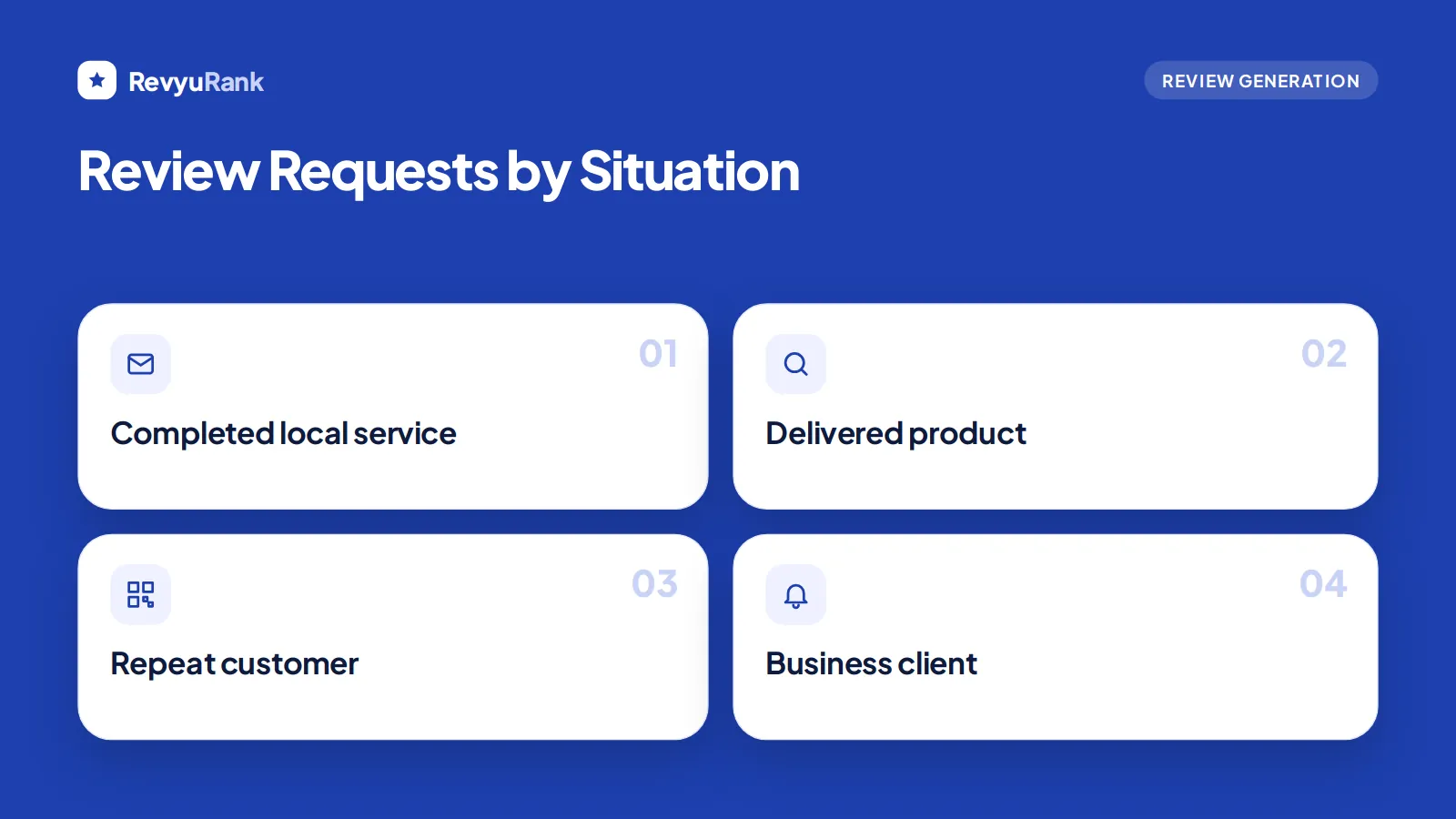
Use the row that matches the customer’s real point of contact, then adjust the message to fit the service.
| Customer situation | What to do in it | What it takes | What to watch for |
|---|---|---|---|
| Completed local service | Ask after approval | Short personal message | Unfinished work |
| Delivered product | Ask after delivery | Order context needed | Shipping problems |
| Repeat customer | Ask after clear result | Familiar wording | Request fatigue |
| Business client | Ask after project close | Formal email | Confidential details |
| Resolved complaint | Ask after confirmed fix | Extra care needed | Don’t pressure |
| One-time purchase | Ask after customer can assess | Direct review link | Wrong timing |
Small Details That Improve Reviews
Prepare before sending
Experienced teams check the customer record first. Confirm the name, completed service, correct channel, and working review link before you press send.
They also separate service recovery from review collection. If the customer has a billing dispute or unresolved defect, the next message should offer help. Combining an apology with a review request can make the apology look like a tactic.
Check the response while it happens
Read replies and route problems to the right person. A customer who reports a delivery error needs a service answer, not an automated thank-you.
Leave the rating choice alone. The trade-off is clear: a guided request may produce more praise in the short term, but an open request is safer and gives customers room to describe the real experience.
Common Google Review Problems
The table matches what you may see with the first safe action. It also shows the habit that reduces a repeat problem.
| What you notice | What it usually means | What to do first | How to stop it happening again |
|---|---|---|---|
| Link opens wrong profile | Incorrect review link | Test and replace link | Keep one approved link |
| Customer reports pressure | Wording asks for praise | Apologize and clarify | Request honest feedback |
| Few replies arrive | Message feels generic | Personalize first line | Use service-specific wording |
| Complaint follows request | Service issue remained | Move to support | Check completion first |
| Review never appears | Customer didn’t finish | Don’t resend repeatedly | Explain link steps plainly |
| Staff request five stars | Poor internal script | Remove rating language | Train with neutral examples |
Rules Before You Ask
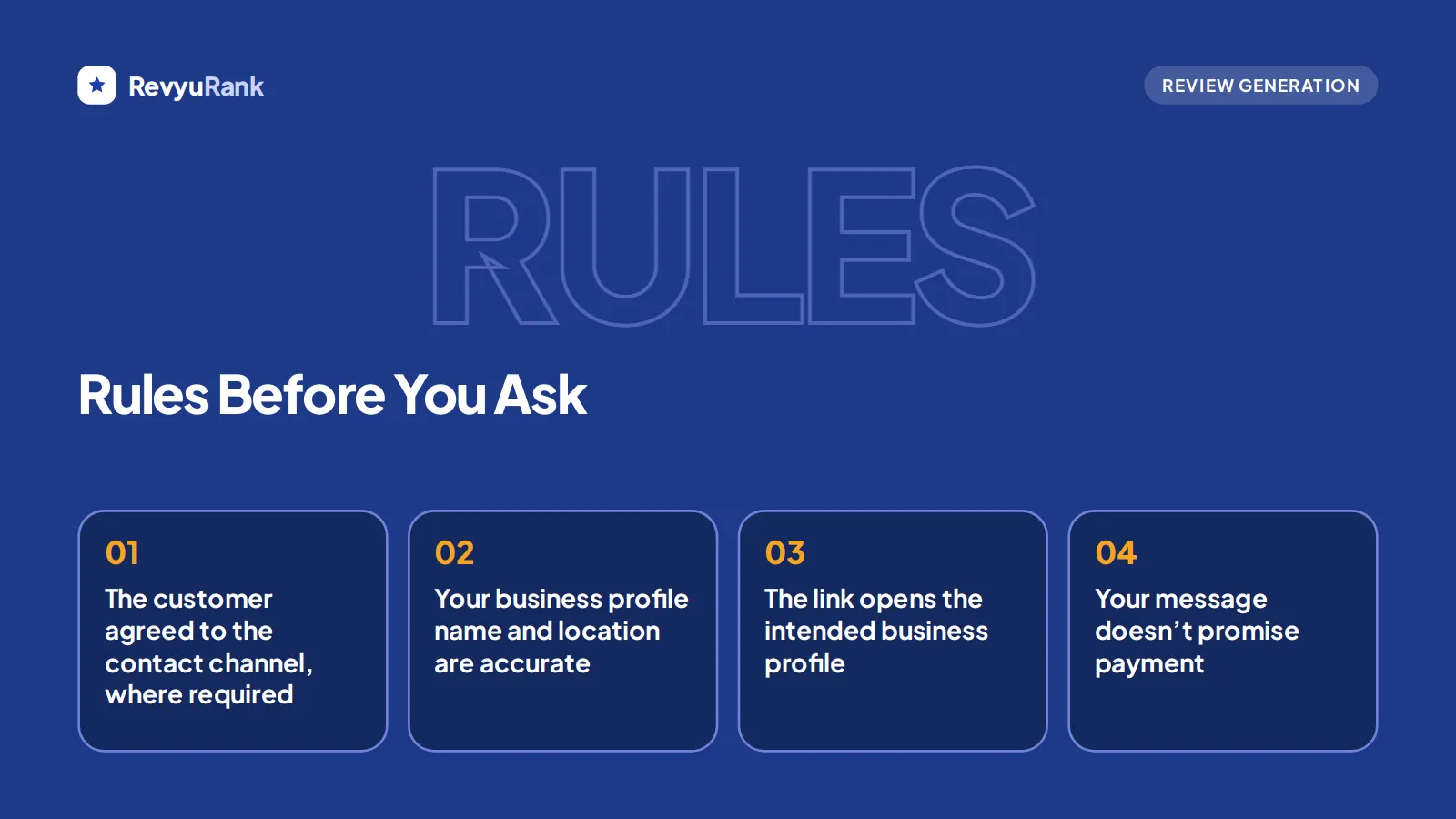
No general permission gives you the right to contact every past customer through every channel. Check the customer’s communication preferences, your customer records, and the rules that apply to your location and message type.
Confirm these points before sending:
- The customer agreed to the contact channel, where required.
- Your business profile name and location are accurate.
- The link opens the intended business profile.
- Your message doesn’t promise payment, discounts, or gifts for a review.
- Staff aren’t selecting only customers likely to leave positive feedback.
If your request involves text marketing, bulk email, or customer data from a regulated industry, ask your legal adviser or compliance officer before sending. The correct rule can depend on your country, state, industry, and consent records.
What Google’s policy says about review requests
- Asking for reviews is allowed, but each review must reflect a genuine experience.
- Don’t ask staff to collect a set number of reviews.
- Don’t require or pressure customers to leave a review while they are on your premises.
- Don’t ask for specific content to be included.
- Don’t discourage or prohibit negative reviews.
- Reviews paid for, directly or in kind, count as fake and misleading content. Google removes incentivized or biased reviews from Maps.
Time and Effort to Request Reviews
A single request usually takes only the time needed to check the customer record, personalize the message, and test the link. The work grows when your team lacks a shared template, sends requests from different systems, or must review each customer’s service history manually.
The main trade-off is speed versus care. A bulk message is faster, but it can use the wrong name or reach someone with an open complaint. A personal message takes longer, yet it gives you a better chance to send the request at the right moment.
Don’t measure success only by the number of reviews. Also check whether customers report confusion, whether support complaints rise after requests, and whether requests are reaching the full eligible customer group. Your review platform’s current tools and limits can change, so check Google Business Profile when your process changes.
After You Send the Request
Keep the request record with the customer’s normal service history. Record when it was sent and through which channel, but don’t copy sensitive review details into a system that doesn’t need them. Note whether the customer replied, so another staff member can see the request status without asking the customer again.
Check for replies and pass complaints to support. If a customer says the service wasn’t complete, pause the review process for that person and fix the original issue. Use the normal support process and resolve the problem before considering another request.
You don’t need to restart the request after every unanswered message. If a link is broken or customer details are wrong, correct the problem before sending anything again. The sign that your process needs attention is a pattern: broken links, wrong customer details, repeated complaints, or staff asking for a specific rating. Review the process when those patterns appear, rather than chasing individual nonresponses.
When Review Requests Aren’t Right
Don’t use this approach while a customer is still waiting for a correction, refund, delivery, or safety response. A review request during an unresolved problem can feel like pressure, even if it’s automated. Send a service update first, then consider a request only after the issue is closed and the customer can judge the result. If the customer reopens the matter, pause further requests until the new concern is resolved.
This method also isn’t right when you can’t identify which customers were actually served. A wrong recipient can create a privacy complaint and produce feedback from someone who never used your business. Use a verified customer list and a documented contact process instead of scraped or purchased addresses. Match each request to a real transaction or completed service.
If your industry has strict privacy, consent, or professional-conduct rules, don’t build the process from a generic template. Ask your compliance officer or attorney to approve the channel, audience, and wording before your team sends messages. Keep that approval with the process, so staff don’t quietly change the message later.
Don’t ask only customers who praised your team in person. Use the same eligibility process for comparable customers, whether the experience sounded positive or neutral.
Related guides
- Google Reviews Not Showing: A Step-by-Step Guide
- Create QR Code for Google Reviews: A Simple Guide
- How To Get Google Reviews For Restaurants And Why
Need it done properly the first time? See our Google Review Generation service.
Frequently asked questions
Can I ask every past customer for a Google review?
You can ask suitable past customers for honest feedback, but don’t pressure people, pay for reviews, or select only customers expected to praise you. Exclude customers with unresolved service problems until you’ve handled the original issue.
Why aren’t customers leaving Google reviews?
The usual causes are poor timing, a generic message, a broken link, or too many steps. Check whether the link opens the right profile, then compare the request timing with the point when customers can fairly judge the completed service.
How long should I wait before asking for a review?
Wait until the customer can assess the completed service. For a delivered item, that may be after delivery and a reasonable chance to check it; for a project, it may be after agreed completion. The service type sets the timing.
Is it safe to ask for five-star reviews?
No. Ask for an honest review instead of requesting five stars. Rating-focused wording can pressure customers and may conflict with Google’s rules on fake engagement or manipulated content.
What happens if a customer leaves a bad review?
Respond calmly through Google Business Profile, acknowledge the concern, and offer a suitable private support route. Don’t argue, reveal private customer details, threaten the reviewer, or offer a reward for changing the review.
Does it matter whether I ask by text or email?
Yes. Use the channel the customer already expects and has permission for, where required. Text is easy to open, while email gives more room for context. The better channel is the one that fits your existing customer relationship.
How many reminders should I send?
Use one request and, at most, one reasonable reminder when your customer-contact process allows it. If there’s no reply, stop. Repeated messages can annoy customers and make a neutral request feel like pressure.
Start With One Honest Request
First, confirm the service is complete, the customer has no open complaint, and the Google link works. Check that the request names the service accurately and doesn’t imply that a positive review is expected. Give the customer a clear choice to respond or ignore the message.
Ask for an honest review in the customer’s own words, without suggesting specific praise or asking them to change an existing review. Don’t offer a discount, gift, or other benefit in exchange for posting. Stop and get compliance or legal help if consent, privacy, or industry rules are unclear.

Robert Miller works as a Reputation Management Consultant. He has been helping U.S. businesses for over ten years. His work involves helping people protect and enhance their online image.Robert has worked with a wide range of companies. He has helped new businesses, local places that give a service, and big companies. He helps turn customer reviews into something that helps people trust their company and drives business growth.