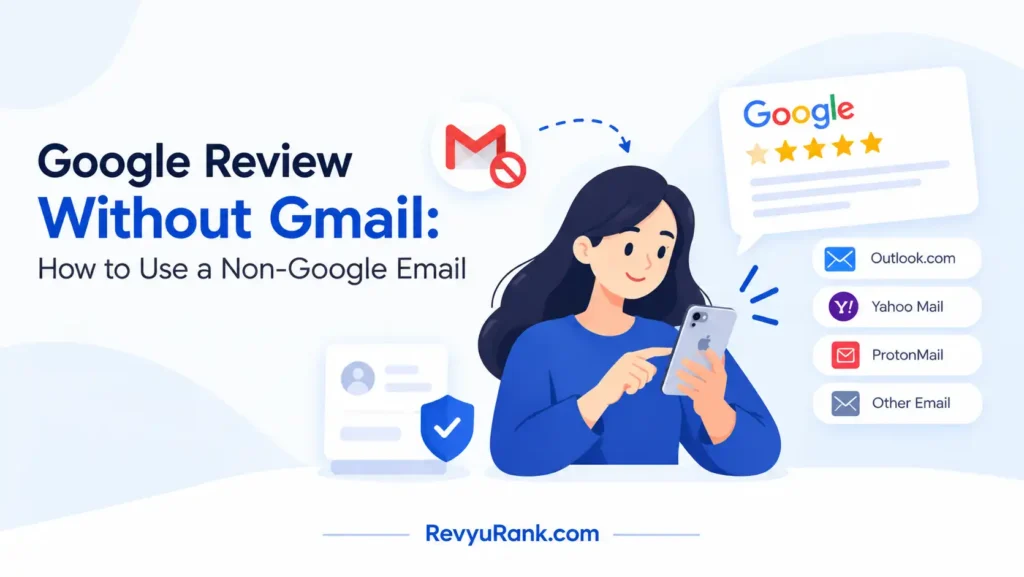
No, you can’t leave a Google review without Gmail or another Google account. The only condition that changes this is having an existing account with a different email provider, like Yahoo or Outlook. Your next step should be to check if your current non-Google email is already linked to one, which takes about thirty seconds in the sign-in box. Writing a Google review without Gmail isn’t possible because the platform requires every reviewer to have a verified profile attached to their feedback.
When you can review on Google without Gmail

Every business listing on Maps asks for a signed-in profile before it accepts any feedback. Here’s how your specific setup changes what you’re allowed to do.
| Your situation | Answer | Why |
|---|---|---|
| No email address at all | No | A verified profile is required |
| Gmail account already active | Yes | You’re already signed in |
| Yahoo or Outlook email | Yes | You can link it to a new account |
| Business Workspace account | Yes | It functions as a standard login |
| Temporary or burner email | No | These get blocked during verification |
| Trying to stay completely anonymous | No | Every review needs a public display name |
| Phone number but no email | No | SMS alone doesn’t create a profile |
Why a profile decides everything
The requirement for a logged-in account exists to stop fake feedback from flooding business pages. In 2023, the Federal Trade Commission proposed rules banning fake reviews across all platforms, pushing companies to verify who actually writes them. Because of rules like these, the system checks your identity before it publishes anything you type.
A profile ties your words to a real history. This doesn’t mean your legal name goes on the page, but the system knows you aren’t a bot generating hundreds of posts a minute. Without that check, a single person could ruin a local shop’s rating before lunch.
You don’t actually need a @gmail.com address to make this work. What you need is a basic account, which acts as your digital ID card. That account can use your work email, your old Yahoo inbox, or whatever address you prefer. The trade-off here is between privacy and access: using your main personal email gives you quick entry, but it links your real identity to your public feedback.
If you run a small business and want to leave feedback for your suppliers, using your company domain looks more professional than a personal inbox. But if you just want to rate a coffee shop, your private account keeps things separate.
If you have a valid email address, you can create the required profile in two minutes; if you refuse to provide any email at all, you won’t be able to post feedback anywhere on the platform.
How to set up a review account fast
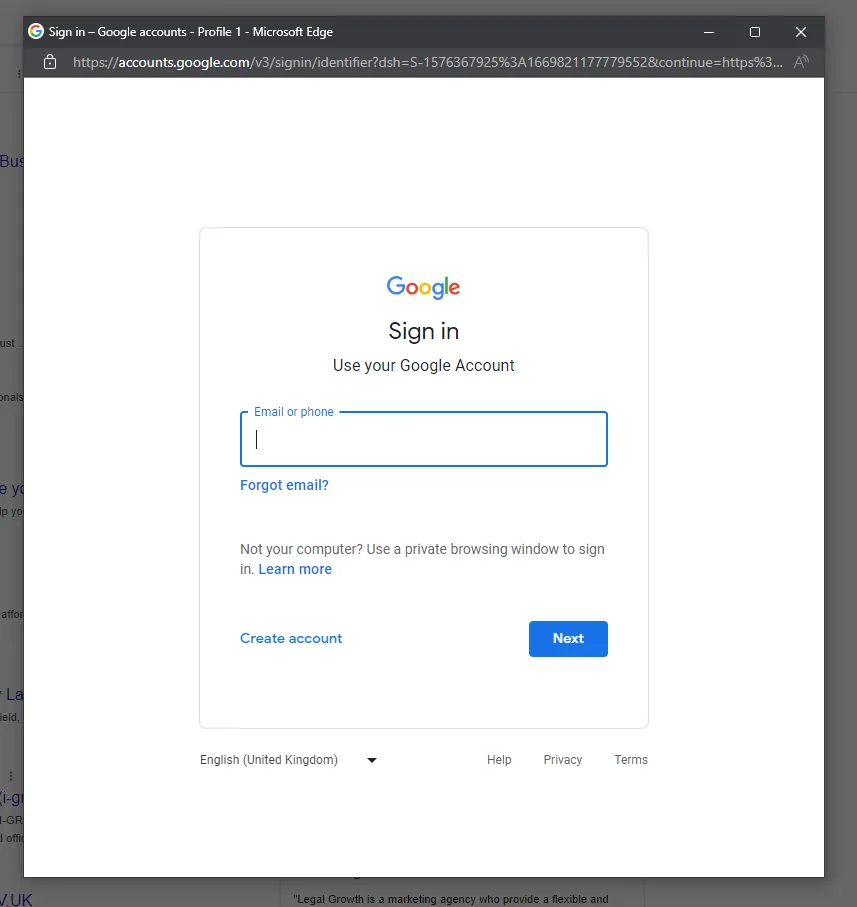
If you don’t have a login yet, you’ll need to build one before you can write anything. This process takes about three minutes on a phone or computer.
-
Go to the account creation page. Open your browser and navigate to the standard sign-up screen. Look for the option that says “Create account” and select “For my personal use.” You’ll see a form asking for your first and last name.
-
Choose your email address carefully. You don’t have to click “Create a new Gmail address” at the bottom of the form. Instead, look for the blue text that says “Use my current email address instead.” Click that, and type in your Yahoo, Outlook, or work email. This is the step that lets you bypass getting a new inbox.
-
Verify the address you entered. The system will send a six-digit code to the email you just typed in. Open that inbox in another tab, find the message, and type the numbers into the verification box. If the code doesn’t arrive in two minutes, check your spam folder.
-
Set a strong password. Pick something with at least twelve characters, mixing letters and numbers. You’ll need this password every time you want to post again, so don’t use the same one you use for your bank.
-
Add a recovery phone number. This is optional but highly recommended. If you forget your password later, this number is the fastest way back in. Enter your mobile number and confirm the text message they send you.
-
Find the business you want to rate. Go to Maps or Search, type the name of the place, and scroll down to the ratings section. Click the stars to open the writing box. You should now see your newly created profile picture in the corner.
-
Write your feedback and submit it. Type your thoughts, add photos if you have them, and hit publish. The sign that this worked is seeing your own post appear at the top of the list under “Most relevant” or “Newest.”
This assumes you’re using a modern web browser on a phone or laptop.
The wrong email choice costs time
Picking a temporary or “burner” email service to avoid giving out your real address is the most common reason people fail at this task. Services that generate ten-minute inboxes seem like a clever shortcut when you just want to leave one quick comment. But the system actively blocks domains from known disposable providers during the sign-up phase.
When you try to use one, you’ll spend ten minutes filling out forms only to get an error message saying the address isn’t accepted. Then you have to start over entirely with a legitimate provider. This costs you time and leaves you frustrated before you even reach the business page.
Worse, if a disposable address somehow gets through initially, the platform routinely sweeps for inactive or suspicious accounts. Your feedback will simply vanish a few days later when the temporary inbox expires, and the system flags the profile as unverified. The business never sees your warning or praise, making your effort completely pointless.
The check that avoids this is simple: before you start typing your address into the sign-up box, make sure your email provider is a recognized, permanent service. If you can log into that same inbox a month from now without the address expiring, it will work. If the website promises an inbox that deletes itself automatically, close that tab and use your regular email instead.
When to ask someone else for help
Sometimes setting up a new profile crosses a line where doing it yourself causes more problems than it solves. Stop trying to build an account and ask for help if you hit these signs:
- You manage the business being reviewed, because owners posting on their own listings violates platform policies and risks removing the entire page; hand this to a marketing agency.
- You share a computer with family members and keep getting locked out due to mixed cookies, because clearing shared browser data disrupts everyone else’s logins; ask a tech-savvy relative to set up a separate browser profile.
- You receive an error about suspicious activity immediately after entering your phone number, because automated security flags require manual human review to lift; contact official support directly.
- You’re under the minimum age, because creating standard accounts violates age requirements set by privacy laws; a parent must handle this through their own supervised family settings.
Creating an account to manipulate a business’s rating carries real legal and financial risks. The limit here is your relationship to the business. Read your exact account status and any warning banners directly on your profile settings page, because the restrictions applied to a brand-new login differ from those on an established one.
Frequently asked questions
Can I post anonymously?
No, you can’t post without a visible name attached to your profile. The platform requires every piece of feedback to show a display name so readers know a real person wrote it. You can change your profile name to something less obvious, like initials, but you can’t remove it entirely. A blank name field will block you from hitting the publish button.
Why does it ask for my location?
It asks for your location to confirm you were actually near the business you’re rating. This helps filter out spam from people sitting in other countries. You don’t have to share your exact home address, but allowing general location access makes your feedback look more trustworthy. Turning it off completely might delay your post from appearing publicly.
How long until my review shows up?
Your feedback usually appears within five to fifteen minutes after you hit publish, assuming your account is in good standing. For brand-new profiles, it can take up to forty-eight hours while automated systems check it for spam. If it hasn’t appeared after three days, check your email for a message explaining why it was held back or removed.
Is it safe to use my work email?
Yes, it’s safe, but your employer might have rules about creating external accounts with company addresses. The technical process works the same as a personal inbox. However, your IT department might block the verification emails needed to finish setup. Check your company’s acceptable use policy before typing your work address into the sign-up form.
What happens if I delete my account later?
If you delete the profile you used to write the feedback, your reviews will eventually disappear from the business page. This usually takes a few weeks as the system purges orphaned data. If you want your warnings or praise to stay up permanently to help other customers, you need to keep the underlying account active and logged in occasionally.
Does it matter which browser I use?
No, the browser doesn’t change the rules, as long as it’s updated enough to handle secure login pages. Chrome, Safari, Firefox, and Edge all work perfectly for this. The only time your browser matters is if you’ve disabled cookies entirely, which breaks the sign-in process. Turn cookies back on if the page keeps reloading without logging you in.
Can I use a phone number instead of email?
No, a phone number alone isn’t enough to create the required profile. You must provide an email address as the primary identifier during setup. The phone number is only used as a secondary tool for security and password recovery. If you only have a mobile number and no inbox at all, you’ll need to create a free email address first.
Do I need the app to write one?
No, you don’t need to download the mobile app to leave feedback. You can do it entirely through a web browser on your phone or computer. The app just makes finding nearby businesses slightly faster. If you prefer not to install extra software, opening the search engine in your regular browser works the same way.
Setting up your review profile
Start by linking your current non-Google email address through the account creation page today. Once you verify the six-digit code, you’ll see the star-rating box unlock on any business listing you visit, confirming your profile is active. If the system blocks your chosen email domain or flags your new profile for suspicious activity immediately, stop trying different addresses and contact official support to resolve the lockout.

Robert Miller works as a Reputation Management Consultant. He has been helping U.S. businesses for over ten years. His work involves helping people protect and enhance their online image.Robert has worked with a wide range of companies. He has helped new businesses, local places that give a service, and big companies. He helps turn customer reviews into something that helps people trust their company and drives business growth.