Google reviews for service area businesses (no storefront) work through a verified Google Business Profile, not a public shop address. You can collect reviews after visiting customers at their homes, offices, or other service locations, but you must hide your address if customers don’t visit you there. The main difference between these businesses is how they meet customers: some travel to every job, some serve a fixed area, and some do both. Your profile, service area, review link, review request, and reply process should all match that setup.
Google reviews for service area businesses
A service-area business can receive Google reviews without showing a storefront address. The business needs an eligible and verified Google Business Profile, a real service area, and completed customer work that supports genuine reviews. Google Business Profile rules allow service businesses such as plumbers, cleaners, electricians, and mobile repair companies to hide their address.
| What it includes | Best for | Example a customer knows |
|---|---|---|
| Google Business Profile | Showing the business online | A local plumbing profile |
| Service-area setup | Hiding a home address | Serving three nearby cities |
| Review link | Sending customers directly | A Google review request URL |
| Review request message | Asking after service | A text sent after payment |
| Review reply | Building customer trust | A public response to feedback |
Reviews should describe a real customer experience. Don’t offer money, discounts, gifts, or special treatment in exchange for positive feedback. Google’s prohibited and restricted content rules cover fake engagement, conflicts of interest, and incentives.
Google Business Profile for service businesses
A Google Business Profile is the public listing customers use to find a service-area business, read reviews, call the business, and visit its website. It suits businesses that meet customers away from their own premises, including mobile mechanics, landscapers, home cleaners, and appliance repair companies.
It’s good for:
- Local discovery: Customers can find your business when they search for a service in your area.
- Customer calls: The profile can show a phone number for quote requests and bookings.
- Review collection: Customers can leave feedback after a real job.
- Service details: You can describe your services, hours, photos, and areas served.
The profile should use the business name customers know in the real world. Don’t add city names, slogans, phone numbers, or keywords to the name unless they’re part of the actual business name.
You’ll need to verify the profile before it can fully manage public information and reviews. Google chooses the available verification method, so check the options shown inside your Business Profile rather than relying on a general guide.
If you get stuck at verification, we can go through the options in your Business Profile with you or do it for you.
A local electrician might use one profile for work completed at customer homes across a county. The profile can show the electrician’s service area while hiding the home address where tools and records are stored.
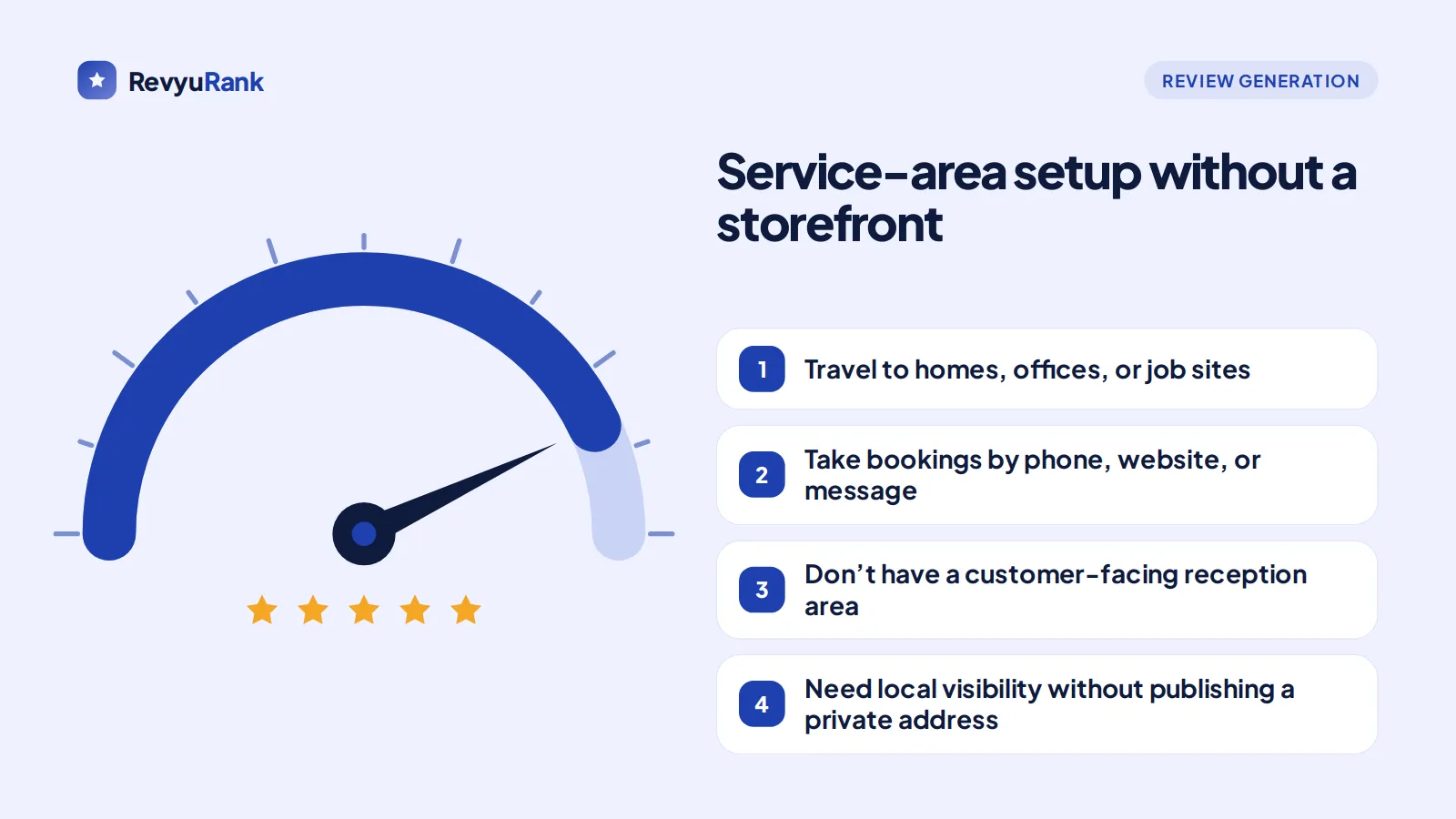
Service-area setup without a storefront
A service-area business serves customers at their locations and doesn’t receive customers at its own address. This setup is different from a shop, office, or salon where customers regularly visit the listed location.
It suits businesses that:
- Travel to homes, offices, or job sites.
- Take bookings by phone, website, or message.
- Don’t have a customer-facing reception area.
- Need local visibility without publishing a private address.
The profile should show service areas rather than a customer-facing address when visitors aren’t welcome there. If customers can visit a real staffed location during stated hours, the business may need a different setup.
It’s good for:
- Privacy: Your private home address won’t appear to customers.
- Clear expectations: Customers can see where you normally work.
- Better local targeting: Your profile can describe the places you serve.
- Accurate reviews: Reviews connect to the service business, not a false storefront.
A common mistake is leaving a home address visible because it may seem to make the profile look more local. That can send customers to a private property, create safety problems, and confuse Google about the business location. If customers don’t visit you there, hide the address.
If you serve only one city, use that city and nearby areas you genuinely cover. If you serve a wider region, explain the actual travel limit in your profile and website. Your service area can change as jobs, staff, and travel time change.
Google review link for customers
A Google review link takes a customer to the place where they can rate your business and write feedback. It suits businesses that finish work at different locations because you can send the same link by text, email, invoice, or follow-up message.
This link is good for:
- Faster requests: Customers don’t need to search for your business name.
- Fewer wrong listings: The link can point to the correct profile.
- Mobile follow-up: A customer can review after the job from a phone.
- Simple records: You can add the link to a normal post-service message.
The link doesn’t create a review by itself. The customer still chooses whether to post, what rating to give, and what to write. Don’t ask customers to use a company device or dictate the words they should publish.
Ask for the review after the customer has received the service and understands the final result. If the job is unfinished or a problem is still being fixed, wait until the work is complete. Then send the same request to every customer.
A pest-control company might send its review link by text after the customer confirms that the scheduled treatment is finished. The message can say, “Thanks for choosing us. If you’d like to share your experience, you can leave a Google review here:.”
Where to find your review link
You can get your review link from inside your Business Profile. Open Read reviews and choose the ‘Get more reviews’ option. Google gives you a link and a QR code to share.
Google suggests putting the link or QR code on receipts and in thank-you emails. Keep in mind that every review must reflect a genuine experience.
Review request messages
A review request message is the short text or email that gives context around your Google review link. It suits businesses with regular customer contact, such as cleaners, tutors, mobile dog groomers, and home repair companies.
It’s good for:
- Explaining the timing: The customer knows why they’re receiving the message.
- Keeping the request neutral: The customer can share a good or bad experience.
- Reducing pressure: The message asks once without repeated reminders.
- Connecting the review to a job: The customer remembers the service clearly.
A useful request includes the business name, the completed service, the review link, and a simple thank-you. It shouldn’t say “leave us a five-star review,” because that asks for a rating rather than honest feedback.
You can use one message for routine work, but adjust the wording for long projects. If a job has several stages, ask after the stage the customer is qualified to judge. If the work is still open, wait until it is complete, then ask as you would with any other customer.
The trade-off is speed versus timing. Sending a request immediately may help the customer remember the visit, but waiting until the result is visible may produce more useful feedback. If the service result is clear on the same day, send it then; if it takes time to assess, wait until that result can be judged.
A mobile computer-repair business might send this message after returning a working device: “Your laptop repair is complete. If you’d like to share your experience, you can leave an honest Google review here:.”
What Google does not allow when you ask
- Don’t offer payment or other rewards for reviews. Google treats paid-for ratings, directly or in kind, as fake content.
- Don’t ask only the customers you expect to be happy, and don’t discourage negative reviews.
- Don’t ask staff to collect a set number of reviews.
- Don’t pressure customers to write a review while they are on your premises.
- Don’t ask for specific content to be included in the review.
Asking for reviews is allowed. Google also allows respectful reviews that describe a negative experience, so don’t try to remove them just because they are critical.
Review replies for service businesses
A review reply is the public response attached to a customer’s Google review. It suits service-area businesses because future customers often want evidence that the company communicates well after visiting a home or job site.
It’s good for:
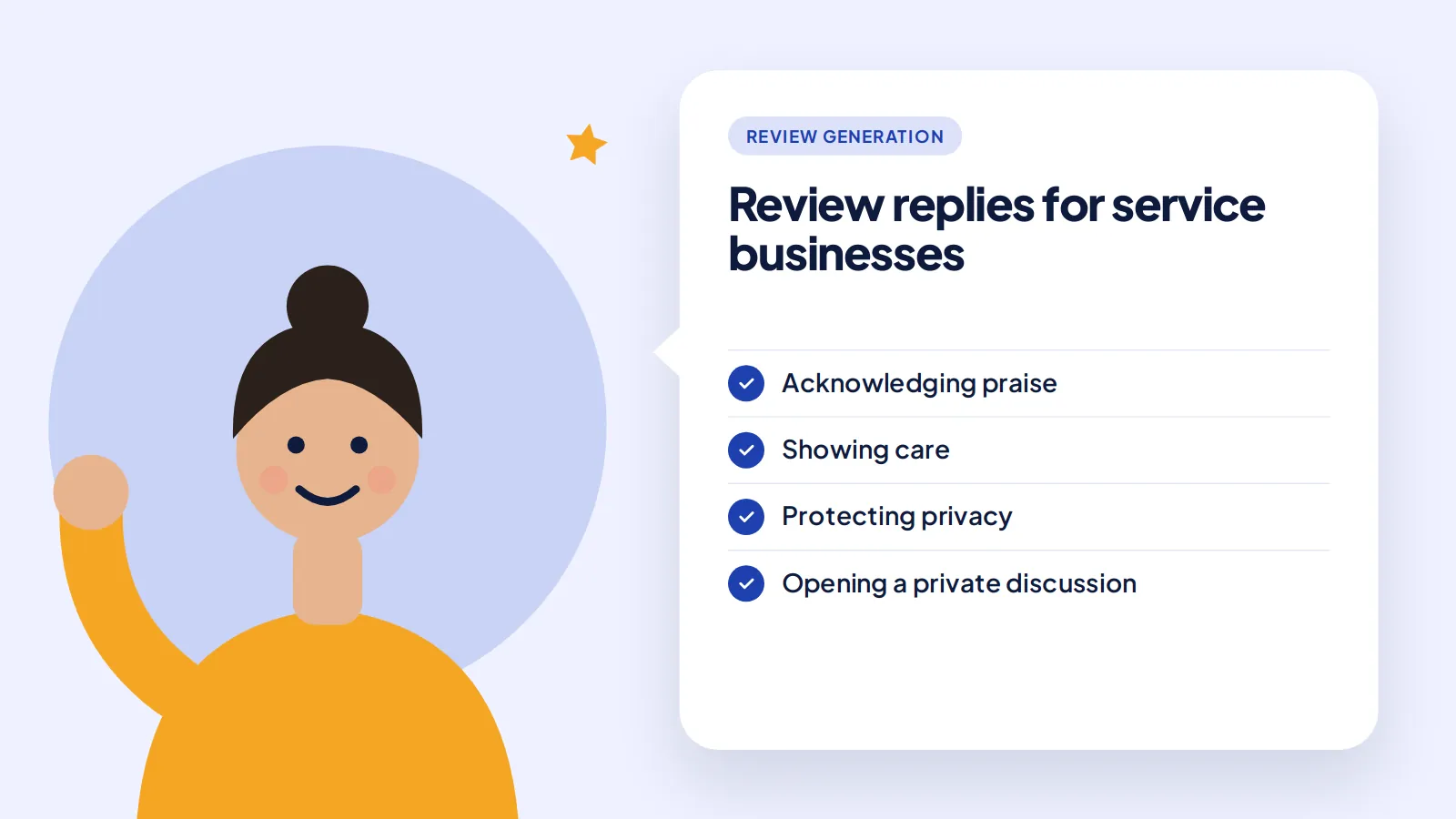
- Acknowledging praise: Thank the customer without copying their full review.
- Showing care: Explain that you take service concerns seriously.
- Protecting privacy: Keep addresses, phone numbers, and job details out of public replies.
- Opening a private discussion: Give a direct contact method for unresolved problems.
A reply should use the business voice, not a personal argument. Don’t reveal private customer information or claim that a reviewer was never a customer unless you’re certain and have a safe process for reporting the content.
If the review is negative, respond calmly and invite the customer to contact the business. Don’t promise a refund, admit legal fault, or argue about every detail in public. If the complaint involves threats, private information, hate speech, or clear spam, use Google’s reporting process as well as replying when appropriate.
A mistake that costs trust is replying only to positive reviews. It can make the business look selective, while a short and respectful response to a concern shows that problems have a path forward.
A home-cleaning company could reply, “Thanks for sharing your experience, Jordan. We’re glad the team could help with the move-out clean. We appreciate you choosing us.”
Other Google review elements
-
Customer review: This is the public rating and written feedback from someone who used the service. It’s best for customers who want to compare real experiences before booking. It must come from a genuine customer and shouldn’t be written by staff, family members, competitors, or an agency acting for the business.
-
Review photo: A customer may add a photo that supports their experience, such as completed landscaping or a repaired item. It can help when the result is visible, but you shouldn’t ask customers to photograph private homes, people, documents, or anything they don’t have permission to share.
-
Business photo: Photos from the business can show vehicles, tools, completed work, uniforms, or staff. They help customers recognize the service team, but they don’t replace reviews or prove that every job has the same result.
-
Review removal request: You can report content that breaks Google’s rules, but you can’t remove a review simply because it’s negative. If the review is only an opinion about a real service, the better path is usually a calm public reply and private resolution.
How to choose a review approach
Start with the way customers finish their service. If a customer pays or confirms completion during the visit, use a review link in a same-day text; if the result needs time to judge, send the request after that waiting period. Don’t send the request while a job is still incomplete, and send it the same way to every customer.
Next, match the request to your contact method. If you already use text messages, a short text with the link will feel natural. If customers receive invoices by email, place the neutral request after the payment or completion details. Don’t use several channels at once for the same job, because repeated requests can feel like pressure.
Your service area also affects trust. If you work across several cities, name the actual service location in your internal job record, but don’t place extra city names in the business name. If you work from a private home and customers never visit, hide the address rather than presenting it as a storefront.
Choose the reply style based on the review. Thank a clear positive review, answer a useful suggestion, and move a serious complaint to a private channel without sharing personal details. If the content breaks Google’s rules, report it instead of trying to win an argument.
These parts can work together. A verified profile, hidden address where needed, honest request, genuine review, and calm reply form one process; choosing a review request doesn’t mean you should skip profile accuracy or customer privacy.
When you want it set up without the guesswork, Google Review Generation is the place to start.
Frequently asked questions
Can a service-area business get Google reviews without an address?
Yes, a service-area business can receive Google reviews without displaying a customer-facing address. The business still needs an eligible Google Business Profile and must complete Google’s verification process. Hide the address when customers don’t visit that location. Your profile can then show the areas you genuinely serve, while reviews remain attached to the business listing rather than to a storefront.
Why can’t customers find my service-area business?
The profile may be unverified, suspended, too new to show strongly, incomplete, or set up with inaccurate business information. Check the business name, primary category, phone number, website, hours, and service areas. Also search while signed out or in a private browser window. If the profile violates Google’s rules or shows a location customers can’t visit, correct the setup before asking for more reviews.
How long should I wait before asking for a review?
Ask after the customer can fairly judge the completed service. For a simple same-day repair, that may be after the customer confirms the repair is complete. For a project with a visible result later, wait until that result can be checked. There’s no single waiting period that fits every service, so use completion and customer confirmation as your timing test.
Is it safe to show my home address on Google?
Not if customers don’t visit your home for business. Showing a private address can send strangers to the property and may misrepresent the business as a storefront. Use a service-area setup instead. If customers do visit a real, staffed business location, check that the displayed address, hours, and customer access are accurate before publishing it.
What happens if I offer a discount for a review?
The review may violate Google’s rules if the discount is offered in exchange for feedback. A reward tied to a positive rating is especially risky because it can create biased reviews. Ask every customer for an honest review under the same basic terms. If you already offered an incentive, stop the practice and review the affected content and your customer messages.
Does replying to every review matter?
Yes, consistent replies can help show that the business pays attention to customers, although a reply can’t guarantee better rankings or more bookings. Keep positive replies short and make complaint replies calm and private. Don’t expose addresses, phone numbers, job records, or other customer details. A reply should support trust, not turn the review page into a public dispute.
How many Google reviews should a service business get?
There’s no safe target number that guarantees visibility or trust. The useful measure is a steady flow of genuine reviews from completed customers, not a sudden burst or a comparison with a competitor. Track whether reviews mention the actual service, location, and customer experience. If reviews arrive only after incentives or pressure, more reviews can create more policy risk.
Google reviews for service area businesses: first steps
Verify your Google Business Profile; hide its address if customers don’t visit, and ensure service areas and contact details match your real work. After each completed service, send one neutral review link, expecting an honest rating, not a guaranteed positive one. Next, contact Google Business Profile support for suspension, unclear address setup, or disputes involving private information or threats.

Robert Miller works as a Reputation Management Consultant. He has been helping U.S. businesses for over ten years. His work involves helping people protect and enhance their online image.Robert has worked with a wide range of companies. He has helped new businesses, local places that give a service, and big companies. He helps turn customer reviews into something that helps people trust their company and drives business growth.