Want to give your business a little extra shine this Mother’s Day? Here’s a simple truth: Google reviews can do a lot more than just sit there. They’re powerful tools that can help you get noticed, build trust, and bring in more customers.
Sure, you know good reviews matter. But what if there were easy ways to get more of them — quickly? Stick around. I’ll share practical tips that work, no fluff.
Why Google Reviews Matter for Mother’s Day
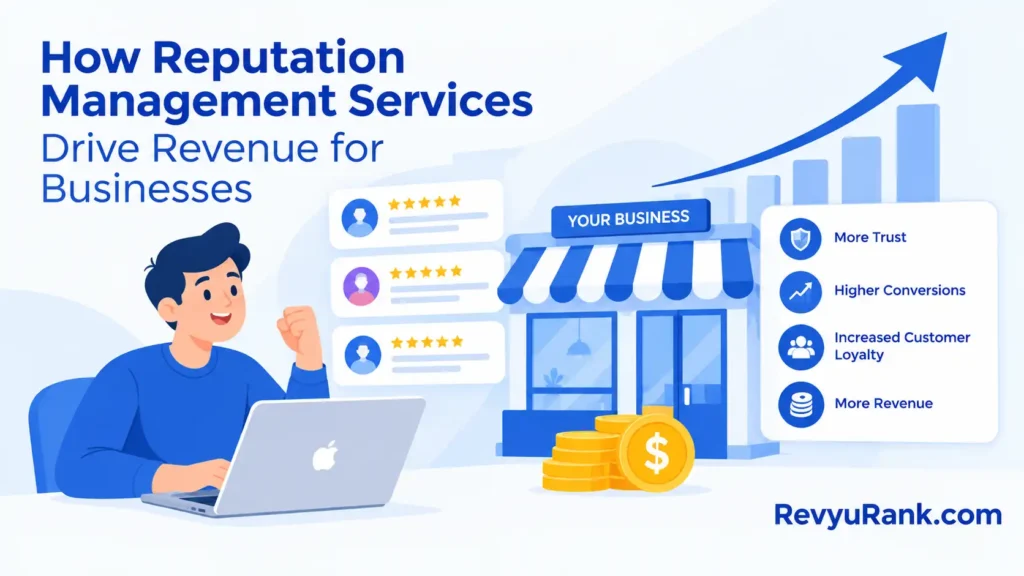
Think about it. When someone’s shopping for a Mother’s Day gift, they want to feel confident. They check reviews. Positive feedback says, “This place cares.” It shows you offer great products and friendly service.

Good reviews make your business look trustworthy. They help you stand out from the crowd during this busy time.
How to Get More Customers to Share Their Stories
- Ask for stories. Invite customers to share what made their Mother’s Day special with your business. Stories feel real and personal.
- Respond fast and warmly. Thank every reviewer quickly. If someone has a complaint, handle it calmly. This shows you care.
- Show off your best reviews. Use them in emails, on social media, and on your website. Real feedback helps others feel confident.
Here’s a little secret: When you invite customers to leave a review, sweeten the deal. Offer a chance to win a small prize or a special discount. It encourages more people to share their thoughts.
Timing Is Everything When Asking for Reviews
Don’t wait too long. The best time to ask is right after the purchase or visit. Their experience is fresh. It’s easier for them to write something detailed and honest.
Make it simple:
- Send a quick email or text with a direct link to your review page.
- Include clear instructions — no one likes guessing what to do.
- Follow up gently with a polite reminder, thanking them for their time.
Create a Special Mother’s Day Review Campaign
This holiday is about warmth and appreciation. Make your campaign feel personal. Tell customers you’re grateful for their support and want to hear about their Mother’s Day experience with you.
Keep your message short and clear. For example:
“Loved your Mother’s Day gift? Please take a moment to leave a review and help others find us!”
Consider tying in a small gift or discount related to Mother’s Day — like a flower bouquet or free gift wrap. It adds a nice touch and encourages more participation.

Use Google My Business Tools to Your Advantage
Google My Business isn’t just a profile. It’s a toolkit. Here’s what you can do:
- Complete your profile. Add photos, update hours, and include a Mother’s Day message.
- Post timely updates. Share deals or news about your Mother’s Day offers.
- Answer questions. Clear answers can help shoppers decide faster.
- Respond to reviews. Thank customers and address concerns quickly.
Showcase Reviews in Your Marketing
People trust other customers more than ads. Use your best reviews in:
- Your website — add a dedicated review section or highlight them on your homepage.
- Social media — share short quotes paired with Mother’s Day-themed images.
- Email campaigns — feature positive feedback to build trust before the holiday.
Offer Exclusive Deals for Reviewers
A little reward can go a long way. Try this:
- Give discounts on their next purchase.
- Offer small Mother’s Day gifts for leaving a review.
- Promote these deals on your social channels with clear instructions.
Be upfront about the rules. Explain how to participate and set a deadline. Clear rules build trust.
Handle Negative Reviews with Care
Negative feedback happens. It’s not the end of the world. What matters is how you respond.
- Check reviews regularly, especially during busy times.
- Reply politely and professionally.
- Apologize if needed and offer a solution.
- Use feedback to improve your business.
Turning a complaint into a positive experience can win loyal customers and impress future buyers.
FAQs
- What are Google review hacks? Simple ways to get more positive reviews quickly.
- Do reviews really boost sales? Yes. They build trust and attract shoppers.
- Is it okay to ask customers for reviews? Absolutely. Just be polite and don’t pressure them.
- How do I make it easy to leave reviews? Send direct links and clear steps.
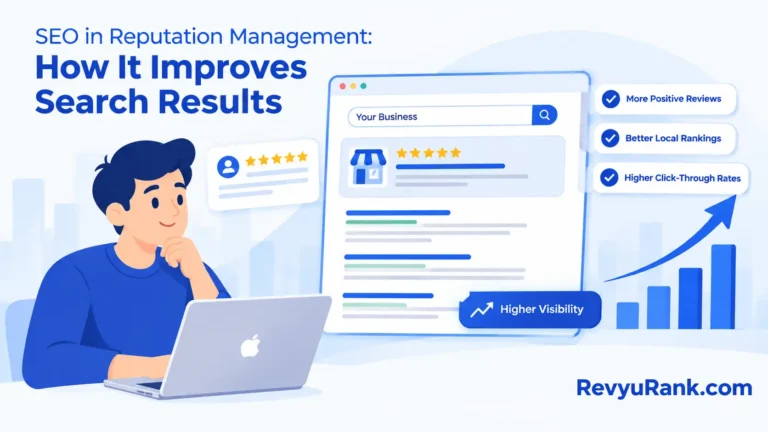
- Do reviews help with Google search rankings? Yes. More positive reviews can improve your local search visibility.
- What about negative reviews? They’re normal. Respond kindly and use them to improve.
- Can I offer discounts for reviews? It’s best to avoid direct incentives for reviews to stay safe. Focus on great service instead.
- How often should I check reviews? At least once a day during busy seasons like Mother’s Day.
Wrapping Up
Google reviews can give your business a solid boost this Mother’s Day. They bring trust, attract new customers, and keep happy clients coming back.
Here’s what I suggest:
- Ask for reviews at the right time.
- Make it easy for customers to leave feedback.
- Respond quickly and personally to every review.
- Show your appreciation with a small campaign or incentive.
- Keep your Google My Business profile fresh and complete.
Small steps like these can make a big difference. Give it a try and watch your business grow, one review at a time.

Ethan Davis is a skilled copywriter who knows how to craft words into compelling stories that effectively sell. He works on landing pages, blogs, and ads that utilize customer testimonials to help readers feel confident about making a purchase. At RevyuRank, Ethan writes about the real people behind Google reviews. This helps brands feel close to their readers. He writes with both creativity and clarity. His work helps people know who the brand is and makes them want to join in. Ethan loves business writing and creative ideas. He also enjoys reading and writing stories, attending copywriting workshops, and helping new people get started in marketing.