Keeping up with Google reviews can be a full-time job. You want to reply fast, but writing thoughtful responses takes time. Sound familiar?
What if you had a tool that drafts replies in seconds? A tool that turns every review into a chance to connect with customers — without burning hours on it.
That’s where AI steps in. It can make replying to reviews easier, faster, and more consistent.
Why Use AI for Google Review Replies?

AI helps you:
- Save time by quickly drafting replies
- Keep responses polite and professional, even for tough reviews
- Maintain a consistent tone so your brand sounds the same every time
- Handle lots of reviews without missing any
- Personalize replies so customers feel truly heard
How AI Makes Your Replies Better
Fast Responses
AI drafts replies in seconds. That speed shows customers you care. Quick replies = happier customers.
Consistent, Friendly Tone
Whether the review is glowing or critical, AI keeps your voice steady and polite. No awkward or defensive replies here.
Details That Matter
AI reads the review carefully, including important points in your response. It’s like having a second pair of eyes to catch what matters.
Handling Volume
Got dozens or hundreds of reviews? AI can manage them all, so none slip through the cracks.
Personal Touch
Instead of generic replies, AI customizes responses using names, products, or specific feedback — making each reply feel human.
Common Challenges When Replying to Reviews
Replying to every review sounds simple but it’s not. Many business owners struggle because:
- Reviews have different tones. Some happy, some upset. Matching the right tone is tricky.
- Time is tight. Running a business leaves little room to reply quickly.
- Negative feedback is hard. Staying calm and professional can be tough.
- Generic replies feel cold. Customers want to feel heard, not treated like a number.
How AI Tools Help Craft Replies
AI tools simplify the whole process. They give you:
- Automated reply drafts that match the review’s tone
- Sentiment analysis to understand emotions behind reviews
- Personalization options to add names, details, or special offers
- Multi-language support for businesses with global customers
For example, one AI tool I tried suggested a thoughtful apology for a negative review — it saved me time and sounded genuine.
Making Replies Feel Personal with AI
Personalized replies build trust. AI helps by:
- Analyzing the review’s tone and content
- Suggesting replies that fit the customer’s mood
- Using the customer’s name and specific feedback
Instead of a robotic “Thank you,” your reply feels like a real conversation.
How AI Understands Customer Feelings
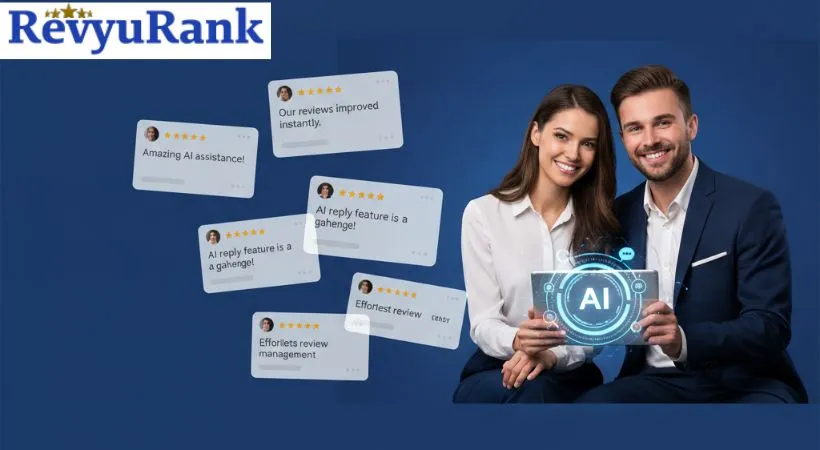
AI can tell if a review is happy, neutral, or upset. That means it can help you say:
- A warm thank you for praise
- A calm apology and solution for complaints
Keeping Your Brand Voice Consistent
Whether your brand is casual or formal, AI learns your style. It keeps your replies sounding like they come from the same person every time.
Speeding Up Engagement with Automation
Automation means reviews get quick replies without waiting for a team member. Faster responses show customers you value their feedback — and that goes a long way.
What’s Automated Review Reply?
It’s software that reads a review and sends a fitting reply automatically. You can customize rules for different types of feedback.
Benefits of Quick Responses
- Shows customers you’re listening
- Fixes issues before they escalate
- Improves your online reputation
Easy Steps to Get Started with Automation
- Pick an AI tool that fits your business
- Set up reply templates for positive and negative reviews
- Adjust settings to keep replies personal
- Keep an eye on replies to ensure quality
Keeping AI Replies Authentic
AI helps draft quick replies, but don’t skip the personal touch. Read over AI drafts and tweak them to sound warm and sincere. AI should support your voice, not replace it.
Tips for Great AI-Powered Replies
- Use AI to draft, not finalize. Always review before sending.
- Make replies personal. Use names and mention specifics.
- Respond fast and stay consistent. Customers notice speed and tone.
- Handle negative reviews calmly. Offer solutions and stay polite.
- Monitor AI performance. Adjust when replies feel off.
Measuring the Impact of AI Replies
Keep track of:
- How often customers interact after replies
- If review tones improve over time
- How fast you reply compared to before
- Repeat reviews from loyal customers
- Overall business growth linked to better review management
FAQs
How does AI help reply to Google reviews quickly?
AI drafts replies fast, saving you time and effort.
Can AI improve the tone of review responses?
Yes, AI adjusts tone to be polite, friendly, or professional as needed.
Is AI good at handling negative reviews?
AI suggests calm, respectful replies that address concerns thoughtfully.
Does AI personalize replies?
Yes, AI uses review details to make responses feel personal.
Can AI keep replies consistent?
It ensures your brand voice stays steady across all replies.
Will AI help increase customer trust?
Timely, thoughtful replies build trust and encourage more reviews.
Final Thoughts
AI can save you time and help you reply to Google reviews quickly. It suggests clear, polite responses that keep customers happy and build trust. With AI, you avoid mistakes and keep your tone friendly. Use it to stay connected with your customers every day. It’s a simple way to make your work easier and your business stronger.

Robert Miller works as a Reputation Management Consultant. He has been helping U.S. businesses for over ten years. His work involves helping people protect and enhance their online image.Robert has worked with a wide range of companies. He has helped new businesses, local places that give a service, and big companies. He helps turn customer reviews into something that helps people trust their company and drives business growth.