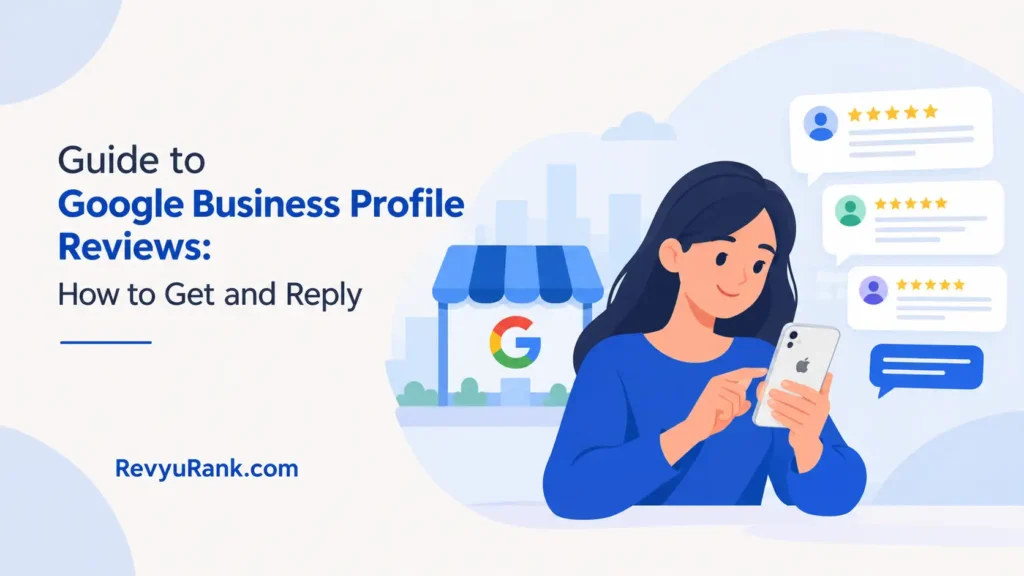
A guide to Google Business Profile reviews is a set of steps a business uses to collect, read, and reply to customer feedback on its public listing. You’ll get those reviews by sharing your profile link after every completed job or sale. Replying within 24 hours keeps them useful for search visibility. This covers the exact settings, the numbers that matter, and the limits you can’t control from your dashboard.
What Google Business Profile reviews actually are
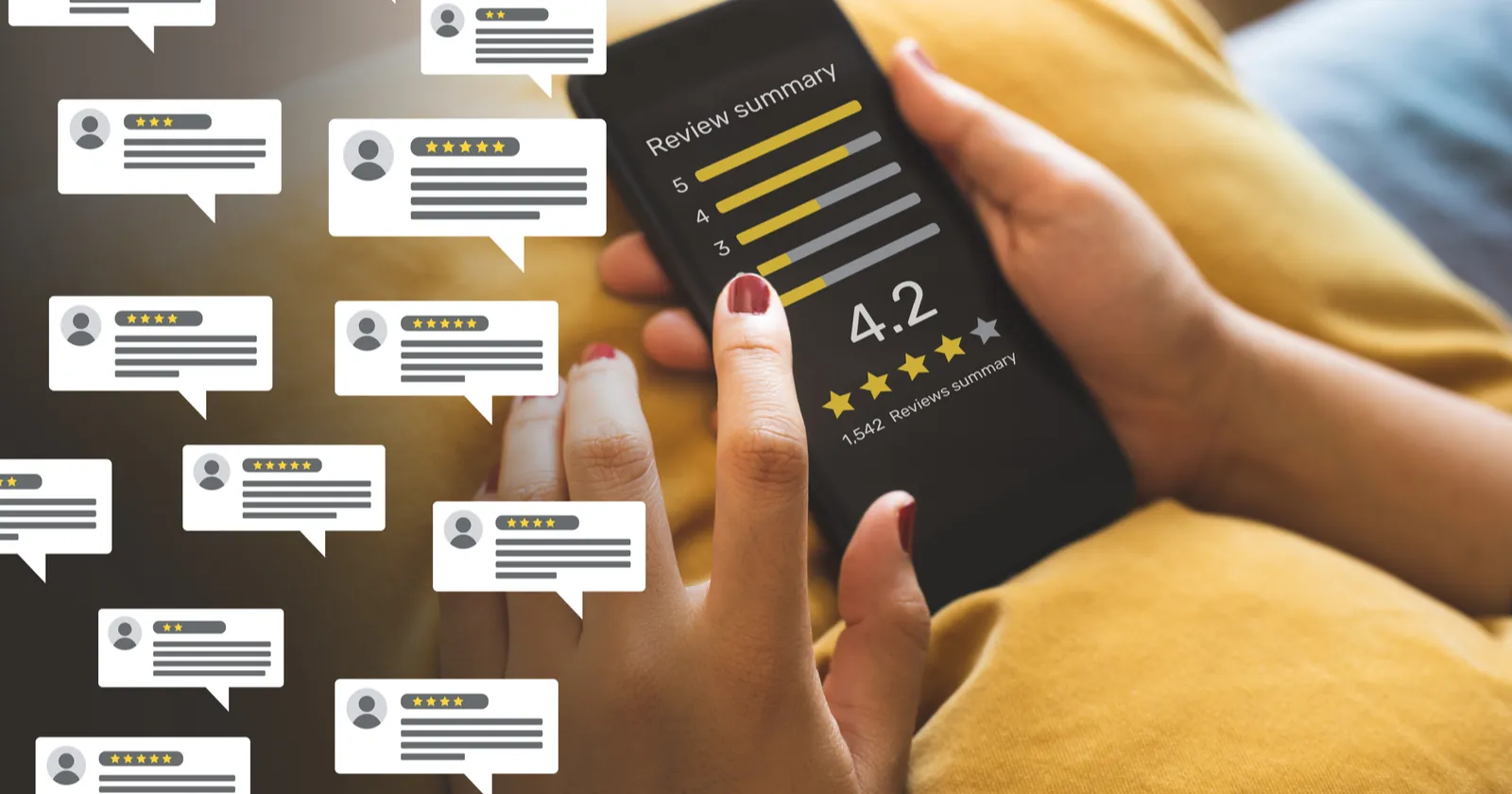
Customer feedback on your profile is the public rating and written comments people leave about your business directly on your listing. It’s used by local businesses to build trust before a new customer ever calls or walks in. If you run a shop, a clinic or a service company with a physical address, this is where people look first.
The one thing people get wrong is thinking they can edit or delete bad comments themselves. You can’t remove a review just because it hurts your score. Only the person who wrote it, or the platform itself for breaking content policies, can take it down.
When someone leaves a star rating, it immediately changes your overall average. That average sits right next to your name in search results. A higher number doesn’t magically push you up the rankings, but it does make people click your listing instead of the one below it. The mechanism is simple: more clicks signal to the search engine that your listing answers what people are looking for.
You don’t need a special account type to see these comments. Any verified business profile gets them automatically when customers decide to write one. You can check your current average and read every comment by logging into your business dashboard on any browser.
How to manage your profile reviews
If your business has fewer than five total ratings, focus entirely on asking recent happy customers to share their experience; if you already have over fifty, spend your time replying to the newest ones first. Here is the exact process to handle them from start to finish.
- Open your business dashboard by searching for your exact business name while logged into the managing account.
- Click the “Read reviews” button on the main overview screen to see your full list.
- To ask for new feedback, copy the short review link found under the “Ask for reviews” section in your dashboard.
- Send that single link to customers within 2 hours of finishing their service or handing over their purchase.
- Check back every 24 hours for new entries so you don’t miss anything that needs a fast response.
- Click “Reply” under each new comment and type a specific answer within 1 day of it appearing.
- If a comment breaks the rules, click the three dots next to it and select “Report review” immediately.
- Track your overall star average weekly on the performance tab to spot sudden drops.
The single judgment call that separates a good result from a bad one is how you handle an angry comment. If the customer is upset about a real mistake you made, apologize clearly and offer to fix it offline. If they’re attacking you personally or making things up, report it and leave a short, calm reply stating the facts. Don’t argue in public. A fight in your replies costs you future customers who read it later.
Reporting a comment doesn’t guarantee it disappears. The platform checks it against its own rules, not yours. If you try to handle a legal threat like defamation yourself through the reply box, you risk making it worse. For actual legal threats, contact a lawyer who handles internet reputation issues.
Profile review numbers at a glance
These figures tell you exactly what to expect when you start collecting feedback and how to adjust your approach based on your situation, assuming you’re using a standard verified business listing.
| Situation | What to use | How long | What to watch for |
|---|---|---|---|
| New business with zero ratings | Direct short link via text message | 2-4 weeks to get your first 5 | Customers forgetting if you wait past 2 hours |
| Retail store with daily foot traffic | QR code printed on the receipt | Ongoing, check daily | Staff pushing too hard and annoying shoppers |
| Service business visiting homes | Follow-up email with the link | 1-2 days after the job finishes | Asking before the work is fully inspected |
| Medical or dental clinic | Tablet in the waiting room | Continuous during open hours | Privacy rules limiting what patients can share |
| Restaurant or cafe | Link on the table tent card | Daily monitoring required | Fake ratings from competitors nearby |
| B2B company with few clients | Personal email from the owner | 1 week after project delivery | Clients ignoring generic automated requests |
Your overall star average updates the moment a new rating goes live. Don’t panic if one bad score drops your average temporarily. It takes roughly 10 new five-star ratings to pull a 4.0 average back up to a 4.5, assuming you started with about 20 total ratings. The math shifts depending on your total count, so always check your current total before guessing how much damage one low score did.
Getting better feedback on your profile
The difference between a strong listing and a weak one comes down to timing and specificity. Businesses that send their request link within two hours of a finished job get significantly more responses than those who wait until the end of the week. By the next day, the customer’s excitement fades, and the task drops off their mental list.
Experienced owners don’t just ask for feedback; they tell the customer exactly what to mention. Instead of sending a bare link, they add a short sentence like, “Could you mention the specific repair we did today?” This prompts detailed comments rather than empty five-star clicks. Detailed comments carry more weight because they give future buyers actual reasons to trust you.
What to check halfway through
Partway through your week, look at the ratio of ratings to written comments. If you have 30 star ratings but only 2 written ones, your customers are clicking the stars and leaving. You’ll need to change your request message to gently ask for a sentence or two about their visit.
Never reply to a positive comment with a generic “Thanks!” Template. Read what they wrote and mention it back. If they praised your front desk staff, name that person in your reply. This shows future readers that a real human runs the account, not a bot pasting the same phrase everywhere.
Leave the negative comments alone for an hour before typing your reply. Answering while angry usually leads to defensive sentences that scare away the next ten people who read them. Your reply isn’t really for the angry person anyway. It’s for everyone else watching how you handle trouble.
When profile reviews go wrong
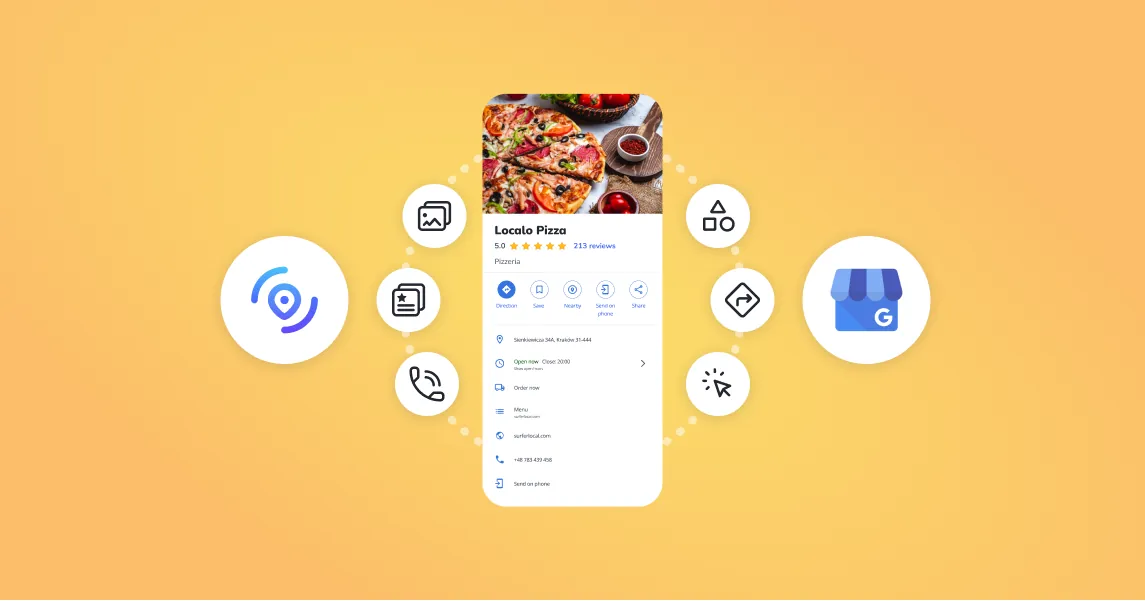
Things break, and knowing what went wrong saves you from wasting hours fixing the wrong part. Use this table to match what you see on your screen to the actual cause and the fastest way out.
| What you notice | What it usually means | What to do first |
|---|---|---|
| Your review link opens a blank page | The profile is suspended or unverified | Check your email for suspension notices from the platform |
| A review vanished overnight | The author deleted it or it was filtered as spam | Don’t repost it; ask the customer if they removed it |
| Five 1-star ratings appeared in one hour | A coordinated attack or competitor sabotage | Report all five individually through the flag icon |
| You can’t find the reply button | You’re logged into a personal account, not the manager | Switch to the account that holds management access |
| Star average dropped without new comments | The platform recalculated old hidden spam scores | Wait 48 hours to see if it corrects itself |
If you report a comment and nothing happens after seven days, the system likely decided it didn’t break their published rules. You can appeal once more, but submitting ten reports for the same comment flags your account for abuse. Stop reporting and write a polite, factual public reply instead.
Filtering removes comments the system thinks are fake, often triggered by a device sending multiple ratings from the same Wi-Fi network. If your staff asks customers to leave feedback on a shared tablet in your lobby, those comments might get hidden automatically. Always have customers use their own phones and their own data connections.
Content policies you must follow
The rules governing what stays up and what gets removed are published directly by Google’s prohibited content policies. You can’t pay anyone to leave a five-star rating, and you can’t threaten someone into removing a bad one. Both actions violate the terms and can get your entire business listing suspended.
You aren’t allowed to review your own business or ask your employees to rate the company they work for. Conflict of interest rules mean any rating from someone financially tied to the operation will be removed if caught. Family members living at the same address often trigger the spam filters too.
If a customer includes private medical information or someone’s home address in their text, that violates privacy policies. You should report it immediately for removal rather than just replying asking them to edit it. The longer private data sits public, the bigger the risk.
Removing a legitimate complaint because you dislike it isn’t an option. If a dispute crosses into illegal territory, such as extortion where someone demands money to delete a bad rating, don’t handle it through the dashboard. Contact law enforcement or a legal professional who deals with digital disputes, as the platform’s support team won’t mediate criminal behavior.
Keeping your rating steady over time
Once you’ve built up a solid score, keeping it there requires a regular habit rather than a one-time push. Check your dashboard twice a week to catch new comments before they sit unanswered for days. An unanswered one-star rating looks like you don’t care, even if the rest of your page is perfect.
Store your direct review link somewhere your whole team can reach it quickly. If only the owner knows where the link is, your staff won’t ask customers during busy rushes. Put it in your point-of-sale system notes or print it on a small card kept behind the counter.
Your overall average will naturally drift downward over months if you stop collecting fresh feedback. Older comments lose their impact on buyer decisions simply because people want to know how you performed recently, not in the distant past. Keep a steady flow of new ratings coming in to dilute the occasional mistake.
There’s no setting to pause incoming feedback while you fix a problem in your business. The page stays open to the public as long as your profile is active. If you close your doors temporarily, mark your profile as temporarily closed in the settings so people don’t try to visit and leave angry ratings about finding you shut.
When manual collection isn’t enough

Asking every single customer by hand works well for small operations, but it falls apart when volume increases. If you process over 100 transactions a day, manually texting links to each person will burn out your staff before lunch. In that case, switch to an automated receipt system that prints a QR code or emails the link instantly upon checkout.
If your business operates entirely online without a physical address, you shouldn’t be using a local profile at all. Local listings require a real location where customers meet you face-to-face. Online-only stores need to rely on product-level ratings on their e-commerce platform instead. Trying to verify a local listing with a virtual office address will lead to a permanent suspension.
If you face a massive reputation crisis involving hundreds of fake ratings, manual reporting won’t save you fast enough. At that point, you need a specialized reputation management agency that has direct escalation channels with the platform’s support teams. Handling a coordinated attack alone usually results in lost revenue while you fight the algorithm.
Frequently asked questions
Can I delete a bad review on my profile?
No, you can’t delete a customer’s comment yourself. You can only report it if it breaks the platform’s content policies, like containing hate speech or private information. If the report is rejected, your only option is to post a calm, professional reply explaining your side of the story.
Why did my review disappear suddenly?
It usually disappeared because the automated spam filter caught it or the person who wrote it deleted it themselves. The filter targets comments left from shared IP addresses or accounts with suspicious activity patterns. You won’t get a notification when this happens, so check your total count regularly.
How long does it take for a new review to show up?
Most new ratings appear within a few minutes of the customer hitting submit. However, during periods of heavy spam filtering, it might take up to 72 hours for the system to verify and publish it. If it hasn’t shown up after three days, ask the customer to check if their account is restricted.
Is it safe to offer discounts for five stars?
No, offering money, discounts, or free products in exchange for a positive rating violates the platform’s terms of service. If caught, your listing can be suspended or permanently removed from search results. You can encourage feedback generally, but you can’t tie a reward to a specific star rating.
What happens if I get reported for fake reviews?
If the platform determines you bought or faked your ratings, they will remove all suspicious comments and may suspend your profile entirely. A suspended profile vanishes from search results until you successfully appeal the decision. You’ll need to provide proof that your customer interactions were genuine.
How many reviews do I need for a good average?
There’s no magic number, but having fewer than 5 total ratings makes your average highly unstable. One bad score will drop a 5.0 average to a 4.0 instantly with only two total ratings. Aim for at least 20 to 30 ratings so a single mistake doesn’t ruin your overall score.
Can I reply to reviews from my phone?
Yes, you can reply directly through the mobile maps app or your phone’s browser. Log in to the account that manages the business profile, find your listing, and tap the reply button under any comment. Just make sure you’re logged into the correct manager account and not your personal one.
Conclusion
Running a local listing means accepting that you can’t control everything people say about you publicly. Focus your energy on delivering consistent service and responding professionally when things go wrong. The businesses that treat public feedback as a conversation rather than a scoreboard are the ones that keep growing their customer base year after year.

Robert Miller works as a Reputation Management Consultant. He has been helping U.S. businesses for over ten years. His work involves helping people protect and enhance their online image.Robert has worked with a wide range of companies. He has helped new businesses, local places that give a service, and big companies. He helps turn customer reviews into something that helps people trust their company and drives business growth.