Google Maps reviews from former employees usually can’t be removed just because the writer used to work for you. The useful options are to reply calmly, flag a review that breaks Google’s rules, appeal a rejected removal request, report a genuine legal issue, or ask the writer to edit the review. What you can do about Google reviews from former employees depends on the review’s content, not only the writer’s relationship with your business. A review from a former employee about the employer may be removable under Google’s conflict-of-interest policy, while threats, private information, spam, or personal attacks may also qualify under other policies.
Google review options for former employees
Each option fits a different problem, so choose the route that matches the review. A former employee can’t require Google to remove a review simply because it’s negative or mentions workplace problems. Focus on the specific content that violates a policy, or correct the record without disclosing confidential information.
| Option | Best for | Concrete example |
|---|---|---|
| Reply publicly | A review that can stay | Calm factual response that avoids identifying the former employee |
| Flag the review | A policy violation | Threat, spam, personal attack, or content unrelated to your business |
| Appeal removal decision | A rejected flag | Request a second policy review and explain the exact violation |
| Report a legal issue | Defamation or privacy | Exposed private data or a statement you believe is legally actionable |
| Ask for an edit | A fixable dispute | Privately request correction of an employment detail |
Don’t use flagging merely to suppress criticism. If the issue is an inaccurate date, title, or employment detail, ask the reviewer to edit it; only that reviewer can change their post. For threats or exposed personal information, preserve screenshots and use Google’s legal or policy reporting route rather than arguing in the public reply.
Reply publicly
A public reply may be appropriate for permitted content, but a former employee’s review about the former employer should first be reported under Google’s conflict-of-interest policy. It gives future readers a short, professional answer without exposing confidential employment details.
This option suits business owners who can separate a fair complaint from an unfair tone. Don’t confirm that the writer worked for you unless they’ve already made that public and you’re allowed to discuss it.
- Corrects a factual error: State the accurate point without sharing private records.
- Shows accountability: Acknowledge a genuine service problem if one happened.
- Protects confidential information: Explain that employment matters can’t be discussed publicly.
- Invites a private channel: Give a normal business contact route for details.
A weak reply often makes the problem worse. Calling the former employee a liar, naming their manager, or posting screenshots can expose private information and make the business look hostile.
If the review is about employment rather than customer service, you might write: “We don’t discuss private employment matters here, but we’re willing to review concerns through our normal contact channel.” Keep the reply short, and don’t argue point by point.
Flag the review
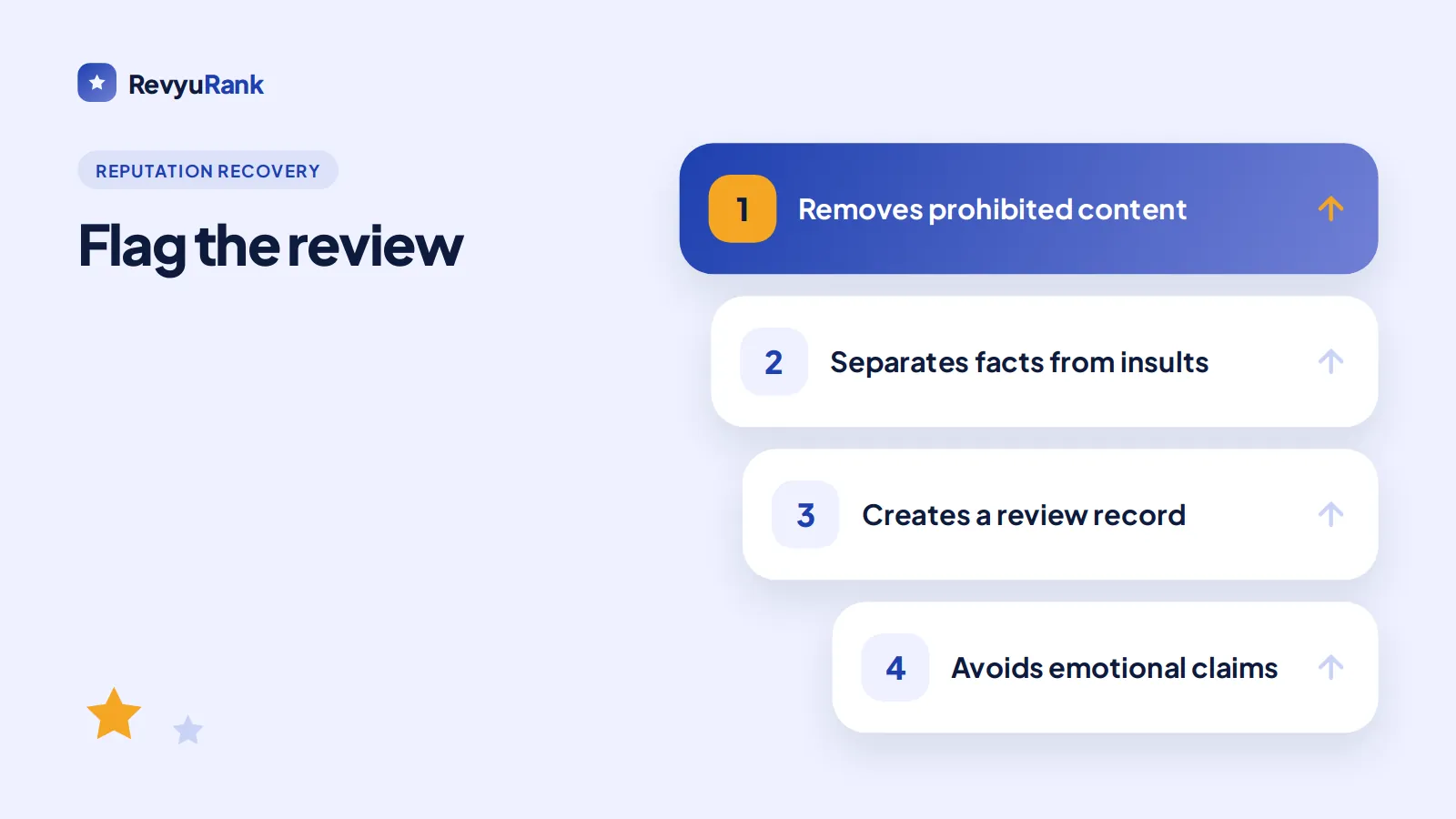
Flagging is the right option when the review breaks a Google content rule, not simply because a former employee wrote it. Google’s policy treats issues such as harassment, threats, personal information, fake content, and conflicts of interest differently from ordinary negative opinions.
This option suits a business that can identify a clear policy problem. A review publishing a manager’s home address may qualify for removal, and a former employee’s review about the former employer may violate Google’s conflict-of-interest policy.
- Removes prohibited content: A successful report can take the review off the profile.
- Separates facts from insults: Focus on the exact sentence that causes the problem.
- Creates a review record: Save the URL, date, screenshots, and your reason.
- Avoids emotional claims: Google needs a policy-based explanation, not “this is unfair.”
Google’s content policy for reviews explains the types of material that may be restricted. Read the relevant section before reporting, because choosing a vague reason can weaken your request.
For example, report a review that includes a threat, leaked private data, or repeated promotional text. Don’t report it only because the writer knows your business from the inside.
Appeal a rejected removal request
An appeal is useful when Google rejects your first removal request but the review still appears to violate a specific policy. It isn’t a second chance to argue that the review is inaccurate or damaging.
This option suits businesses that can point to the same review and a precise rule. If your first report said “false review,” your appeal should identify the actual issue, such as a threat, impersonation, or personal information.
- Adds a clearer explanation: Connect the exact words to the relevant rule.
- Corrects a weak first report: Explain what the original report missed.
- Keeps the case focused: Discuss one or two strong violations.
- Shows supporting context: Include dates or repeated behavior where relevant.
The trade-off is time. An appeal may help with a genuine policy breach, but it won’t turn a lawful negative opinion into removable content. If the text only says the workplace was poorly managed, a second complaint usually won’t change the result.
Save the original review before appealing. It can change, disappear, or become harder to identify later. Don’t edit screenshots or remove words from the quoted text.
Report a legal issue
A legal report is for a real legal concern, such as exposed private information, unlawful threats, impersonation, or content that may violate a specific law. It isn’t a general shortcut for a review you dislike.
This option isn’t for a business owner who wants legal wording without legal advice. If the review could affect employment rights, defamation claims, privacy duties, or an active dispute, speak with a qualified attorney before making a formal legal claim.
- Addresses serious harm: It gives Google a route for certain legal complaints.
- Protects sensitive information: Private data may need urgent attention.
- Separates policy from law: A policy report and legal report aren’t the same.
- Creates a careful record: Keep the original text and related evidence.
A former employee’s accusation may be upsetting but still lawful opinion. Don’t call it defamation simply because it hurts sales. A lawyer can tell you whether the wording states a provably false fact and what legal process applies.
If the review includes a home address, medical detail, or direct threat, stop public arguments and preserve the evidence. Contact the appropriate legal or emergency service when the risk is immediate.
Ask for a review edit
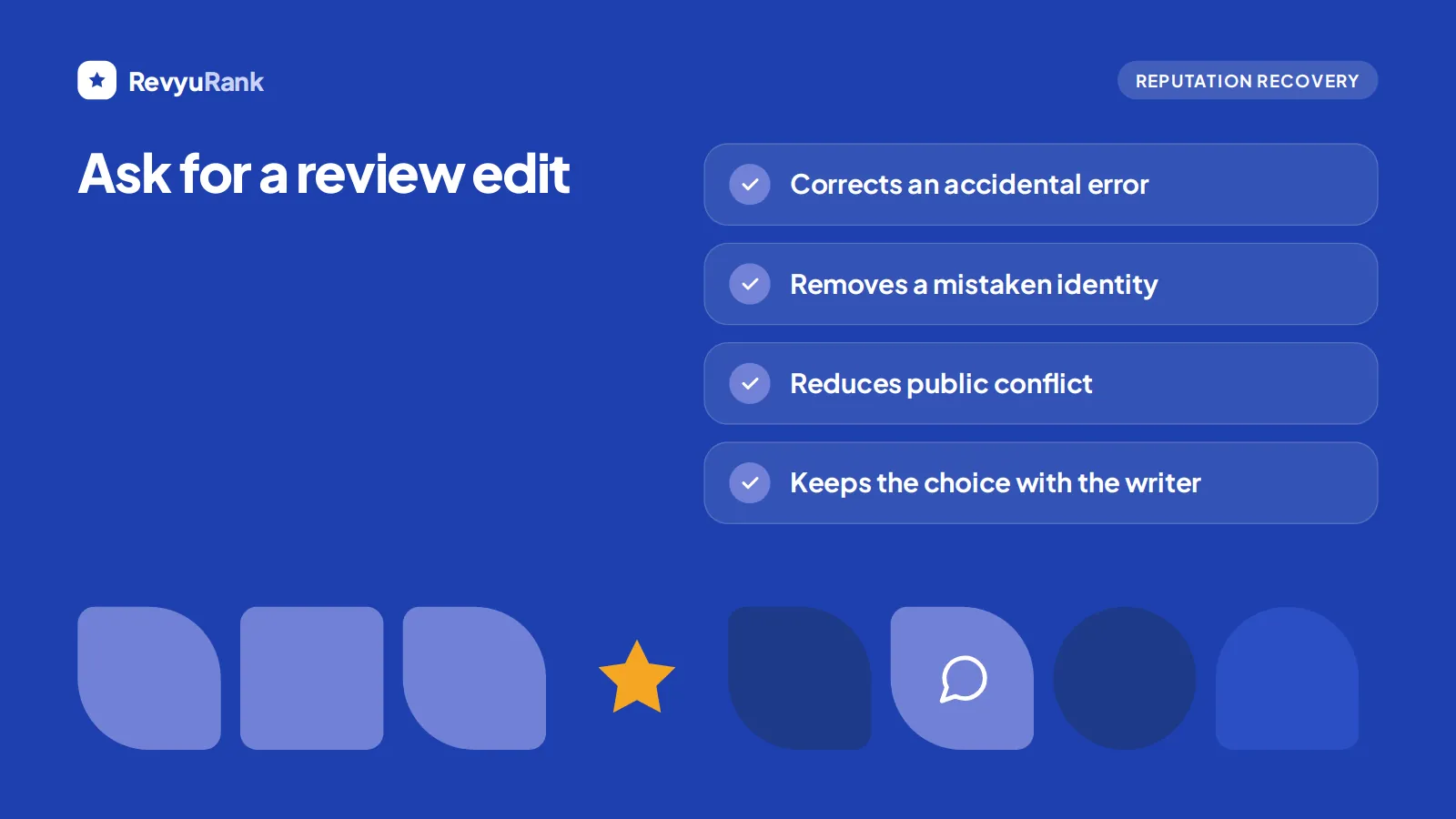
Asking for an edit can work when the former employee is willing to correct a mistake or clarify the review. It’s voluntary, so you can’t force the writer to change it.
This option suits a dispute caused by a wrong date, mixed-up business, or incomplete account. It’s less useful when the writer is angry, anonymous, or unwilling to communicate.
- Corrects an accidental error: The writer can update the wording.
- Removes a mistaken identity: A wrong business or location may be fixed.
- Reduces public conflict: A private request avoids a long argument.
- Keeps the choice with the writer: The request must not become pressure.
Don’t offer money, gifts, discounts, or a job reference for a changed review. Don’t threaten legal action just to make the writer edit it. Those actions can create a bigger reputation and compliance problem.
A neutral message could say: “We noticed the review may refer to a different location. Would you check the business name and update the post if needed?” Keep one written request, then stop if there’s no response.
Other ways to handle Google reviews
-
Private response: Use this for a sensitive employment concern that doesn’t justify removal. Offer one official contact method, such as a company email or HR channel, and don’t ask the writer to reveal private details in a public reply. Keep the reply brief and factual; a defensive exchange can draw more attention to the allegation.
-
Internal record: Save the review, reply, screenshots, dates, and reports. Record which statements you believe are false and what evidence supports that view. This helps when several reviews repeat the same false claim or show a clear pattern. Keep employment records and personal information out of any public response.
-
Customer-service correction: Choose this when the review also describes a real customer problem. Fix the service issue first; removal isn’t a replacement for solving it. If the review combines a legitimate complaint with an inaccurate claim about employment, address the service concern separately and report only the specific policy issue you can explain.
-
Professional legal advice: Reach for this when there’s a threat, exposed personal data, or a serious false factual claim. Stop public discussion while the issue is reviewed. Preserve the original wording and relevant records, and avoid threatening the former employee or promising that Google will remove the review.
Ask real customers for reviews the allowed way
You can share a review request link or QR code with customers. Google’s help suggests putting it on receipts and in thank-you emails. You can find the ‘Get more reviews’ option under Read reviews in your Business Profile.
- Ask all customers, not only the happy ones. Selectively asking for positive reviews is not allowed.
- Don’t discourage or prohibit negative reviews.
- Don’t ask staff to collect a set number of reviews.
- Don’t pressure customers to review on the premises, and don’t ask for specific content.
- Don’t pay for reviews, directly or in kind. Google treats paid reviews as fake and misleading.
Reviews must reflect a genuine experience. Asking is allowed, but it is not a way to push one review down.
Choosing the right review response
Start by considering both the content and the author’s relationship to the business. A former employee’s review about management, pay, scheduling, or workplace treatment may violate Google’s conflict-of-interest policy. If it contains a clear policy violation, flag it; if Google rejects a well-supported report, appeal it.
Next, check what you’re trying to achieve. Choose a public reply when future customers need context, an edit request when a simple error may be fixed, and legal advice when the issue involves threats, private data, or possible defamation. If the review is also about customer service, correct the business problem instead of treating removal as the only answer.
Your available evidence also matters. If you have the exact review URL, screenshots, dates, and a clear policy reason, reporting is stronger. If you only know that the writer is a former employee, there may be no removal route.
These options can be combined, but don’t flood Google with duplicate reports. You can reply, preserve evidence, and make one focused report; use an appeal only when the first decision was wrong under a specific policy.
Our team handles exactly this through Google Reputation Recovery for Bad & Fake Reviews | RevyuRank.
Want an expert to set this up with you? Take a look at Google Review Generation.
Frequently asked questions
Can a former employee leave a Google review?
A former employee’s review about their current or former employer may violate Google’s conflict-of-interest policy even if it reflects a genuine experience. Former employment alone doesn’t make the review removable. A review by a former employee about workplace treatment may be reported under Google’s conflict-of-interest policy. Focus on threats, harassment, private information, spam, impersonation, or another clear policy issue. If none applies, a calm public reply is usually safer than repeated removal requests.
Can I remove a Google review from an ex-employee?
Usually, no—not only because the writer is an ex-employee. You can report the review when its content breaks a Google policy, such as including threats, personal information, or fake material. Google decides whether it qualifies. Don’t claim that every negative workplace review is fake. Save the post, report the exact violation, and appeal only when you can explain why the first decision was incorrect.
Why won’t Google remove a false employee review?
Google may leave it up because its review system isn’t a general fact-checking service. A review can be negative, unfair, or disputed without breaking a content rule. Removal becomes more realistic when the post contains a policy violation, such as harassment, private data, or deceptive content. If the main issue is a false factual claim, get legal advice before making a legal report.
How long does a Google review report take?
Google doesn’t provide one universal public deadline for every review report. The time can depend on the report type, the information supplied, and whether an appeal or legal process is involved. Check your Business Profile and email for updates, and keep a copy of the review while you wait. Don’t post several duplicate reports simply because the first response hasn’t arrived.
Is it safe to reply to a former employee review?
Yes, a short professional reply is generally safer than a public argument, but don’t reveal confidential employment details. Avoid names of managers, personnel records, medical information, pay data, or private messages. Acknowledge the concern, state what you can discuss, and provide one private contact route. If the post includes a direct threat or private information, preserve it and seek appropriate help instead.
What happens if an ex-employee posts private information?
Report the review through the relevant Google process and preserve the original wording immediately. Don’t repeat the private information in your reply, because that can spread it further. If the information creates an immediate safety risk or involves a legal duty, contact the appropriate emergency, legal, or privacy authority. The correct response depends on what was exposed and where the business operates.
Does it matter if the review is from a verified former employee?
It can matter as context, but it doesn’t automatically decide removal. Google’s decision can turn on the writer’s relationship to the business as well as the review’s content, because current and former employees may not review their current or former employer. A verified employment connection may explain the writer’s perspective, yet it doesn’t prove the review is fake. Report the specific violation, if one exists, rather than the person’s employment history.
What to do with Google reviews
First, save the review and decide whether it contains a policy or legal problem instead of reporting it only because the writer is a former employee. A former employee may post a permitted opinion about management, pay, scheduling, or workplace culture. That status alone doesn’t make the review removable.
If the review includes threats, private information, harassment, or false claims, capture the text, reviewer name, date, and replies before reporting it through your Google Business Profile. Choose the policy reason that matches the content. Don’t repeatedly flag the same review under different categories. Google may leave a genuine opinion online, even when it’s harsh.
Reply once without confirming employment or discussing private details. Invite the reviewer to continue privately, then stop public contact. Seek qualified legal or safety help when the post alleges serious wrongdoing, exposes personal data, or threatens someone.

Robert Miller works as a Reputation Management Consultant. He has been helping U.S. businesses for over ten years. His work involves helping people protect and enhance their online image.Robert has worked with a wide range of companies. He has helped new businesses, local places that give a service, and big companies. He helps turn customer reviews into something that helps people trust their company and drives business growth.