Online reputation management is the work of shaping what people find, read, and believe about your business online. For a local business, that mostly means your Google reviews, your Business Profile, and the first page of results when someone searches your name. Get those right and new customers trust you before they ever call. Ignore them and a few bad reviews or a fake complaint can quietly cost you sales every week.
This guide explains how online reputation management works in practice: how to audit where you stand, monitor what’s said, respond well, remove content that breaks the rules, recover from a reputation hit, and decide whether to handle it yourself or hire help.
In short:
- Audit what customers see today: your Google rating, recent reviews, search results, and AI answers about you.
- Monitor new reviews and mentions, and reply to all of them quickly and calmly.
- Report reviews that break Google’s policies; don’t try to bury honest criticism.
- Build a steady flow of genuine reviews. It’s the only long-term fix, and fake reviews make everything worse.
What Is Online Reputation Management?
Online reputation management (ORM) is a mix of monitoring, communication, and marketing. It isn’t just “deleting bad reviews”, which usually isn’t possible anyway. It’s making sure the overall picture people see is accurate, recent, and fair to your business.
| Part of ORM | What it involves | Main goal |
|---|---|---|
| Auditing | Checking your rating, reviews, search results, and AI summaries | Know where you stand |
| Monitoring | Tracking new reviews and mentions across platforms | Catch problems early |
| Responding | Replying publicly to reviews and complaints | Show you listen and fix issues |
| Removing violations | Reporting fake, spam, or abusive reviews | Clean up content that breaks the rules |
| Building reviews | Asking every customer for honest feedback | Keep your rating strong and recent |
| Search reputation | Strengthening the pages that rank for your name | Control the first page of results |
The search side has its own techniques, which we cover in our guide to SEO reputation management. For most local businesses, though, Google reviews are where reputation is won or lost.
Why Your Online Reputation Matters
Reviews now act as a gate customers pass through before choosing anyone. BrightLocal’s Local Consumer Review Survey 2026 found that 97% of consumers read reviews for local businesses. Positive reviews make 85% more likely to use a business, while negative reviews put off 77%. And standards keep rising: 68% will only use a business rated four stars or higher.
Reputation also reaches people who never open your reviews. The same survey found that 82% of consumers read AI-generated review summaries, and 45% now use AI tools to find local businesses. Those summaries are built from your reviews, so a pattern of complaints shows up even in places you don’t control directly.
Customers are also more sceptical than ever. They look at the spread of ratings, how recent reviews are, and whether the business replies. If you’re curious how they judge trust, read are Google reviews reliable?, which explains how people weigh review count and spread.
Step 1: Audit Your Current Reputation
Start by seeing your business the way a new customer does. Use a private browser window so your own search history doesn’t skew the results.
| Check | What to look for |
|---|---|
| Google search for your business name | Rating, review count, first-page results, any negative articles or forum threads |
| Google Maps for your main service + city | Your position, competitors’ ratings and review counts |
| Your newest 20 Google reviews | Repeated complaints, unanswered reviews, suspicious patterns |
| Other review sites in your industry | Ratings and complaints you didn’t know about |
| AI tools (ask about your business) | What they say about you and which sources they use |
| Social media mentions | Complaints or praise that never became a review |
Write down three things: your rating and review count compared with the top three competitors, the date of your newest review, and the top recurring complaint. That’s your baseline. If you’d like an outside view, request a free review audit from our team.
It also helps to understand how Google calculates and filters what you see. Our explainer on how Google Maps reviews actually work covers the rating math and the spam filters behind it.
Step 2: Monitor Reviews and Mentions
You can’t manage what you don’t see. Turn on review notifications in your Google Business Profile so new reviews reach your phone, and check other important review sites at least weekly. Set up alerts for your business name so you notice news, forum posts, or social media complaints early.
Don’t stop at Google. Depending on your industry, customers may also review you on Facebook, Yelp, Tripadvisor, Trustpilot, or specialist sites for healthcare, legal, or home services. BrightLocal’s 2026 survey found the average consumer uses six different review sites, so a complaint on a smaller platform can still reach the people deciding between you and a competitor. List the sites that matter in your industry and check each one on a schedule.
For a single location, a simple weekly routine is enough. Once you have several locations or platforms, a monitoring tool saves time by pulling everything into one place. Our comparisons of the best Google review management websites and the best online reputation management websites explain what to look for before you pay for one.
Step 3: Respond to Every Review
Replies are the most visible part of reputation management. A calm, specific reply to a complaint often does more for your reputation than another 5-star review, because readers see how you behave when something goes wrong.
The basics: thank the reviewer by name, mention a detail, apologize where it’s fair, and move complaints to a private phone or email conversation. Never argue in public or share a customer’s private details. Our complete guide on how to respond to Google reviews has a reply framework and examples for every situation.
Step 4: Remove Reviews That Break the Rules
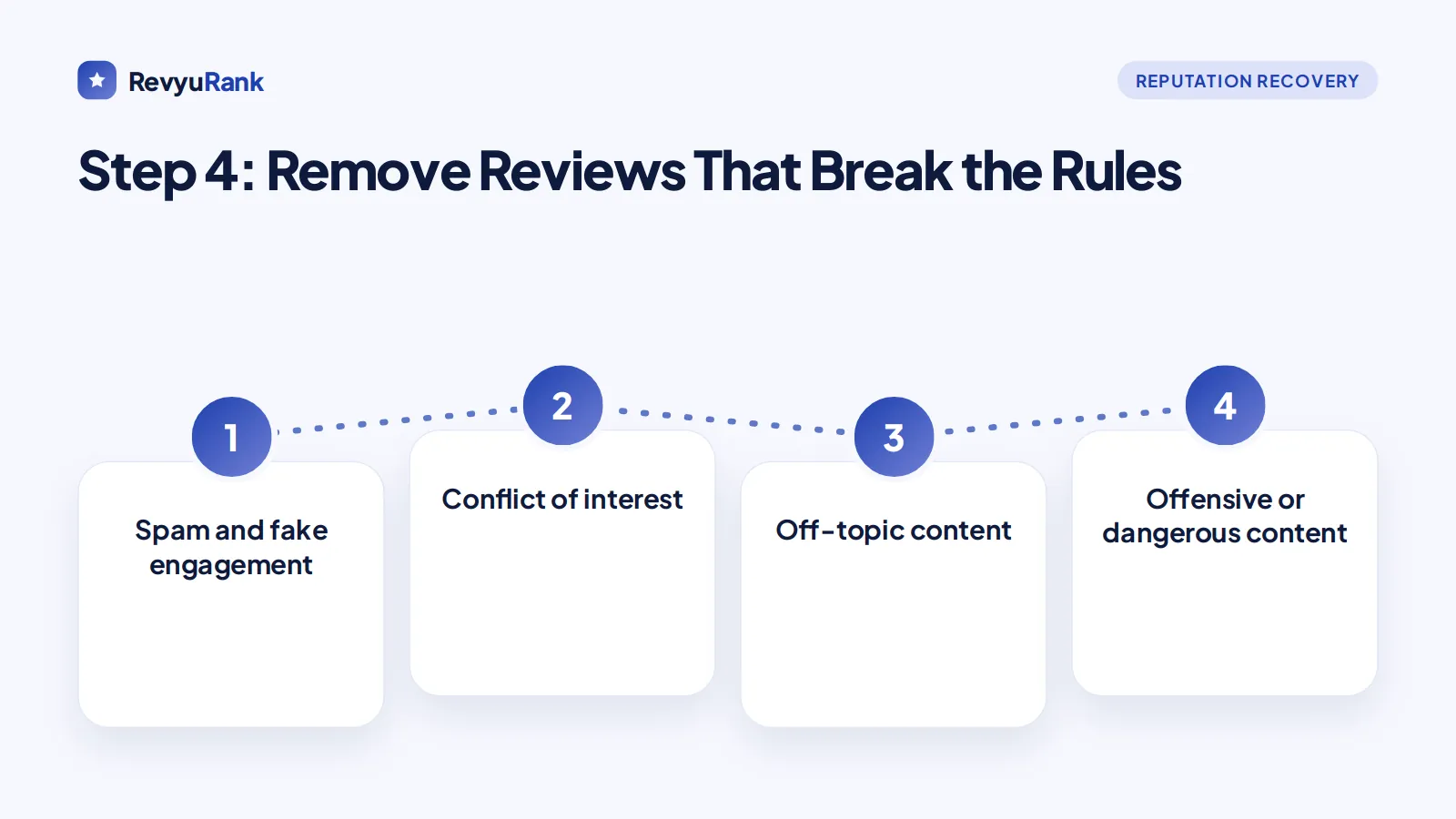
You can’t remove a review just because it’s negative. You can ask Google to remove reviews that violate its policies, and many fake or abusive reviews do.
Which reviews Google may remove
- Spam and fake engagement: reviews from people who were never customers, bulk or bot reviews, or reviews posted for payment.
- Conflict of interest: reviews from competitors, current or former employees, or the business itself.
- Off-topic content: rants about politics or society that have nothing to do with the customer’s experience.
- Offensive or dangerous content: hate speech, harassment, threats, or obscene language.
- Personal information: reviews that share someone’s private details.
- Impersonation: reviews posted by someone pretending to be another person.
How to report a review
According to Google’s help page on reporting inappropriate reviews, you can flag a review from your Business Profile, from Google Maps, or through the Reviews Management Tool. The tool is the best option because it lets you track the status of each report. If Google decides a review doesn’t break its policies, you can submit a one-time appeal, and you can appeal several eligible reviews together.
When you report, choose the most accurate category and keep evidence ready: booking records showing no such customer, screenshots, or messages proving a conflict of interest. For the full process, read how to remove fake Google reviews, and to understand what Google does after you flag something, see what happens when you report a Google review. If your goal is removing negative feedback in general, our guide on how to delete Google reviews explains what’s possible and what isn’t.
If you get stuck choosing the report category for a review, we can check it with you or do it for you.
How to spot fake reviews
Fake reviews often share patterns: several reviews in a short burst, new accounts with no other reviews, vague text that could describe any business, details that don’t match your services, or names you can’t find in your records. AI-written reviews add a new layer: polished, generic language with no real specifics. Our practical guide on how to detect fake AI reviews walks through the evidence checks we use.
Google takes this seriously too. Its Maps transparency report explains that most fake reviews are caught automatically, and that profiles repeatedly found violating the fake engagement policy can face restrictions on top of review removal.
Review extortion and legal options
Some scammers post a wave of 1-star reviews and then demand payment to remove them. Never pay. Document everything and use Google’s dedicated route for extortion scams, found from the same reporting help pages.
If a genuine-looking review contains false statements of fact that harm your business, defamation law may apply in your country. That’s a last resort: talk to a lawyer first, because legal action can attract more attention to the review. And be careful in the other direction. In the US, the FTC’s rule on fake reviews and testimonials prohibits suppressing negative reviews through groundless legal threats or intimidation, and contract clauses that stop customers from posting honest reviews are generally unenforceable.
When Reviews Disappear or Don’t Show
Reviews usually go missing because Google's spam filters hold them back. Sometimes the problem isn't a bad review but a missing good one. Customers say they left a review, yet it never appears; or a batch of older reviews suddenly vanishes. This usually comes from Google’s spam filters, which can hold back reviews that look unusual: several from the same location, from brand-new accounts, or in a sudden burst.
Our guide to Google reviews not showing covers the common causes and fixes, and why reviews vanish in a Google review purge explains how to check what happened to reviews that were visible before. The best protection is a natural pattern: steady requests to real customers rather than pushes that produce dozens of reviews in a day.
Step 5: Build a Stronger Reputation With Genuine Reviews
Removing violations helps, but it rarely changes your rating much. What moves your reputation is a steady flow of new, honest reviews from real customers. Each recent positive review dilutes old complaints and shows that the business today is doing well.
The method is simple: ask every customer, soon after the visit or job, with a direct review link, and follow up once. Share the link by email, on a receipt, or as a QR code. Never pressure anyone or ask for specific wording. Our step-by-step guide on how to get Google reviews shows how to build that system without breaking any rules.
Why fake reviews backfire
When ratings drop, some owners are tempted to buy reviews. It’s a bad trade. Google filters and removes fake reviews and can restrict profiles that use them, the FTC can seek civil penalties in the US, and customers increasingly spot them. BrightLocal found that 97% of consumers think businesses should face consequences for fake reviews. If you want to understand exactly what happens when businesses go down that road, read our breakdown of how fake Google reviews are bought and why it backfires.
Google’s rules for asking for reviews
Asking customers for reviews is allowed. The reviews just have to reflect a genuine experience. Keep to these rules:
- Share a review link or QR code. The ‘Get more reviews’ option sits under Read reviews in your Business Profile. Google suggests putting the link or code on receipts and in thank-you emails.
- Don’t pay for reviews, directly or in kind. Google treats paid reviews as fake and misleading, and incentivized or biased reviews are removed from Maps.
- Don’t ask only the customers you expect to be happy, and never discourage or prohibit negative reviews.
- Don’t ask staff to collect a set number of reviews.
- Don’t pressure customers to leave a review while they are on your premises, and don’t ask for specific content.
- Don’t review your own business. Content based on a conflict of interest is prohibited.
Google does allow respectful reviews that describe a negative experience, so expect some and reply to them calmly.
Step 6: Manage Your Search Results
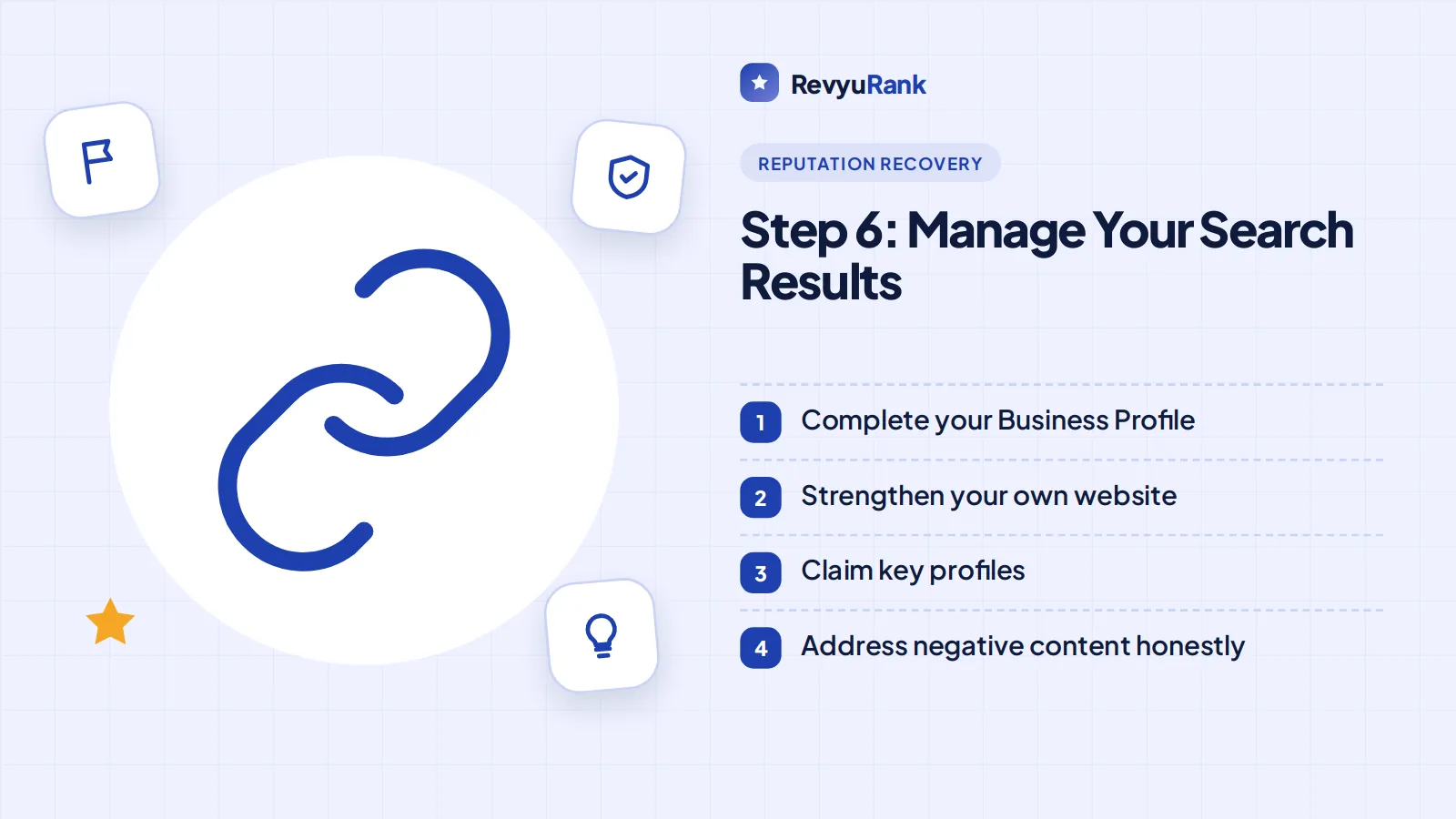
Reviews are only part of what people see when they search your name. The first page might also show your website, social profiles, directory listings, news articles, or a complaint thread. The goal is to make sure accurate, helpful pages you control rank highest.
- Complete your Business Profile. It’s often the most prominent result for your name. Follow our Google Business Profile guide to fill every field.
- Strengthen your own website. Clear service pages, an About page, and helpful content give Google better pages to show.
- Claim key profiles. Industry directories and major social platforms tend to rank well for brand names.
- Address negative content honestly. If an article or thread raises a real issue, fixing it and responding publicly usually works better than trying to push it down.
Reputation Management by Business Type
The principles are the same everywhere, but priorities shift with the business model:
- Small businesses usually have one profile and no dedicated staff. A 15-minute daily routine for replies and a consistent review request process cover most needs. See our small business reputation management action plan.
- Retail stores face high review volume and complaints about stock, returns, and staff. Our guide to retail reputation management covers monitoring across locations and platforms.
- Franchises and multi-location brands need consistent standards with local ownership of replies. Read our method for franchise reputation management.
A 30-Day Recovery Plan After a Reputation Hit
A 30-day plan starts with calm replies, then fixes the cause, then rebuilds with genuine reviews. If you're dealing with a sudden drop, such as a wave of negative reviews, a public complaint, or a bad incident, a structured plan stops you from reacting emotionally:
| When | Action |
|---|---|
| Days 1–2 | Read every new review, reply calmly to each, and report any that clearly break policy |
| Days 3–7 | Find the root cause (a staff issue, a process failure, an outside attack) and fix what you can |
| Week 2 | Contact unhappy customers privately to resolve their issues, with no conditions attached |
| Weeks 2–4 | Ask every customer for an honest review to restore a recent, balanced picture |
| Day 30 | Compare your rating, review count, and newest reviews with your baseline from the audit |
A plan like this can help your recent reviews recover over time, even if the overall average takes longer to climb.
Metrics That Show Whether Your Reputation Is Improving
Reputation can feel vague, but a few numbers make progress visible. Track them monthly in a simple spreadsheet:
| Metric | Why it matters | Healthy direction |
|---|---|---|
| Average Google rating | Most customers filter by stars first | Stable or rising, ideally 4.5+ |
| New reviews per month | Shows the profile is active and current | Steady, not in bursts |
| Date of newest review | Most customers only trust recent reviews | Within the last week or two |
| Reply rate and reply time | Customers expect replies to every review | 100% replied, within a day or two |
| Share of 1–2 star reviews | Reveals recurring problems | Falling over time |
| Top recurring complaint | Points to the fix with the biggest effect | Changes once you fix the old one |
| First-page results for your name | What people see beyond reviews | Mostly pages you control |
Look at trends rather than single months. One bad week matters less than a slow slide over a quarter, and a single great month means little if new reviews then stop.
Reputation Management Mistakes to Avoid
Well-meaning owners often make the situation worse. These are the most common traps:
- Arguing with reviewers in public. Even if you’re right, a defensive reply looks worse to readers than the original complaint.
- Reporting every negative review. Google asks businesses not to report reviews just because they disagree with them. Mass reporting wastes your one-time appeals on cases that won’t succeed.
- Offering refunds in exchange for edits. Fixing a problem is good; making the refund depend on changing the review breaks Google’s policy.
- Asking only happy customers. Filtering who gets your review link is review gating, which Google prohibits. Ask everyone.
- Creating a new profile to escape bad reviews. Duplicate profiles can lead to suspension and you lose your existing good reviews too.
- Ignoring the cause. If the same complaint appears every month, replies won’t fix it. Change the process behind it.
- Hiring anyone who promises guaranteed results. Real reputation work is steady and transparent, not a secret shortcut.
Do It Yourself or Hire Help?
Many small businesses manage their reputation in-house with a clear routine. Outside help makes sense when you have many locations, high review volume, an active attack, or simply no one with time to do it properly.
If you hire help, know what you’re buying. Our guide on how online review management services work explains what a legitimate service does. Before signing anything, read how to properly vet a review management company. Watch for red flags:
- Guaranteed removal of negative reviews (nobody can promise what Google decides).
- Offers to post reviews for you or “boost” your rating with new accounts.
- Requests for your Google password instead of manager access.
- Vague reporting with no list of actions taken.
If you want a team to take this on, our Google reputation recovery service handles auditing, reporting policy-violating reviews, replies, and a compliant plan to rebuild your rating with genuine customer reviews.
Want an expert to set this up with you? Take a look at Google Review Generation.
Frequently Asked Questions
What does online reputation management include?
It includes auditing what people see about your business, monitoring new reviews and mentions, replying to reviews, reporting content that breaks platform rules, building a steady flow of genuine reviews, and strengthening the search results for your business name.
Can I remove a negative Google review?
Only if it breaks Google’s policies, for example spam, fake content, conflicts of interest, offensive language, or personal information. You can report it from your Business Profile or the Reviews Management Tool. Honest negative reviews stay, so reply calmly and fix the issue.
How long does it take to repair an online reputation?
Your recent reviews can improve within a few weeks if you reply to everything and ask every customer for an honest review. Raising your overall average takes longer and depends on how many reviews you have and how often new ones arrive.
How much does online reputation management cost?
Doing it yourself costs time rather than money; Google’s tools are free. Paid monitoring tools and managed services vary widely by the number of locations and platforms. Be wary of anyone charging for guaranteed review removal.
Is it legal to pay to remove reviews?
Paying a reviewer to remove or change a review breaks Google’s policies. Paying a company that promises removal is risky because only Google decides what comes down. In the US, suppressing honest reviews through threats or intimidation is also prohibited.
What should I do about review extortion?
Don’t pay. Save screenshots of the reviews and any messages demanding money, report the reviews, and use Google’s dedicated reporting route for extortion scams.
Do fake positive reviews help my reputation?
No. They’re often filtered or removed, can lead to restrictions on your profile, may break consumer protection laws, and damage trust when customers spot them. Genuine reviews from real customers are the only reliable way to build a reputation.
What to Do Next
- Run the audit in Step 1 today and write down your baseline numbers.
- Reply to every unanswered review, newest first.
- Report any reviews that clearly break Google’s policies, with evidence.
- Start asking every customer for a review this week, with a direct link.
- Repeat the audit in 30 days and compare.

Robert Miller works as a Reputation Management Consultant. He has been helping U.S. businesses for over ten years. His work involves helping people protect and enhance their online image.Robert has worked with a wide range of companies. He has helped new businesses, local places that give a service, and big companies. He helps turn customer reviews into something that helps people trust their company and drives business growth.