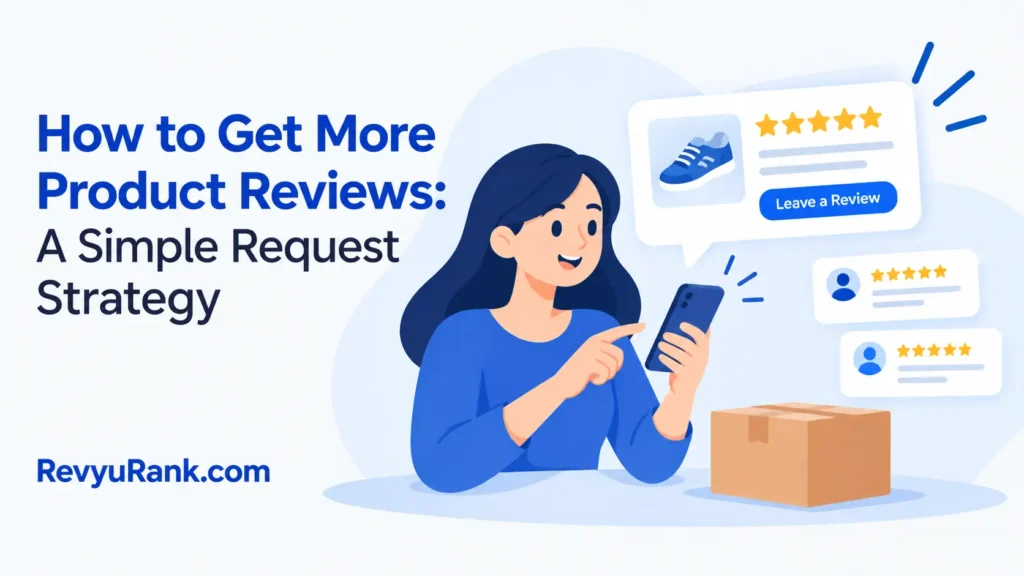
How to get more product reviews works best when you ask every real buyer at the right time, make the request easy, and never require a positive rating. Send one clear request after the customer has had enough time to use the product, then provide a direct review link and a short prompt. A useful starting point is 7–14 days after delivery for simple products, but the right time depends on how quickly the product gives value.
The answer changes with product type, delivery time, customer relationship, and review platform. You’ll also need to choose between email, SMS, packaging inserts, or a support message. The method below assumes you sell a legal product directly to customers and can contact buyers who have permitted you to receive business messages.
Product review requests for your store

Three types of readers usually search for this advice. A small store owner may have good products and happy buyers but no repeatable request process. They need simple wording, timing, and a way to track who was asked.
A marketing manager may already send email campaigns and know basic conversion metrics. That reader needs better audience segments, testing ideas, and safeguards against asking the same person too often. They’ll also need a process that works across several products or sales channels.
A marketplace seller has a different problem. The platform may control the review form, contact rules, and customer data. That seller needs to read the platform’s current seller policies before sending any direct request.
This page serves best for a store that controls its customer email list and review destination. It assumes you can see the order date, delivery status, and product bought. If you sell through a marketplace, use the marketplace’s approved request tool instead of exporting customer details or moving the conversation elsewhere.
The page isn’t for businesses trying to hide poor quality with aggressive requests. If returns, damaged orders, or unresolved complaints are common, fix those problems first and ask for feedback after support has responded.
What changes review results
Product experience matters most. A request can’t repair a product that arrived late, broke quickly, or failed to match its description. Check your return reasons, support tickets, and low ratings by product before you write the campaign. If the same complaint appears several times, improve the product page or service before increasing request volume.
The request timing changes the detail you receive. Ask too soon, and the buyer may have only opened the package. Ask too late, and the purchase may no longer feel relevant. Use the product’s first useful moment as your guide: after delivery for an easy-to-use item, after the first completed task for a tool, and after the first normal use cycle for an item that needs setup.
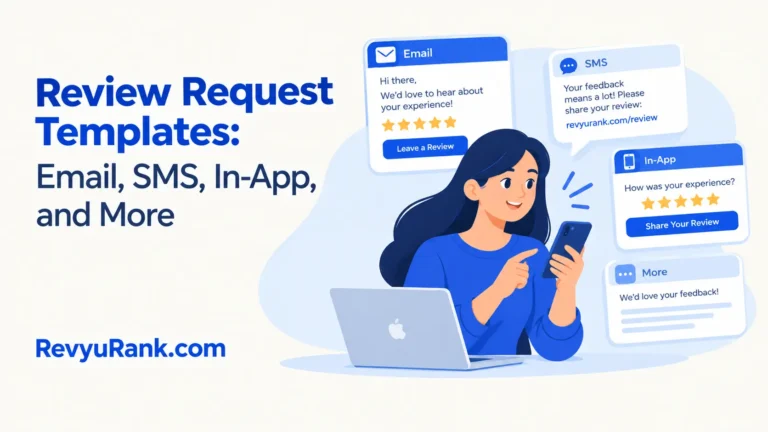
The channel affects completion. Email gives you room for context and a clear button. SMS can be quick, but it’s more intrusive and may be subject to consent and messaging rules. Packaging cards can reach buyers who don’t open email, but they can’t adapt to delivery delays, returns, or complaints.
The review page must be easy to reach. A buyer should go from your message to the correct product page without searching your store. Test the link on a phone, confirm it opens the right item, and check that a signed-in customer can submit a review without an unnecessary account step.
Your request wording controls trust. Ask for an honest review, not a favorable one. The mistake that costs stores the most is treating a review request like a discount campaign: they offer a reward only for five stars, which can break platform rules and make the feedback less credible.
The factor sellers get wrong most often is timing. They measure the order date, but the customer needs the product’s delivery date and normal use time. If those dates differ, base the request on delivery and use, not checkout.
Steps to request product reviews
Use one request flow for each product group, then adjust the delay according to how soon customers can judge the item. Keep a record of the order, delivery date, request date, and response so you don’t send repeated messages.
-
Choose the review destination. Pick the product page, store review form, or approved marketplace form where the review should appear. Open it on a phone and confirm that the link shows the correct product before you send any campaign.
-
Separate completed orders from problems. Remove orders with an open refund, replacement, delivery complaint, or unresolved support ticket. If the problem is resolved, wait until the customer has received the solution and had a reasonable chance to use it.
-
Find the usable date. Use the delivery date when the product can be judged immediately. For a product that needs setup or repeated use, count from the first likely use instead. If your system can’t show delivery, check the carrier record or use the order date only when delivery is usually predictable.
-
Set one request delay. Start with 7–14 days after delivery for simple products that work immediately. Use a longer delay for products that need installation, learning, or repeated use. The correct sign is that the customer could describe the product from real use, not just from opening the box.
-
Write a short message. Name the product, explain that you want an honest review, and include one direct button. Ask one useful prompt, such as “What did you use it for?” Avoid asking for five stars, a positive rating, or wording that tells the buyer what answer to give.
-
Add a support path. Include a plain sentence such as, “If something isn’t right, reply to this message and we’ll help.” Keep support separate from the review button so an unhappy customer isn’t blocked from sharing a public review.
-
Send only one main request. Use email or another permitted channel, not several channels at the same time. If you send a reminder, make it one short reminder after checking that the customer hasn’t already reviewed the product.
-
Measure useful actions. Track delivered messages, clicks, completed reviews, replies, returns, and support complaints. A higher click rate isn’t a win if the campaign also creates more complaints or causes customers to review before they’ve used the item.
-
Read the new reviews. Tag comments about quality, instructions, shipping, fit, and expectations. Share repeated product issues with the team that can fix them, rather than sending more requests to the same unhappy buyers.
The judgment call is whether the buyer has enough experience to give a meaningful answer. If they can only confirm that the box arrived, wait; if they can describe use, fit, results, or a problem, the request is ready.
Review request timing by situation
The best delay starts with the customer’s first useful experience, not a universal calendar date. Use this table as a starting point, then compare it with delivery dates, support records, and review quality.
| Customer situation | What to do in it | What it takes | What to watch for |
|---|---|---|---|
| Simple everyday product | Ask after delivery | Short delay | Unopened package or canceled order |
| Product needs setup | Wait after setup | Extra time | Installation problems or missing parts |
| Product needs repeated use | Ask after the first use cycle | Longer delay | Early opinions based on one attempt |
| Delayed shipment | Reset from the actual delivery date | Date check | Request sent before the package arrives |
| Open support issue | Pause the request | Manual review | Added frustration or an unresolved complaint |
| Returned product | Don’t request a review | Exclude the order | Duplicate messages after the return |
| Repeat customer | Ask about the latest order | Clean segmentation | Repeated requests for the same purchase |
A delivered order isn’t always a ready customer. Check whether tracking shows delivery, the order remains active, and the customer has completed the action that makes the product useful. For setup products, that may mean activation or installation rather than delivery alone.
If support history shows an unresolved problem, hold the request even when the delivery date is old. A review invitation during an active complaint can make the customer feel ignored. If the issue is closed and the customer has had time to use the product, restart the timing from that resolution when appropriate.
For repeat customers, tie the request to a specific recent order. Otherwise, they may review an older purchase or receive several invitations close together. Exclude canceled, returned, and duplicate orders before sending.
Details that improve review quality

Prepare the request
Good campaigns start with clean customer records. Match each message to one order, one product, and one review destination. Remove duplicate email addresses, cancelled orders, returned items, and customers who have already received a request for that order.
Use a subject line that says what the message needs, such as “How is your working?” The body should stay short enough to read on a phone. Put the review button near the first paragraph, then add the support option below it.
The order of the message matters. Identify the product first, ask for an honest review second, give the link third, and offer help last. Starting with a discount or a long brand story makes the request feel like an advertisement instead of feedback.
Check without steering
Read the message from the perspective of a customer who had a poor experience. Use the same request for customers who returned the product or contacted support after you’ve resolved the issue.
Don’t ask customers to change an existing review after receiving a refund, replacement, or discount. A reward linked to a positive review can distort the feedback and may violate platform rules. If you offer a general customer benefit, explain that it’s available regardless of the review’s rating or content, and check the platform’s policy first.
Watch the review page while the campaign runs. If buyers reach the wrong product, hit an account error, or abandon the form, fix that path before sending more requests. Experienced operators leave the review text alone; they improve the product, instructions, delivery, or request experience instead.
Product review problems and fixes
A review campaign usually fails at one visible point: the buyer can’t judge the product, can’t reach the form, or feels pushed toward a favorable answer. Match the sign to the first safe fix before changing the whole campaign.
| What you notice | What it usually means | What to do first | How to stop it happening again |
|---|---|---|---|
| Few review clicks | Message lacks clear path | Test the review link | Use one direct button |
| Clicks but no reviews | Form creates friction | Complete it on mobile | Remove extra account steps |
| Reviews mention shipping | Request came too soon | Check delivery records | Start timing after delivery |
| Buyers complain about messages | Requests are too frequent | Pause duplicate sends | Track request history |
| Reviews sound identical | Wording leads answers | Rewrite neutral prompts | Ask open questions |
| Low ratings rise sharply | Product issue surfaced | Read repeated complaints | Fix product or expectations |
| Support replies increase | Customers need help first | Route replies to support | Exclude open issues |
Rules for asking for reviews
The Federal Trade Commission says businesses shouldn’t condition an incentive on a review expressing a particular sentiment. It also addresses fake reviews, undisclosed insider reviews, and review suppression in its consumer reviews rule guidance.
That means “leave five stars and get a coupon” is risky. A safer approach is to request an honest review without asking for a rating, or to offer a benefit for an action that isn’t tied to the review’s content, after checking the platform’s own rules.
Rules can differ by country, state, platform, and message channel. For email, check the Federal Trade Commission’s CAN-SPAM guidance and your email provider’s requirements. For SMS, check the consent record and the rules that apply to your customers’ locations before sending a text.
Marketplace policies may be stricter than general law. Read the platform’s current seller policy on review requests, incentives, customer contact, and review manipulation. If you’re unsure whether an incentive, review filter, or customer list is allowed, stop the campaign and ask a qualified attorney or the platform’s support team.
The real cost of review requests
The direct cost can be low if your store already has email automation. The larger costs are campaign setup, customer-data cleanup, support time, review analysis, and the opportunity cost of sending a poor message to people who may buy again.
A simple flow usually needs one audience, one message, one destination link, and one exclusion rule for open problems. A larger catalog costs more effort because each product may need a different delay, prompt, and review link. Installation products need more care than items customers can judge immediately.
Use your own numbers rather than a generic return-on-effort claim. Count how many completed orders you can contact, how many messages are delivered, how many reviews arrive, and how many support replies follow. Then compare the value of the feedback with software fees, staff time, discounts, and any refunds caused by unresolved issues.
The trade-off is speed versus quality. Sending a request soon may produce more quick responses, while waiting can produce more useful comments from real use. If your main goal is product learning, accept a slower flow; if the product is simple and low risk, a shorter delay may be enough.
Keeping the review system accurate
Keep a record of every request with the order ID, product, delivery date, channel, and request date. Add a status for review submitted, support issue, return, unsubscribe, or no response. This prevents duplicate messages and helps you compare products fairly.
Review the exclusion rules whenever your store changes its refund, support, or delivery process. A customer with an open issue shouldn’t receive an automated request just because the original campaign still sees a completed payment.
Watch for signs that the system needs attention: repeated requests to one person, links opening the wrong product, reviews arriving before use, or support replies saying the message felt pressuring. Fix the relevant rule or template, then leave existing reviews in place unless the platform removes them under its published policy.
The result also needs a human check. Read new reviews for product defects, unclear instructions, and claims your product page doesn’t support. If a repeated complaint points to a safety, legal, or quality problem, pause promotion and send it to the responsible product or compliance team.
When review requests are the wrong choice
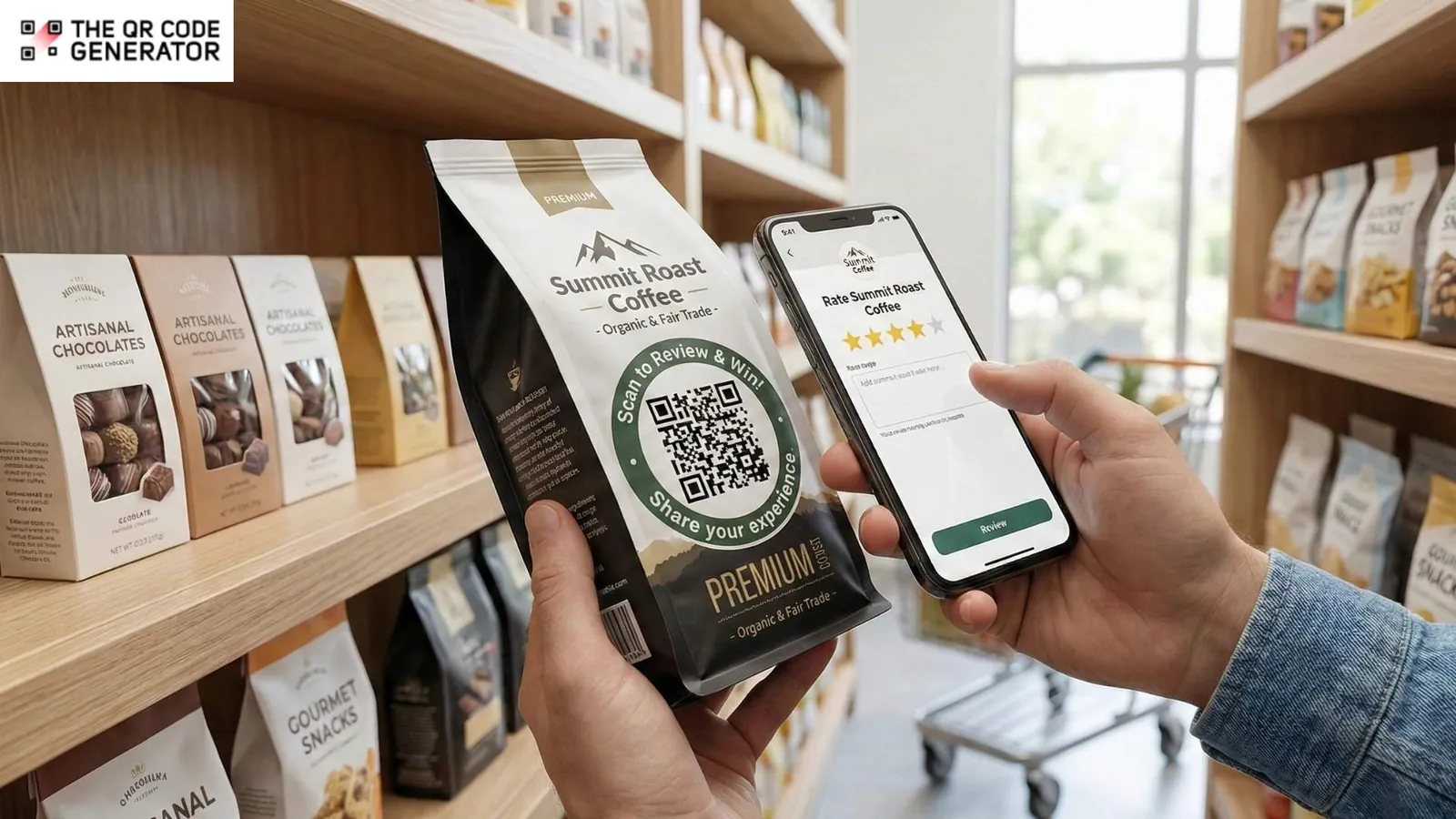
Direct requests aren’t the right approach if you don’t have permission to contact the buyer. A purchase alone doesn’t always give you permission for a separate marketing message, and permission can vary by market and channel. Use the sales channel’s approved review request instead, or ask a privacy professional how to build a lawful contact process for your market. Keep consent and opt-out records with the customer data they relate to.
They’re also the wrong choice when delivery, refunds, or product quality are unstable. Fix the customer journey first, then restart requests after the buyer can judge the corrected experience. If a customer has an unresolved complaint, resolve it before asking for a review. Sending more messages won’t solve a product that arrives damaged or fails in normal use.
Don’t use this method to hide negative feedback. Review gating, fake accounts, copied comments, or payment for a favorable rating can damage trust and may breach platform rules or consumer-protection law. Ask for an honest review from eligible customers under the same conditions, rather than inviting only people who report a good experience.
If you’re considering incentives, automated filtering, or large-scale customer-data use, stop and get advice from the platform or a qualified attorney. Rules may differ by platform, jurisdiction, and incentive type, so don’t assume a disclosure makes a prohibited request acceptable.
Frequently asked questions
Can I offer a discount for a product review?
Yes, a discount may be possible in some settings, but don’t make it depend on a positive rating or favorable wording. Check the review platform’s policy and disclose the incentive when required. A safer message says the reward is for sharing an honest review, regardless of whether the customer liked the product.
Why are customers not leaving product reviews?
The usual problem is friction or poor timing. Check whether the link opens the right product, whether the form works on a phone, and whether customers have used the item before you ask. Also exclude customers with open complaints, because they need support before a review request.
How long should I wait before asking for a review?
Wait 7–14 days after delivery for a simple product that can be judged immediately. For products needing setup, training, or repeated use, wait until the customer has completed the first meaningful use cycle. The delivery date and product type decide the right delay, not the order date alone.
Is it safe to ask unhappy customers for reviews?
Yes, if the request is neutral and the customer can submit an honest review, but don’t pressure or block them. If the customer has an unresolved complaint, pause the automated request and provide support first. Never remove or hide criticism just because it’s negative.
What happens if I ask for five-star reviews?
You may receive less trustworthy feedback, and the request can violate a platform’s policy or consumer-protection rules. Replace “leave five stars” with “share an honest review.” If you use an incentive, don’t connect it to the review’s rating or wording.
Does it matter which channel sends the request?
Yes. Email allows more explanation and easier record-keeping, while SMS needs stronger consent control and feels more immediate. Packaging cards work without customer contact data but can’t adjust for delivery delays or returns. Use the channel your customer permission and platform rules allow.
How many review reminders should I send?
Start with one main request and, at most, one short reminder after checking that the customer hasn’t responded. More reminders can increase complaints and duplicate requests. If a campaign needs repeated messages to produce reviews, test the timing, link, and wording before adding more sends.
First product review request steps
Start by choosing one product, confirming its delivery date, and testing one neutral request on a phone. Use the platform’s approved review path, identify the order accurately, and ask for an honest review rather than a positive one. Send only after delivery is confirmed and the customer has had time to use the product. If the request is hard to find or sent to the wrong person, fix the process.
Keep the same invitation for every customer. Don’t offer a reward unless the platform and law allow it. Disclose any permitted incentive as required. Stop the campaign and get help from the platform or a qualified attorney if you’re unsure about consent, incentives, review filtering, or a message that could break the law.

Robert Miller works as a Reputation Management Consultant. He has been helping U.S. businesses for over ten years. His work involves helping people protect and enhance their online image.Robert has worked with a wide range of companies. He has helped new businesses, local places that give a service, and big companies. He helps turn customer reviews into something that helps people trust their company and drives business growth.