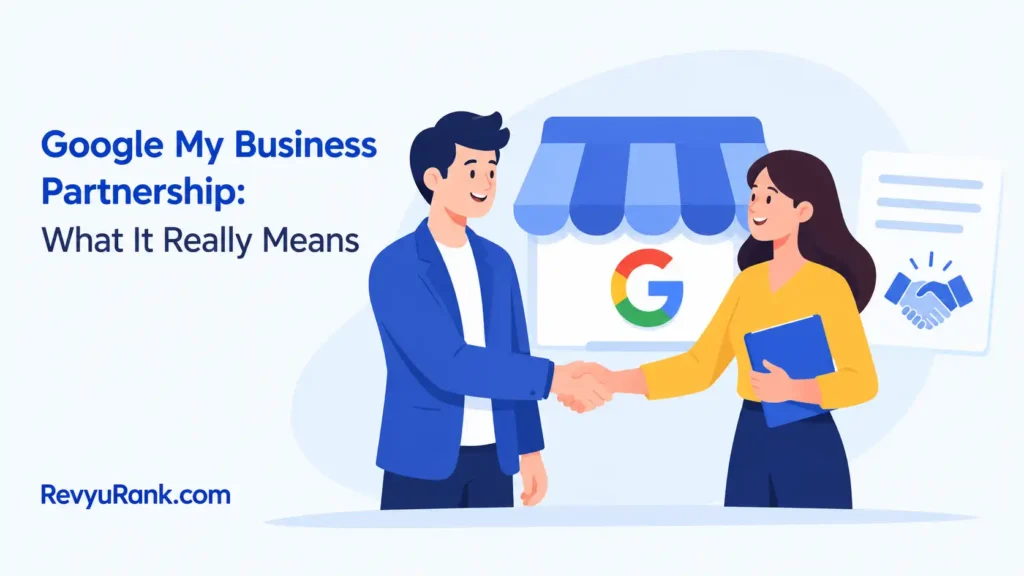
A Google My Business partnership usually means a business hires an agency or freelancer to manage its Google Business Profile; it isn’t a general Google partnership for every local business.
What a Business Profile Agency Does
Google Business Profile is the current name for the listing that shows a business on Google Search and Maps. A partner can update the owner’s services, hours, photos, posts, reviews, and business information.
A common misconception is that paying a partner makes Google rank the profile higher. Local visibility depends on factors such as relevance, distance, and how well-known the business is.
Set Up a Business Profile Partnership
Start with one clear owner and a written list of tasks. Use Google account permissions rather than sharing a password.
- Confirm the business has one accurate profile for each real location. Remove duplicates before adding an agency.
- Write down the business name, address, phone number, hours, website, services, and owner contact details.
- Ask the partner for the Google account email they’ll use. Add that account through the profile’s people and access settings.
- Give Manager access for routine updates. Keep Owner access with the business unless a transfer is genuinely needed.
- Review the profile together for 20–30 minutes. Check the map pin, service area, categories, photos, and holiday hours.
- Set a reporting schedule, such as one monthly report, and record every person who has access.
- Test review replies and customer messages before the partner handles them without supervision.
The key judgment is access level.
Business Profile Access and Timing
These settings cover the main partnership situations. Google may review verification, ownership, or policy issues on its own timetable, so use the profile’s status messages instead of promising a fixed result.
| Situation | What to use | How long | What to watch for |
|---|---|---|---|
| Routine agency updates | Manager access | Ongoing | Owner keeps control |
| Full business control | Owner access | Ongoing | Only trusted people |
| Changing agencies | Remove the old manager | After the new access works | Don’t remove the only owner |
| Ownership dispute | Google’s access or support process | Varies by case | Keep proof of the business |
| Several locations | Separate profiles under one account | Ongoing | Match each address correctly |
| Verification issue | Google’s requested method | Varies by business | Don’t create a duplicate listing |
Details That Improve Results
Good partners prepare the source information before editing the profile. They compare the listing with the business website, signage, phone system, and real opening hours.
Work in a safe order: correct the core identity first, then hours, categories, services, photos, and customer messages.
Leave genuine reviews alone. A partner can reply in the business’s voice, but copying the same reply to every customer can look careless.
Fix Business Profile Problems
A problem often comes from access, duplicate listings, or information that doesn’t match the real business.
| What you notice | What it usually means | What to do first |
|---|---|---|
| Partner can’t edit | The wrong email has access | Check the invited account |
| Profile shows old hours | Hours weren’t updated | Replace regular and holiday hours |
| Two listings appear | A duplicate profile exists | Don’t create another; use Google’s duplicate process |
| Address looks wrong | The map pin or address is inaccurate | Correct the location details |
| Profile is suspended | Google found a policy or verification issue | Read the notice and use Google’s appeal route |
| Reviews get no replies | Reply work wasn’t assigned clearly | Set an owner and response process |
Google’s Third-Party Rules
Google’s third-party policy applies when an agency manages a Business Profile for another company. The agency should identify itself honestly, explain fees and services, and avoid promising a particular ranking or special Google treatment. Read Google’s third-party policies before signing an agreement.
Work involving ownership disputes, suspended listings, or verification evidence can affect the business’s visibility. If you aren’t authorized to represent the business, don’t submit documents or make ownership changes for it.
Keep Partnership Access Clean
Review the access list whenever staff or agencies change. Remove people who no longer work on the profile, but keep the business owner or trusted company account in control.
The result doesn’t stay accurate by itself. It needs attention when customers report wrong information or when the business changes something in the real world.
When Business Profile Help Isn’t Right
A partnership isn’t the best choice if you run one small profile and can update it yourself. Use Google’s own tools and keep direct control instead.
If the profile is suspended or ownership is disputed, don’t hire several agencies at once. Use Google’s support and appeal process, keeping business records ready.
Frequently asked questions
Can a business have more than one Business Profile manager?
Yes. A business can give access to several people, but each person should have a defined task. Keep ownership with the business and remove access when a contract ends.
Why do agencies ask for Business Profile access?
Agencies need access to make approved updates, answer reviews, manage information, and review performance. They don’t need the owner’s password for normal profile work.
How long does Business Profile verification take?
The timing depends on the business, verification method, and Google’s review. Follow the exact prompt in the profile, and don’t create a second listing while waiting.
Is it safe to let an agency manage my Business Profile?
Yes, when the agency uses its own account, receives limited access, and works under a written agreement. Keep ownership, monitor changes, and avoid password sharing.
What happens if I remove my Business Profile partner?
The partner loses that account’s access, but the profile remains with its owner. Confirm that the business still has owner access before removing the last outside manager.
Can a partner guarantee a higher Google ranking?
No. A partner can improve accuracy and local relevance, but no legitimate agency can promise a fixed Google position. Treat ranking guarantees as a warning sign.
Conclusion
Before you hire outside help, check your profile’s current information, reviews, photos, and access settings. Then ask potential partners how they report results, protect your account, and handle updates. Choose someone who explains their work clearly and fits your goals. If you’re supported well, your local presence can keep growing.

Robert Miller works as a Reputation Management Consultant. He has been helping U.S. businesses for over ten years. His work involves helping people protect and enhance their online image.Robert has worked with a wide range of companies. He has helped new businesses, local places that give a service, and big companies. He helps turn customer reviews into something that helps people trust their company and drives business growth.