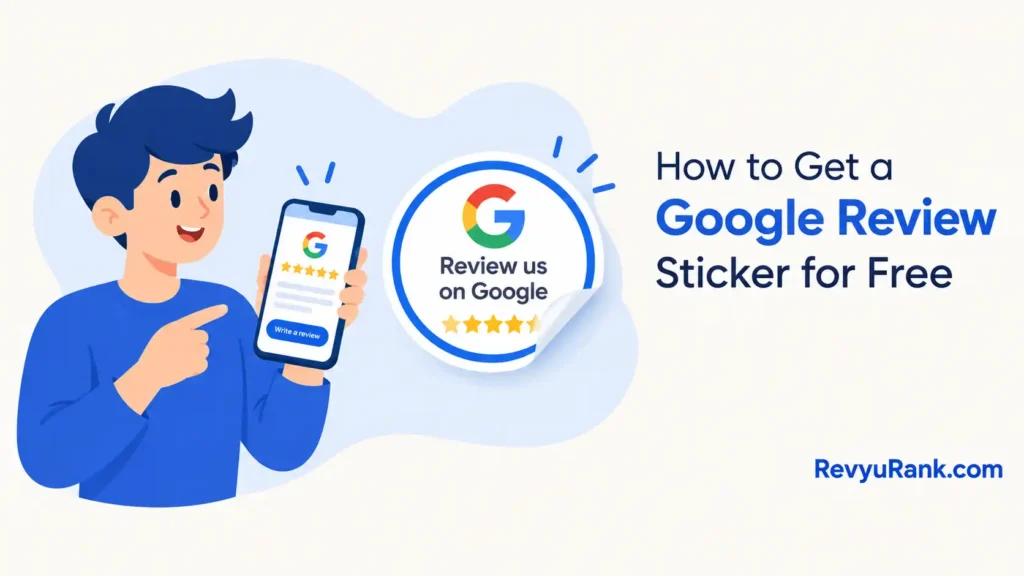
You get a free Google review sticker by ordering one through Google’s “Marketing Kit” tool with a verified Business Profile, mailed in a few weeks at no cost.
What you need before ordering

Before you request a sticker, have these ready.
- A verified Google Business Profile — the sticker tool only works once your profile is confirmed as yours.
- The Google account that manages that profile, logged in.
- Your business’s public address or short name link — Google generates these for you once verified.
- A device with a browser — the Marketing Kit runs on desktop and mobile.
- A mailing address if you order a physical sticker shipped by Google.
A verified profile is the one thing you can’t substitute; an unverified listing won’t produce any sticker. If you’ve never claimed your profile, start there first through Google Business Profile, which handles the verification by postcard, phone, or video.
Steps to request your review sticker
Follow these in order.
- Verify your Business Profile first. Sign in to the Google account that owns the listing and finish any pending verification. This can take a few days if Google mails a postcard code.
- Open the Google Marketing Kit in your browser and sign in with the same account.
- Select your business from the list the tool shows. If nothing appears, your profile isn’t verified yet.
- Choose the review sticker or “review us on Google” asset. The kit offers stickers, posters, and social posts built from your profile.
Tip: Pick the physical sticker option if you want one mailed free; pick the printable file if you need it today.
- Confirm your short review link so the QR code or wording points customers to the right place.
- Place the order or download the file. A mailed sticker ships at no cost; a download you print yourself.
Careful: Google’s free mailed stickers aren’t offered in every country, and supply changes. If the mail option is missing, download and print instead rather than paying a third party who copies the design.
- Check the delivery window Google shows at checkout — it states the current estimate for your region.
When the wait and cost change
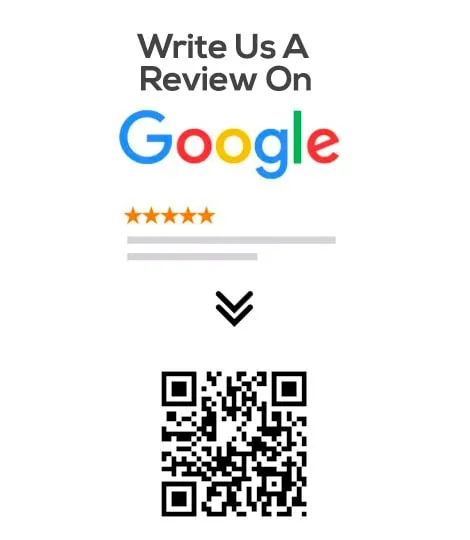
How you get the sticker changes the time and the money involved.
| Your route | Time and cost | What’s different | What to watch |
|---|---|---|---|
| Free mailed sticker | A few weeks, no cost | Shipped by Google | Only some countries |
| Download and print at home | Same day, cost of paper | You handle printing | Use adhesive paper |
| Local print shop | 1–3 days, small fee | Sturdier material | Confirm the QR scans |
| Third-party seller | Varies, paid | Not from Google | May not match your link |
Start with the free or download option before paying anyone; it’s easy to overspend on fancy stock when a simple printed sticker does the same job.
How to know your sticker works
A good sticker is one a customer can scan or read and land straight on your review page. Open the camera on a phone, point it at the QR code, and it should jump to the “write a review” box for your exact business — not a search page.
A poor result sends the scanner to a dead link.
Rules and upkeep for the sticker
The sticker and your review link must point to your genuine, verified listing — Google’s Business Profile policies ban fake or incentivized reviews, and you can read the current standard on Google’s support site. Don’t offer discounts for reviews.
After ordering, save the download file and note your short review link somewhere safe so you can reprint without rebuilding it.
Other ways to display your review link
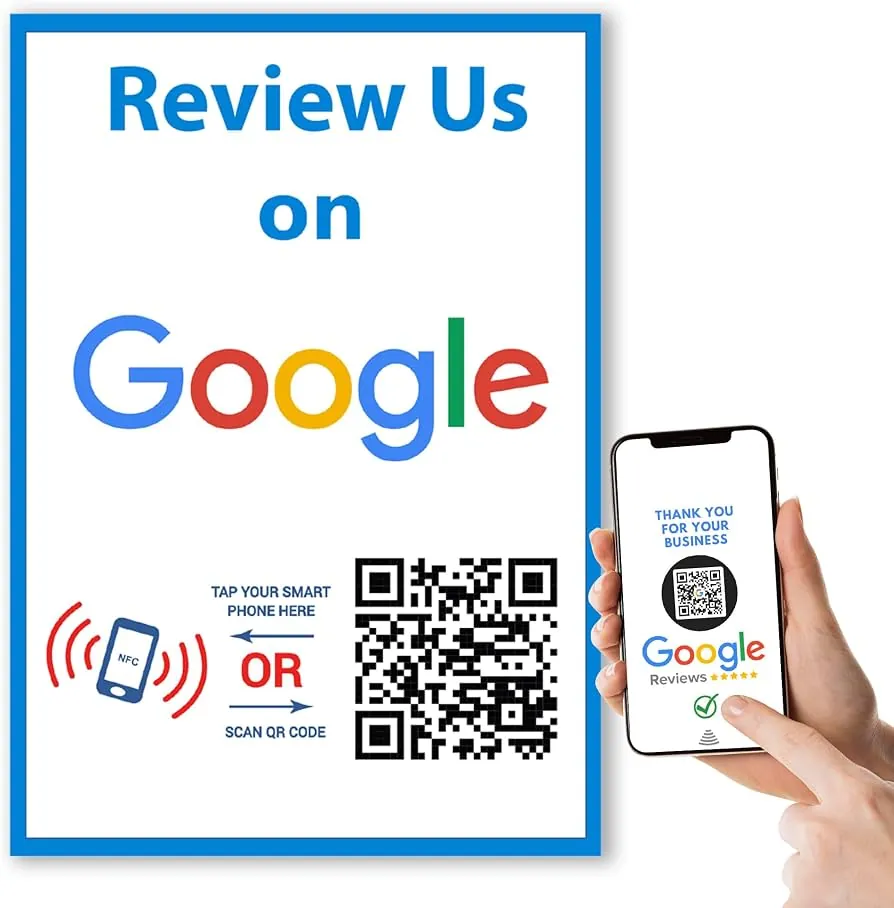
Print it yourself from the kit
Download the sticker file from Google Marketing Kit and print on adhesive paper at home.
Order through a local print shop
Hand the downloaded design to a print shop for durable vinyl or laminated stickers. It costs a small fee and takes a day or two, but survives outdoors and heavy handling far better.
Make a QR code card instead
Generate a QR code pointing to your review link and print it on a table card or receipt. This skips the sticker entirely and works well for counters where a stuck sticker isn’t practical.
Frequently asked questions
Is the Google review sticker free?
Yes. Ordering through Google’s Marketing Kit costs nothing, and mailed stickers ship free where Google offers them.
How long does the Google review sticker take to arrive?
A mailed sticker usually takes a few weeks, though the exact window depends on your region. Google shows the current estimate at checkout, so check that figure rather than relying on a fixed number.
Can I get a sticker without a verified business?
No. The Marketing Kit only shows businesses with a verified Google Business Profile. You’ll need to finish verification — by postcard, phone, or video — before any sticker or printable asset appears.
Why can’t I find the mail option?
Free mailed stickers aren’t offered in every country, and availability shifts. If the ship-to-me choice is missing, the download-and-print option is still there, so use that instead.
What happens if the QR code goes to the wrong page?
The scanner lands on a search result or dead link instead of your review box. Fix the link, reprint, and test on two phones.
Can I order more than one sticker?
Yes. You can download the file and print as many as you need, or request more from the kit. For large quantities, a local print shop is faster and cheaper than ordering one at a time.
Conclusion
Getting a review sticker comes down to one thing: a verified profile unlocks the free tools, and everything after that’s a few clicks. Set up verification first, confirm your link, test the code, and you’ll have customers scanning their way to your review page.

Robert Miller works as a Reputation Management Consultant. He has been helping U.S. businesses for over ten years. His work involves helping people protect and enhance their online image.Robert has worked with a wide range of companies. He has helped new businesses, local places that give a service, and big companies. He helps turn customer reviews into something that helps people trust their company and drives business growth.