The best way to get your first 25 Google reviews is to ask real customers at the right moment, then give them a direct review link. Keep the request neutral, never offer rewards for positive reviews, and follow up once. This guide covers the setup, timing, message examples, tracking, and safer alternatives when reviews aren’t the right first target.
What Google reviews do for a new business
Google reviews are public comments and star ratings attached to your Business Profile on Google Search and Maps. They help people compare your business with nearby choices, and they give you feedback about the customer experience. A review doesn’t replace good service, accurate business details, or a clear offer.
For a new business, the first 25 reviews can create a useful base of customer feedback. They can also show patterns in your service. If several customers mention slow replies, unclear pricing, or a difficult booking process, you’ve found a practical problem to fix.
The process is for businesses that have completed real customer work. It isn’t for collecting comments from friends, family, staff, competitors, or people who never bought from you. If a customer hasn’t had a real experience with your business, don’t ask that person to post a review.
Your review link should send people to the correct Google Business Profile. Test it in a private browser before you send it. If it opens the wrong location or asks the customer to search for your company, fix the link first.
If your review link still opens a search page or the wrong location, we can check it with you or set it up for you.
Steps to get your first 25 reviews
Use the steps below in order. The exact pace will vary, but the method stays simple: prepare the profile, choose a fair moment, ask clearly, and record what happens.
-
Complete and verify your Google Business Profile. Add your correct business name, address or service area, phone number, website, hours, category, and photos. Remove old details that could confuse customers.
-
Create one direct review link. Open your Business Profile, go to Read reviews, then choose Get more reviews to copy your review link or download a QR code. Copy the link into a document called “review request.” Test it on a phone and a computer.
-
List your first 25 eligible customers. Use customers who paid for, received, or completed a real service. Record the customer name, service date, contact method, and the best time to ask. Don’t include anyone who asked not to receive marketing or follow-up messages.
-
Choose the service milestone. Ask when the customer can reasonably judge the work. For a product, that might be after delivery and basic use. For a home service, it might be after the job is finished and the customer has checked the result. Don’t selectively withhold review requests from dissatisfied customers; invite all eligible customers to share an honest review without discouraging negative feedback.
-
Ask with a neutral message. Say that an honest Google review would help your new business. Include the direct link and one sentence about the customer’s completed service. Don’t ask for five stars, positive words, or a review that mentions a specific employee.
-
Send one reminder if there’s no response. Wait until the next natural follow-up point for your service. A reminder should be shorter than the first message. If the customer doesn’t respond, stop. Repeated requests can feel like pressure and can damage trust.
-
Thank the customer without directing the content. Reply to reviews professionally. Thank the person for their time, mention a useful point they raised, and move sensitive details to a private channel.
-
Track the result until you reach 25 genuine reviews. Mark each request as sent, answered, reminded, or closed. Count reviews that actually appear on your Google Business Profile, not messages where customers promise to write one.
Don’t buy review lists, automate fake accounts, or ask an untrained worker to handle a dispute through the review system. If a customer threatens legal action, reports an injury, or raises a serious billing problem, send the matter to your manager, lawyer, insurer, or relevant professional instead of using a review request to control the conversation.
Where to share your review link
Google’s help suggests putting your review link or QR code on receipts and in thank-you emails. Both fit a customer who has already finished their service.
- Add the link or QR code to the receipt you send after the job is done.
- Include the link in your thank-you email.
- Don’t pressure customers to write a review while they are still on your premises.
Google review timing guide
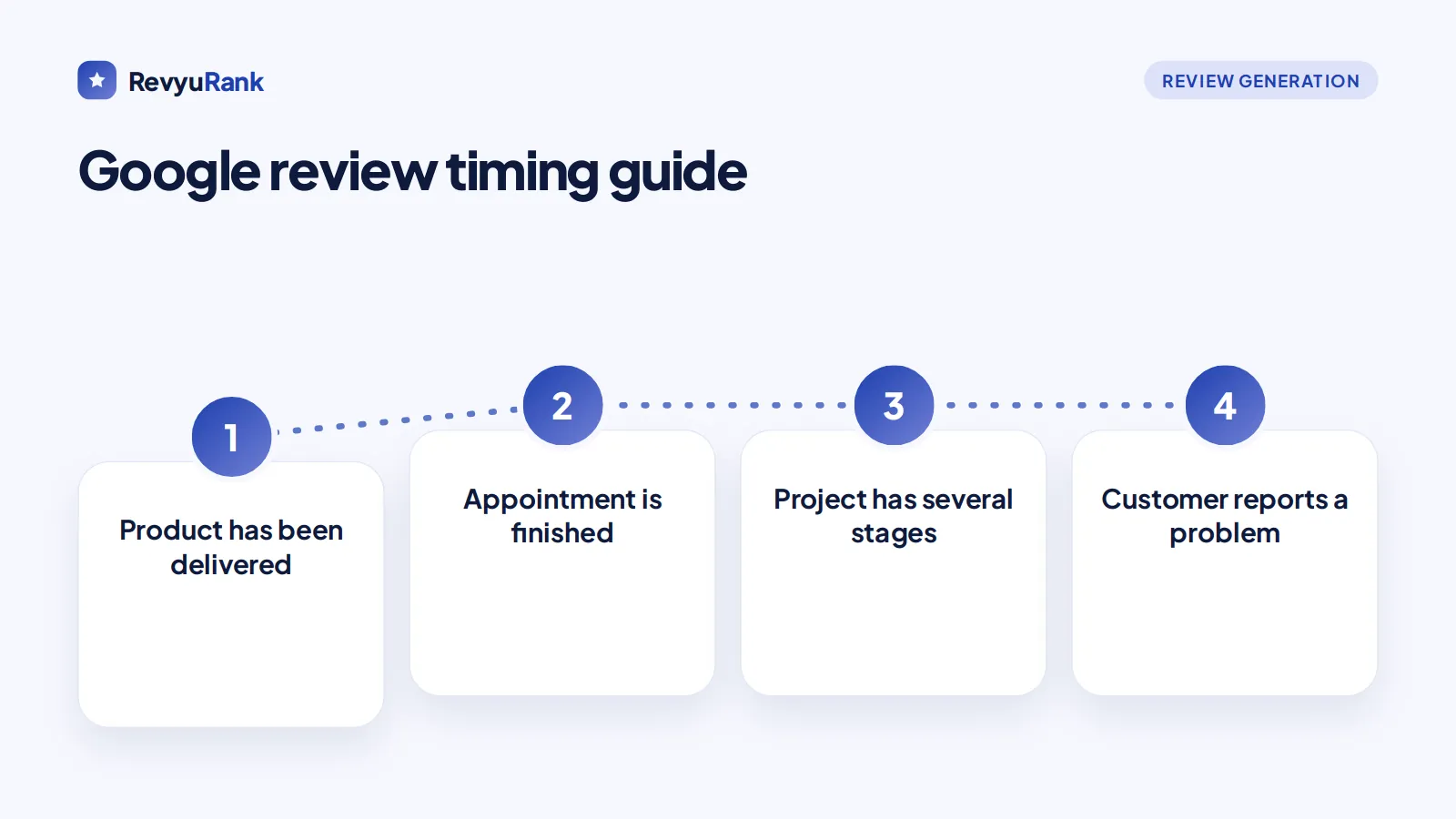
There isn’t one correct waiting period for every business. Use the customer’s experience as the starting point, then adjust the timing to the service.
| Customer situation | What to use or do | Figure that matters | What to watch for |
|---|---|---|---|
| One-time service is complete | Send a personal email or text | 1 request after completion | Confirm the customer received the result |
| Product has been delivered | Wait until the customer has had a fair chance to use it | The product’s use cycle | Don’t ask before delivery or during a delivery problem |
| Appointment is finished | Ask after payment and basic follow-up | Same day or next normal contact | Avoid asking while the customer is rushed |
| Project has several stages | Ask after the agreed final milestone | The signed scope or completion point | Don’t treat an unfinished stage as complete |
| Customer reports a problem | Pause the request | Until the issue is addressed | Never use a review request to pressure a reply |
| Customer ignores the first request | Send one short reminder | 1 reminder maximum | Stop when there’s no response |
| Customer leaves a review | Thank them and record it | 1 public reply | Don’t ask them to change their rating |
| You need 25 reviews | Continue with eligible customers | 25 genuine published reviews | Don’t speed up with incentives or fake accounts |
These figures describe the request process, not a promised review count.
If you’re unsure when customers can judge the result, ask your staff to name the exact completion signal. It might be a signed handoff, a working installation, a delivered report, or a completed appointment.
Details that improve review requests
Prepare the customer record before you send anything. Use the customer’s name, the service they received, and the channel they already use with your business. A message that says “Thanks for choosing us for your brake inspection today” feels more useful than a copied request with no context.
Send the request from a real business address or approved business number. The customer should recognize the sender immediately.
Keep the ask short. For example:
Thanks for choosing [Business Name] for your [service]. If you have a moment, please share an honest review of your experience on Google: [review link]. Your feedback helps us improve and helps future customers know what to expect.
The word honest matters because it doesn’t promise praise. Don’t replace it with “positive,” “five-star,” or “great.” Those words turn a feedback request into a request for a result.
Don’t tell customers what to write. You can mention the service they received, but you shouldn’t provide a script such as “Please say the technician was fast and friendly.” That can make several reviews sound copied and may weaken their credibility.
Google review numbers to track
Track these numbers in one simple sheet. They show where the process is failing without treating customers like a guaranteed source of reviews.
| What you’re tracking | What to record | Useful figure | What to watch for |
|---|---|---|---|
| Eligible customers | People who completed real work | 25 names for the first target | Remove people without a genuine transaction |
| First requests | Requests sent through the approved channel | 1 per eligible customer | Check consent and correct contact details |
| Follow-ups | Short reminders to nonresponders | 1 per customer | Don’t keep contacting silent customers |
| Published reviews | Reviews visible on the profile | 25 genuine reviews | Count posted reviews, not promises |
| Response time | Time between completion and request | Your service’s fair judgment point | A product may need use before review |
| Open problems | Complaints or unfinished work | 0 before a routine request | Send the issue to the right staff member |
| Profile locations | Each verified business location | 1 correct link per location | Never send customers to another location |
Your results will vary by business type and customer relationship.
Common Google review problems
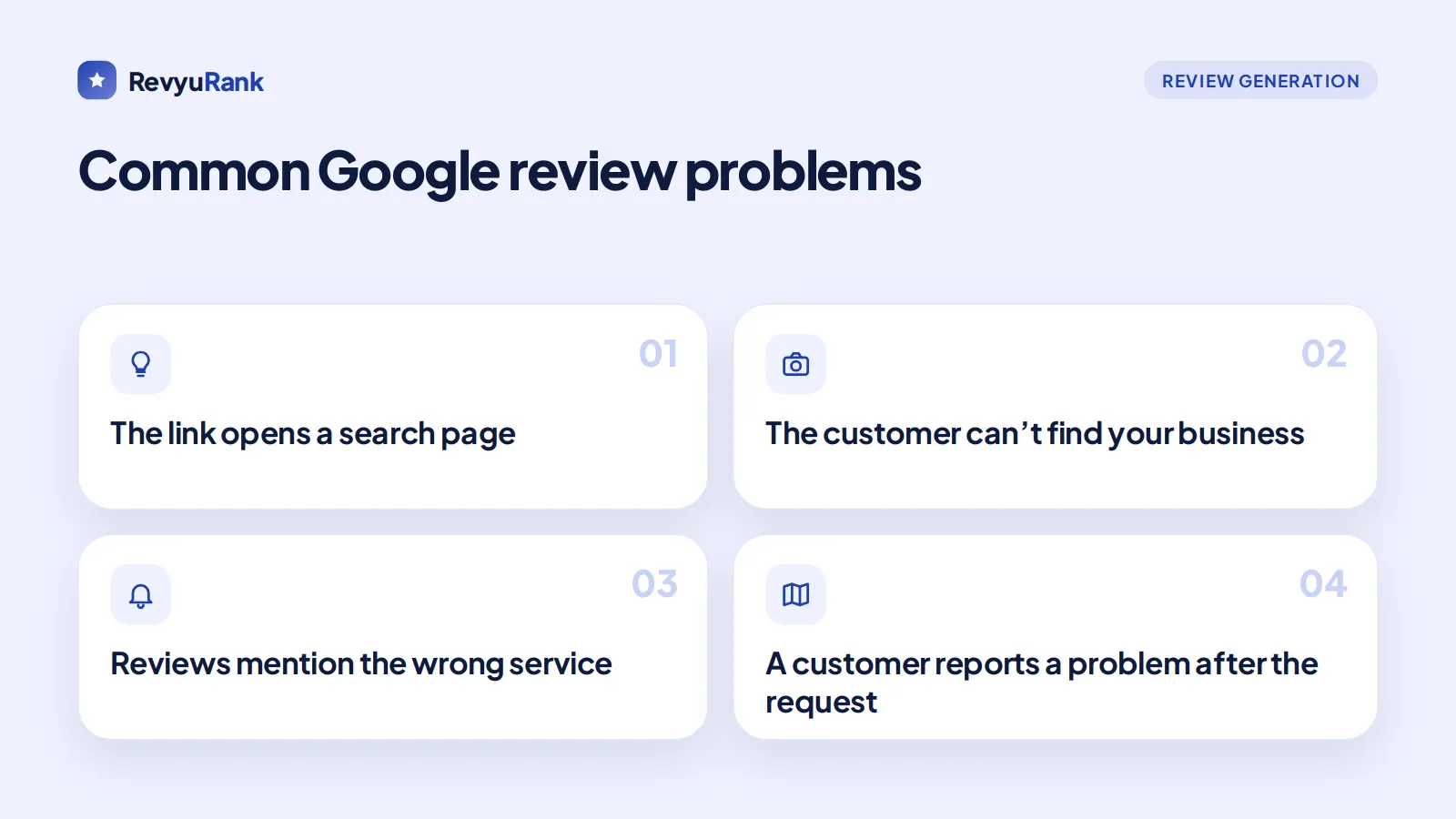
A review request can fail for a simple reason, such as a broken link or a customer who can’t identify the business. Check the visible problem first before changing your whole process.
| What you notice | What it usually means | What to do first |
|---|---|---|
| The link opens a search page | The copied link isn’t a direct review link | Recreate and test the Google review link |
| The customer can’t find your business | Your profile details may be incomplete or inconsistent | Check the name, category, hours, and location |
| Reviews mention the wrong service | The request was too general or sent to the wrong person | Match each request to the completed service |
| A customer reports a problem after the request | The request came before the result was settled | Stop the follow-up and route the complaint |
| Several reviews use the same wording | Customers were given a script | Remove suggested phrases and ask for honest feedback |
| A review disappears | Google may have filtered or removed it | Don’t recreate it; ask the reviewer to contact Google if needed |
Don’t argue with a customer in a public reply. A short response can acknowledge the concern, invite private contact, and avoid confirming private account or payment details.
If the problem involves threats, personal safety, fraud, or a legal dispute, stop the normal review workflow. Give it to the person responsible for customer complaints, legal matters, or safety.
Review rules to check
Google’s own Business Profile guidance should be your first check for profile and review features. Features can differ by country, account type, and business location, so use the instructions shown in your account rather than an old screenshot.
Check these points before you begin:
- The business has a verified and correctly named Google Business Profile.
- The customer has a real experience with the business.
- The request doesn’t promise payment, gifts, discounts, or other benefits for a review.
- The request doesn’t require a positive rating or certain words.
- Employees, owners, relatives, and business partners aren’t being presented as ordinary customers.
- The customer’s private information isn’t included in a public reply.
- Your email or text campaign follows the consent and unsubscribe rules that apply to your customers and location.
The Federal Trade Commission says endorsements must be honest and not misleading. Its endorsement guide for businesses explains disclosure and incentive issues, but it doesn’t replace Google’s policies or local law.
If you’re unsure whether a message is promotional, ask your email provider, attorney, or local consumer-protection office. Don’t ask an employee to decide a legal question from a short template.
Keeping review requests organized
Keep the review tracker separate from public review replies. Store only the customer details needed for the request, protect access, and follow your business’s privacy and deletion practices. Don’t paste private complaints into a shared sheet that anyone can open.
Your process needs attention whenever links fail, staff use different messages, or customers say they’re receiving repeated requests. Those signs matter more than a fixed calendar interval.
To bring the process back under control, pause new requests, test the current link, remove duplicate contacts, and give staff one approved message. Then restart with a small group of recently completed customers.
When Google reviews aren’t the best choice
Google reviews aren’t the right first approach when your business hasn’t completed enough real customer work. If you have no eligible customers, don’t fill the gap with friends or paid reviewers; focus on completing genuine jobs and improving your offer.
If customers rarely use Google, ask where they already give feedback, such as a private survey or an industry platform that fits your work. Use that feedback to improve service, but don’t pressure people to post publicly.
Related guides
- How to Get Google Reviews: Boost Your Business Profile
- How to Remove Fake Google Reviews: Tips for Businesses
- Are Google Reviews Fake? The Impact on Local Businesses
If you would rather have this handled for you, our Google Review Generation service covers it end to end.
Frequently asked questions
Can I offer a discount for a Google review?
No. Google’s policy does not allow incentivized or biased reviews, and it lists reviews paid for, directly or in kind, as fake and misleading content. Those reviews can be removed from Maps. Don’t require a positive rating, either. You can run a general customer loyalty program that isn’t connected to reviews, but get legal advice before launching one with public endorsements.
Why are my Google reviews not showing up?
Google may delay, filter, or remove a review when its systems detect a policy concern, unusual activity, duplicate content, or a connection that makes the review look unreliable. Don’t ask the customer to repost repeatedly. Check that the reviewer used the correct profile and send them to Google’s support process if the problem continues.
How long should I wait before asking for a review?
Wait until the customer can fairly judge the completed result. That could be after delivery, a finished appointment, or an agreed project milestone. A fixed delay doesn’t suit every business. If the customer has an open complaint or hasn’t received the result, wait until that issue is handled.
Is it safe to ask every customer for a review?
Yes, asking every eligible customer neutrally is safer than choosing only people who seem happy. The request should invite an honest opinion and shouldn’t ask for a high rating. Don’t include people who never bought from you, employees, relatives, or customers who opted out of follow-up messages.
What happens if a customer leaves a bad review?
A bad review may remain public, although Google can remove or hide it if its systems filter it or if it violates Google’s policies. Reply calmly without revealing private details, acknowledge the concern, and offer a suitable private contact route. Don’t threaten the customer, offer a reward for changing the review, or ask friends to post positive replies.
How many reviews should a new business ask for at once?
Ask one eligible customer at a time through your normal follow-up process rather than sending a large batch with identical wording. Your first target is 25 genuine published reviews, but the timing should follow completed work. If you don’t have 25 real customers yet, wait instead of manufacturing activity.
Can I ask customers to mention my employee by name?
No. Google’s guidance says not to ask for specific content to be included in a review, so don’t ask customers to name an employee. Ask for an honest description of the customer’s experience. If the employee is related to the business or the reviewer has another close connection, don’t present that review as an ordinary independent review.
What to do next
As your business grows, make customer feedback part of your regular routine. Read new comments carefully, thank people for sharing them, and look for patterns you can act on. Small improvements based on honest feedback will strengthen your service, build trust, and make future customers more likely to choose you.

Robert Miller works as a Reputation Management Consultant. He has been helping U.S. businesses for over ten years. His work involves helping people protect and enhance their online image.Robert has worked with a wide range of companies. He has helped new businesses, local places that give a service, and big companies. He helps turn customer reviews into something that helps people trust their company and drives business growth.